


Studio Desk article
Common Studio Desk Mistakes to Avoid
The studio desk mistakes I've made and fixed myself — bad monitor placement, cable chaos and guesswork keyboard heights among them.
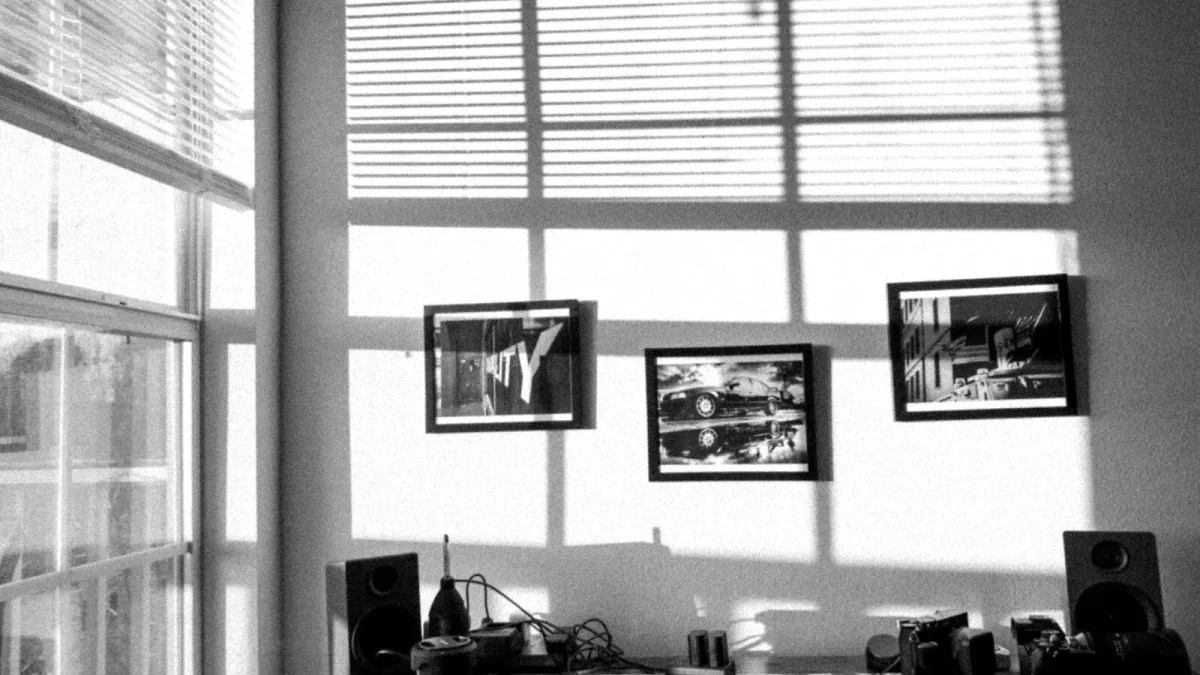
I've rebuilt my own setup more times than I'd like to admit, and most of the changes came down to fixing something I got wrong the first time round. A studio desk is deceptively easy to mess up in small, invisible ways — nothing looks wrong until you notice your mixes never quite translate, or your wrists ache after an hour. Here's the rundown of the mistakes I see (and made) most often, and the fix for each.
Mistake 1: Letting the Studio Desk Decide Your Monitor Position
This is the big one. It's tempting to just plonk your monitors wherever the desk gives you a flat surface — on top of a narrow bridge, jammed against a wall, angled however the shelf happens to point. But your monitors should form a proper triangle with your ears, tweeters roughly at ear height, evenly spaced either side of your screen. If the desk's layout won't allow that, the desk needs to change, not your ears' expectations of what correct monitoring sounds like.
The fix: work out your monitor position first, on paper if you have to, then check any desk you're considering can actually accommodate it — not the other way round.
Mistake 2: Ignoring Isolation and Letting the Desk Resonate
A big, flat, resonant desktop can genuinely colour what you hear, especially in the low end, because your monitors are mechanically coupled to the wood through their cabinets. It's subtle, which is exactly why it's so often missed.
The fix: a set of monitor isolation pads or stands — Auralex's MoPADs and IsoAcoustics' ISO-L8R range are the usual suspects — decouples the speakers from the desk. It's a cheap fix for a problem that otherwise quietly skews your mixing decisions for months.
Mistake 3: Buying for Today's Gear Only
I did this with my first proper desk: bought exactly what fit my laptop and one small interface, then outgrew it within a year once I added a MIDI keyboard and an outboard preamp.
The fix: size a studio desk for the setup you'll realistically have in a year or two, not just what's currently plugged in. A slightly larger desk is a minor inconvenience; a too-small one is a repeat purchase.
Mistake 4: Underestimating Cable Chaos Behind the Studio Desk
Power, balanced audio, unbalanced audio, USB, MIDI and speaker cable all want to occupy the same six inches behind your desk, and if you don't plan for it early, you end up with a genuine hazard — tripping hazards, hums from crossed power and audio runs, and a nightmare every time you need to swap one piece of gear.
The fix: separate cable types physically where you can, use a rear tray or channel if your desk has one, and leave visible slack on anything you'll unplug regularly.
Mistake 5: Setting the Keyboard Height by Guesswork
A keyboard tier that's too high or too low creeps up on you slowly — you don't notice the strain until it's already a habit. Rough figures floating around suggest a keyboard tier around 65-70cm from the floor works for many people, with seated tweeter height often landing around 100-115cm, but these are only starting points.
The fix: actually sit and play for a few minutes before committing to a height. Your own arms and chair matter more than any published number.
Mistake 6: Assuming a Monitor Bridge Is Automatically Better
Monitor bridges look the business in product photos, and they can genuinely help by raising speakers to a useful height. But a narrow one can just as easily force your monitors too close together, which is worse for your listening triangle than no bridge at all.
The fix: measure the bridge's actual width against your monitors' footprint before assuming it's an upgrade. Sometimes a simple flat shelf with room to space things properly beats a fancy bridge that cramps them.
Mistake 7: Treating a Sit-Stand Desk as a Free Ergonomic Win
Height-adjustable desks are genuinely useful for some workflows, but raising the desk moves your monitors and screen with it — and your ears don't automatically follow at the same rate your chair would.
The fix: check what happens to your monitor height at your intended standing position before you buy, not after.
The Pattern Behind All of These
Notice that almost every mistake here comes from letting the studio desk lead and the listening position follow, instead of the other way round. Get your monitoring geometry right first, then find or build a desk that supports it — that one habit avoids most of the list above before it starts.
None of this needs to be expensive or complicated to fix. Most of these mistakes cost nothing but a bit of forethought — measure first, sit in the chair before you commit to a height, and treat the desk as something that serves your ears rather than the other way round. Do that, and you'll skip the whole list above without really trying.
Read Next
If you want the full picture of what a good desk should do, start with our ultimate guide. Ready to actually buy one? The buyer's guide covers the specs worth checking, and this breakdown by budget is useful once you know your price range. New to all this? The beginner's guide skips the jargon entirely.






Comments