


Monitoring Audio roundup
Monitoring Audio: A Complete Buyer's Guide
Good monitoring gear comes down to matching equipment to your room and workflow, not chasing the biggest spec sheet.
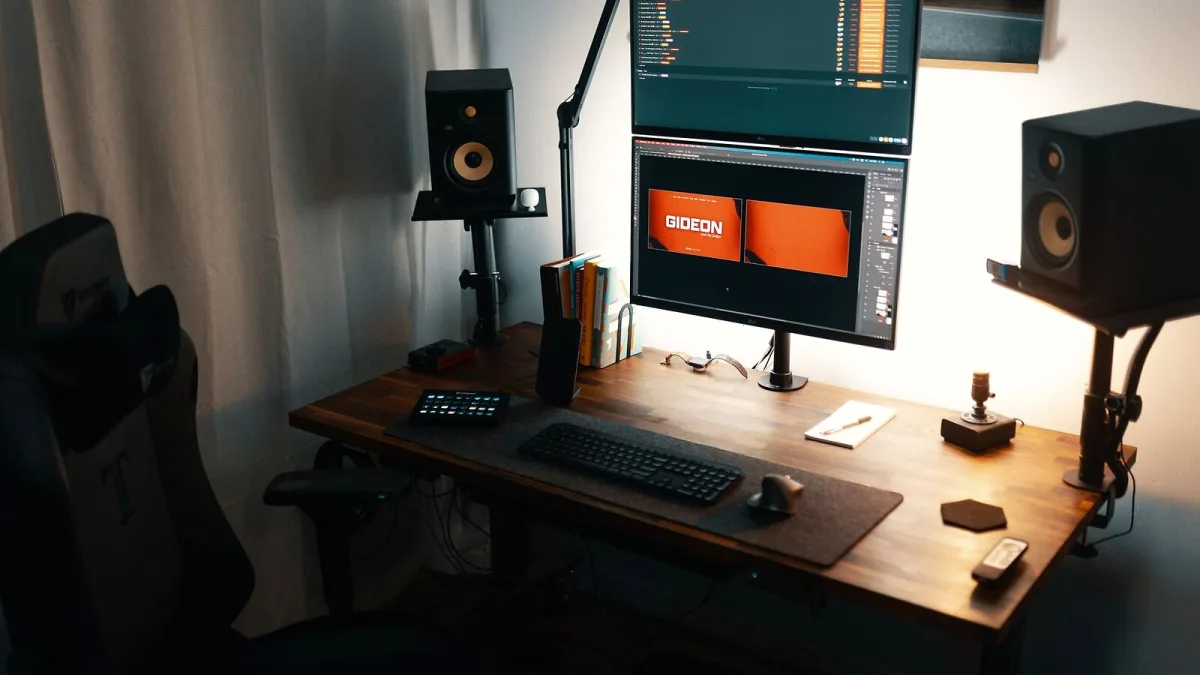
Right, let's talk about actually buying gear for audio monitoring rather than just theory. Good audio monitoring comes down to matching equipment to your room and your workflow, not to whichever pair has the biggest spec sheet. Here's what I'd actually check before spending anything.
Match Your Room Before You Match Your Budget
The single biggest factor in choosing monitors isn't price — it's room size. Small nearfield monitors, listened to at close range, reduce how much the room can interfere with what you hear, which is exactly why they suit most bedroom and project studios. Larger midfield or main monitors can sound genuinely impressive, but only with more listening distance and proper acoustic treatment behind them. Buying monitors too big for your room is one of the most common and avoidable mistakes in audio monitoring.
Active or Passive?
Active monitors have their amplification built in and are the standard choice for nearly all project and home studios — one cable in, no separate power amp to buy or match. Passive monitors need an external amplifier, which adds cost and complexity, and mainly show up in larger commercial setups where that flexibility is worth the extra work. Unless you have a specific reason to go passive, active is the sensible default.
Do You Actually Need a Subwoofer?
A subwoofer extends low-frequency response and adds headroom, but it also adds real complications: crossover frequency, phase alignment, level matching and its own room-mode problems. If your main monitors already give you a reasonably honest picture down to 40–50Hz in your room, you may not need one yet. If you do add one, plan to measure the integration rather than just setting it by ear — a subwoofer that's louder than your mains will quietly train you to under-produce bass.
Headphones: What Actually Matters When Buying
Open-back headphones give a more natural, spacious presentation and suit mixing and critical listening, but they leak sound and are unsuitable near live microphones. Closed-back headphones isolate better and reduce spill into mics, making them the better choice for tracking, at some cost to spaciousness. If you can only buy one pair to start, think about which job you do more often — mixing or tracking — and buy for that.
Calibration and Room Correction: Buy Software or Treat the Room First?
Treat the room first. Room-correction software from companies like Sonarworks, Genelec's own GLM system, or IK Multimedia's ARC can smooth out some frequency-response irregularities and make monitoring more predictable, but none of it can fix poor speaker placement, strong reflections or a genuinely bad-sounding room on its own. Spend on basic acoustic treatment before you spend on correction software — the software works better once the room isn't fighting it.
A Practical Buying Checklist
- Confirm the monitor size actually suits your room and listening distance, not just your budget.
- Check whether you're buying active or passive, and budget for an amplifier if it's the latter.
- Decide whether tracking or mixing is your priority before choosing open-back or closed-back headphones.
- Budget for basic acoustic treatment alongside the monitors themselves, not as an afterthought.
- Only add a subwoofer once you understand the extra setup it requires.
- Don't buy calibration software as a substitute for physically treating a genuinely difficult room.
The Bottom Line
The best audio monitoring purchase is the one that actually suits your room and your workflow, not the one with the most impressive numbers on the box. For the full picture of how all these pieces fit together, our complete guide to audio monitoring is worth reading first, and our pick of the best options for the money breaks tiers down further by budget.





Comments