


Monitoring Audio article
Common Monitoring Audio Mistakes to Avoid
Most problems don't come from bad gear — they come from good gear used the wrong way. Here's what actually trips people up.
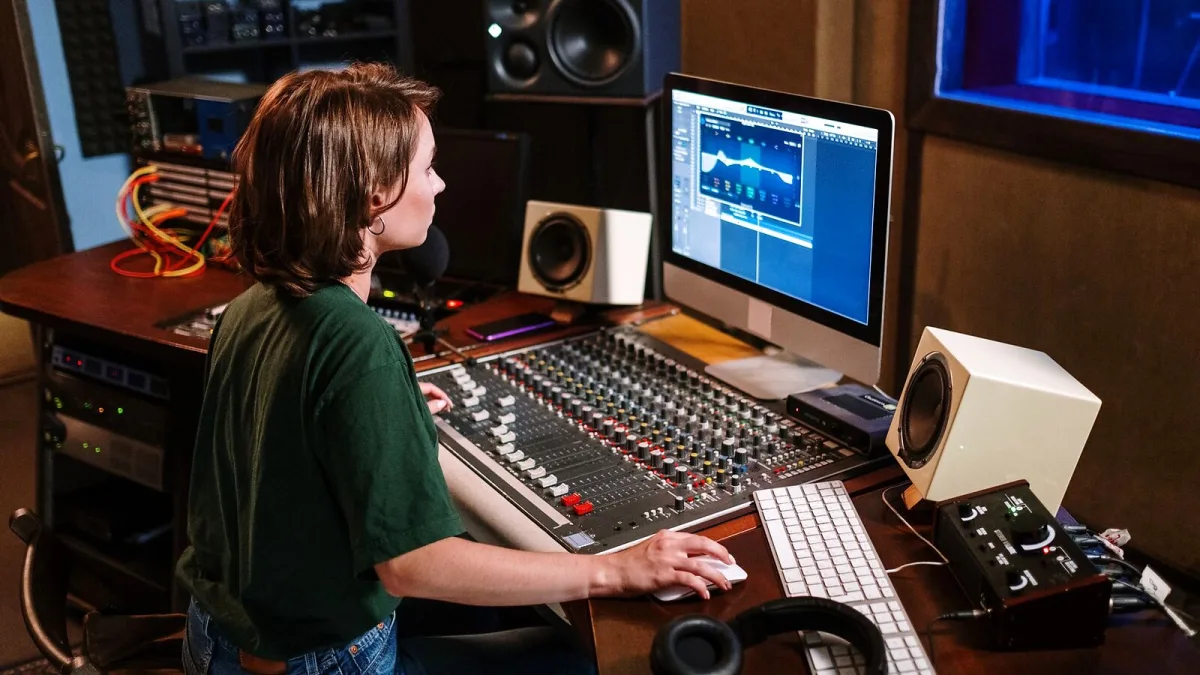
Most audio monitoring problems don't come from bad gear — they come from good gear used the wrong way. Here are the specific, recurring mistakes that quietly undermine audio monitoring, and what to do instead.
Mistake 1: Chasing "Flat" Instead of Consistent
A monitor's published frequency-response graph describes the speaker in isolation, not what actually reaches your ears once your room, reflections and listening position get involved. Obsessing over a perfectly flat spec sheet number misses the point. What actually matters is a response you've learned to trust that stays consistent session after session — that's a far more useful target than a graph.
Mistake 2: Treating Correction Software as a Substitute for Room Treatment
Room-correction tools can smooth out some frequency irregularities at your exact listening position, but they can't fix poor speaker placement, strong early reflections or a room with serious low-frequency problems. Running correction software on an untreated room is a bit like colour-correcting a photo taken in the wrong light — it helps, but it can't recover information that was never captured cleanly in the first place.
Mistake 3: Using Thin Foam and Calling It Bass Treatment
Thin foam panels can reduce some high-frequency reflections, which is genuinely useful, but they do almost nothing against the low-frequency room modes that cause the biggest, most misleading problems in small rooms. Real bass control needs substantial absorber depth or purpose-built resonant bass traps, usually in room corners where low-frequency energy builds up. Covering every wall in cheap foam and assuming the bass problem is solved is a very common, very avoidable mistake.
Mistake 4: Doing Audio Monitoring Too Loud, Too Often
Loud monitoring makes a mix feel more exciting and bass-heavy in the moment, which is exactly why it's so easy to overdo. It also accelerates ear fatigue and can lead to decisions that don't hold up once you check the mix again at a normal, quieter level. Work at one moderate, repeatable volume most of the time, and use short, occasional loud checks deliberately rather than as your default listening level.
Mistake 5: Skipping the Mono Check
It takes seconds and catches real problems: phase cancellation, an unstable low end, or a wide stereo effect that collapses awkwardly when summed. Skipping the mono check because a mix "sounds great in stereo" is how translation problems make it all the way to a finished release before anyone notices them.
Mistake 6: Buying Monitors Too Big for the Room
Bigger doesn't mean better if the room can't support it. Midfield or main monitors need real listening distance and serious acoustic treatment to perform as intended; crammed into a small, untreated bedroom, they can actually give a less trustworthy picture than well-placed compact nearfields would.
Mistake 7: Never Cross-Checking Headphone Mixes on Speakers
Headphones remove room problems, but they introduce their own — unnatural stereo separation, model-specific tonal quirks, and a tendency to make stereo width feel wider than it really is. A mix that only gets checked on headphones can carry problems that only become obvious the moment it's played through actual speakers, by which point it's often too late in the process to fix cheaply.
The Bottom Line
Nearly every one of these audio monitoring mistakes is a habit problem, not a gear problem, and every one of them is fixable without spending anything. If you're building a monitoring setup from scratch, our complete guide to audio monitoring covers the fundamentals, and our buyer's guide covers what to actually check before you spend money on it.





Comments