


Monitoring Audio article
Everything You Need to Know About Monitoring Audio
Every mixing decision depends on trusting what you're hearing. Here's what that actually involves, in plain terms.
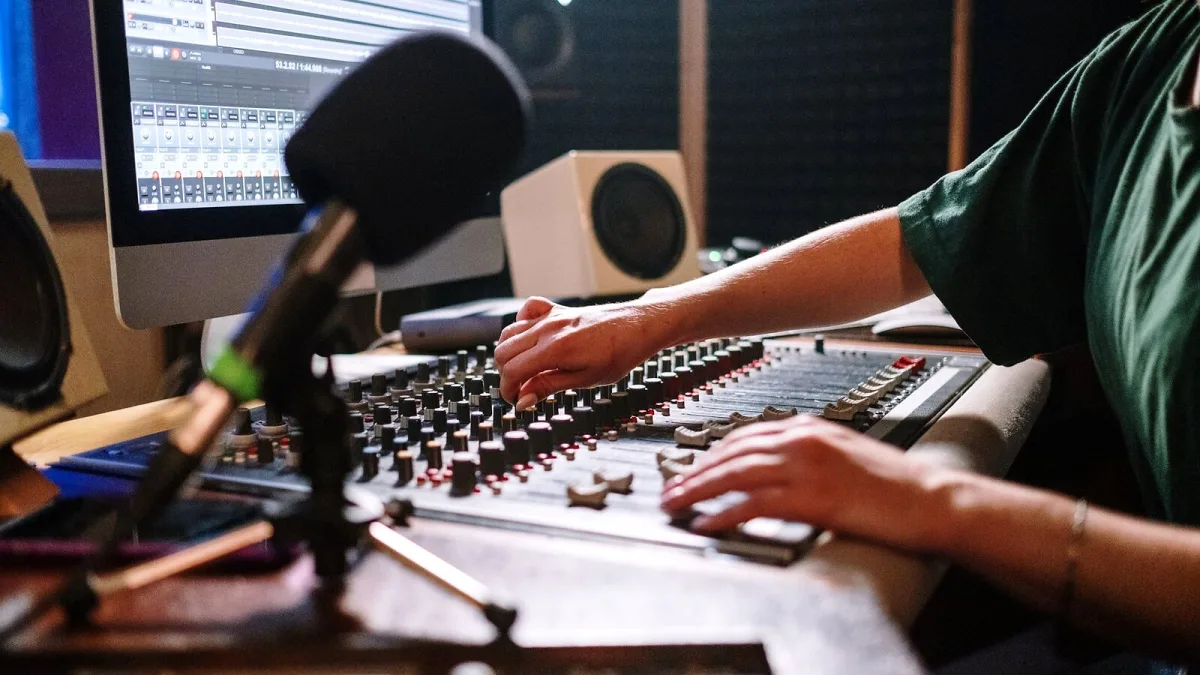
Every mixing decision you make depends on trusting what you're hearing, which makes audio monitoring the one part of a studio you genuinely can't skip corners on. Get it wrong and you'll chase problems that aren't real, or miss ones that are. Here's what it actually involves, in plain terms.
What Audio Monitoring Actually Means
Audio monitoring is the process of listening to recorded or produced sound in a controlled, consistent way, so you can make reliable decisions about balance, tone, dynamics, stereo width and noise. It isn't just "playing audio through speakers" — it's the deliberate observation of a signal, with the goal of translation: making sure a mix still sounds balanced on a phone, in a car, on earbuds and on a proper hi-fi, not just in your room.
Accurate monitoring doesn't necessarily mean a perfectly flat response either. It means a known, consistent and repeatable reference you can trust from one session to the next.
The Full Monitoring Chain
Your monitors are only one link. The full chain typically includes:
- Your DAW or playback source
- The digital-to-analogue converter
- Your audio interface or monitor controller
- Cables and patching
- Power amplifiers, if your speakers are passive
- The active monitors or headphones themselves
- A subwoofer, if you're using one
- The room itself
- Your own hearing and listening position
A weak link anywhere in that chain undermines every decision downstream of it — expensive monitors in an untreated room will mislead you just as much as cheap ones will.
Nearfield, Midfield and Main Monitors
Most home and project studios use nearfield monitors, designed to be listened to from close range so the room has less influence on what you hear. Midfield and farfield (main) monitors can produce more output and deeper bass extension, but they need a bigger room, more listening distance and proper acoustic control to actually pay off. Brands like Genelec, Neumann, Focal, Yamaha, ADAM Audio, ATC, PMC and Dynaudio all make monitors across these categories.
Speakers Versus Headphones
| Type | Strengths | Limitations |
|---|---|---|
| Speakers | Natural stereo image, involves the room realistically | Room acoustics can mislead you if untreated |
| Open-back headphones | Spacious, natural presentation for editing | Sound leaks out, unsuitable near live microphones |
| Closed-back headphones | Isolation, reduces spill into mics when tracking | Can feel less spacious, more resonant low end |
Headphones eliminate room problems but introduce their own: strong model-to-model tonal differences, unnatural stereo separation and listener-dependent fit. The sensible approach for most people is to use both, cross-checking one against the other rather than trusting either alone.
Placement in Brief: The Stereo Triangle
The standard starting point for stereo monitoring is an equilateral triangle: the distance between your two monitors should roughly equal the distance from each monitor to you, with about a 60-degree angle between them, tweeters at seated ear height, and both speakers aimed at your listening position. Genelec's own placement guidance follows exactly this shape. It's a starting point, not a fixed rule — the right distances still depend on your specific room and monitors.
Why "Flat" Isn't Always the Right Goal
A monitor's published frequency-response graph describes the speaker in isolation, not what actually reaches your ears once the room, reflections and your listening position get involved. Room correction software can smooth out some of that, but it can't fix poor speaker placement or a room with serious reflection or bass problems on its own. A smooth, consistent, repeatable response you've learned to trust generally beats chasing a perfectly flat graph.
The Bottom Line
Good audio monitoring is a chain, not a single purchase — the room, the placement and your own habits matter as much as the monitors themselves. If you're about to buy, our buyer's guide to audio monitoring walks through what actually matters, and our common monitoring mistakes covers the traps that catch even experienced engineers out.





Comments