


Rode Mic roundup
Rode Mic: A Complete Buyer's Guide
Deciding on a Rode mic comes down to a handful of specs that matter and a couple that get talked about more than they should. Here's the honest checklist.
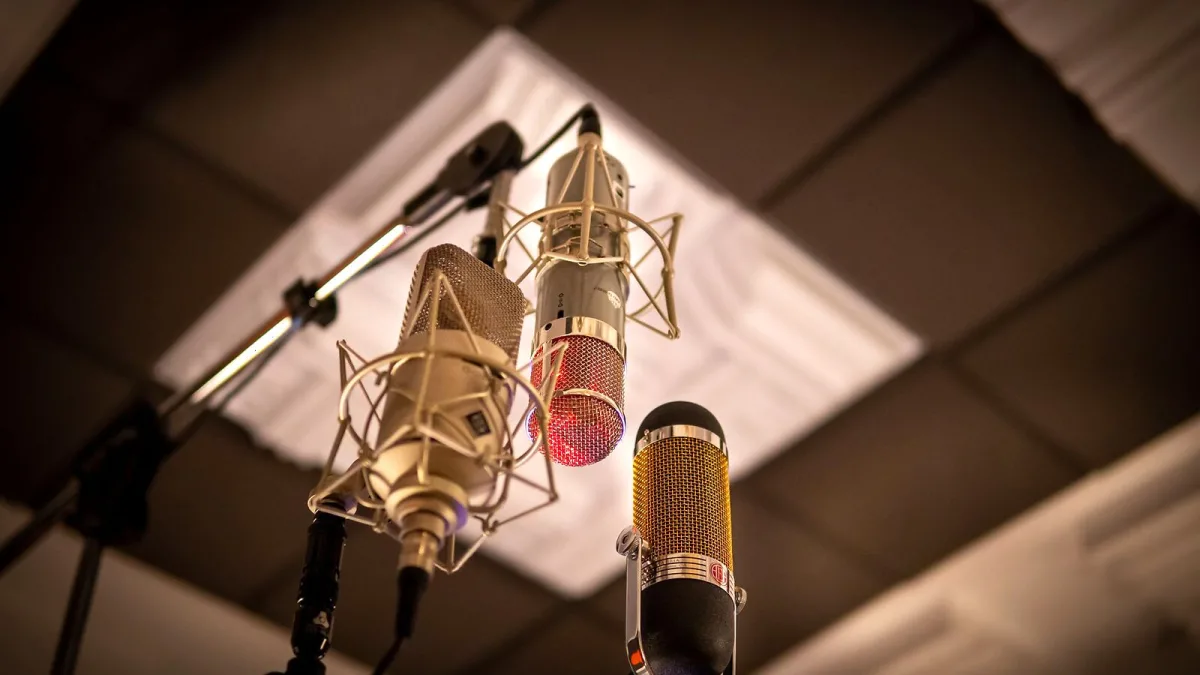
Right, so you've decided on a Rode mic and now you're staring at half a dozen models wondering which one actually fits your setup. Good news: the decision comes down to a handful of specs that genuinely matter, and a couple that get talked about far more than they should. Here's what to check before you part with any money.
Decision One: What Are You Actually Recording?
Before comparing spec sheets, be honest about the source. A quiet singer-songwriter doing vocals and acoustic guitar at home has completely different needs from someone recording a podcast, or someone filming interviews on location. Rode covers all three with genuinely different product families — condensers, a broadcast dynamic, and wireless systems — so don't shop the wrong aisle.
- Vocals, acoustic guitar, general studio work: look at the NT1 Signature Series or NT1 5th Generation.
- Speech, podcasting, voiceover: the PodMic or NT-USB+ will serve you better than a studio condenser.
- Video, interviews, moving around a lot: Wireless GO (Gen 3) or Wireless PRO.
If you'd like the full breakdown of the range before narrowing down, our guide to the Rode mic range covers every model side by side.
Decision Two: USB or XLR?
This is the single biggest fork in the road when choosing a Rode mic. An XLR microphone needs an audio interface or mixer to supply 48V phantom power and to convert its signal for your computer. A USB microphone, like the NT-USB+, skips that step and plugs straight in.
| Connection | You'll also need | Best for |
|---|---|---|
| XLR | Audio interface or mixer, XLR cable | Multitrack sessions, outboard gear, future-proofing |
| USB | Just a computer | Solo recording, minimal setup, travel |
| XLR + USB (hybrid) | Either, as needed | Wanting one mic to cover both scenarios |
The NT1 5th Generation is the hybrid option here, offering both connections plus onboard digital conversion and 32-bit float recording. It's worth the extra outlay only if you genuinely expect to use both connection types — otherwise, buy for the setup you actually have.
Self-Noise: The Spec Worth Checking Carefully
Self-noise is the faint background hiss a Rode mic produces on its own, quoted in dBA — lower is quieter. The NT1 Signature Series is rated at roughly 4 dBA, which is genuinely low and matters when you're recording:
- Quiet or whispered vocals
- Acoustic instruments at a distance
- Voiceover in a semi-treated room
- Sources you plan to compress or boost heavily afterwards
Here's the caveat worth remembering: low self-noise doesn't cancel out room noise. If you're recording in a reflective bedroom with a fan running, no amount of microphone specification will fix that — treatment and technique matter more than a few decibels of self-noise on the datasheet.
SPL Handling: Only Matters If You're Loud
Maximum sound-pressure-level (SPL) handling tells you how loud a source can get before the microphone itself distorts. The NT1 Signature Series is rated to handle up to roughly 142 dB SPL, which comfortably covers a loud vocalist, a close-miked amp cabinet or aggressive percussion. Most home recordists will never get near that ceiling, so don't let SPL figures alone decide which Rode mic you buy — check it only if you're planning genuinely loud, close-miked work.
Polar Pattern: What You're Actually Buying Into
Nearly every model in this comparison uses a cardioid pattern — most sensitive to the front, rejecting sound from directly behind. That's the right general-purpose choice for a single vocalist or instrument in a home studio. It's not a total isolation booth, though: side and reflected sound still get through, so room treatment and sensible placement still do most of the heavy lifting.
Should You Pay Extra for 32-Bit Float?
Both the NT1 5th Generation and the Wireless GO (Gen 3) offer 32-bit float recording, which gives you a much wider safety margin against clipping if a take is suddenly louder than expected. It's a genuinely useful insurance policy, especially for anyone recording without constant supervision of levels. But it's an extra, not a fix: it won't rescue a poorly placed microphone or a badly treated room, so weigh it as a nice-to-have rather than the deciding factor.
Wireless Buyers: Different Checklist Entirely
If you're choosing between the Wireless GO (Gen 3) and Wireless PRO, spec-sheet numbers like the quoted 260-metre transmission range matter less than real-world factors: battery life across a working day, how reliably the radio link holds up in a busy venue or crowded city centre, and how the onboard recording feature behaves if the signal ever drops out. That 260-metre figure is a line-of-sight best case, not a guarantee through walls and bodies.
Common Buying Pitfalls
| Pitfall | Why it matters |
|---|---|
| Buying a studio condenser for a noisy, untreated room | You'll capture every bit of that room noise along with the performance |
| Choosing XLR without owning an interface | The microphone alone won't record anything without phantom power and conversion |
| Assuming "generation" numbers are interchangeable | The NT1, NT1-A, NT1 Signature Series and NT1 5th Generation are genuinely different products |
| Picking a broadcast dynamic for detailed instrument work | The PodMic is voiced and optimised for speech, not fine instrumental detail |
For a longer list of after-purchase pitfalls, our piece on common Rode mic mistakes to avoid is worth a read once your microphone arrives.
The Bottom Line
The right buy comes down to three questions: what are you recording, what's already in your signal chain, and how much of the extra spec sheet (32-bit float, SPL headroom) will you genuinely use? Answer those honestly and the shortlist gets very short, very quickly. If you're just starting out and want the simplest path, see our beginner's guide; if you want specific picks by budget tier, our best Rode mics for the money rounds them up.





Comments