


Rode Mic article
Common Rode Mic Mistakes to Avoid
Most disappointing recordings aren't the microphone's fault. Here are the Rode mic mistakes that come up again and again, and how to fix each one.
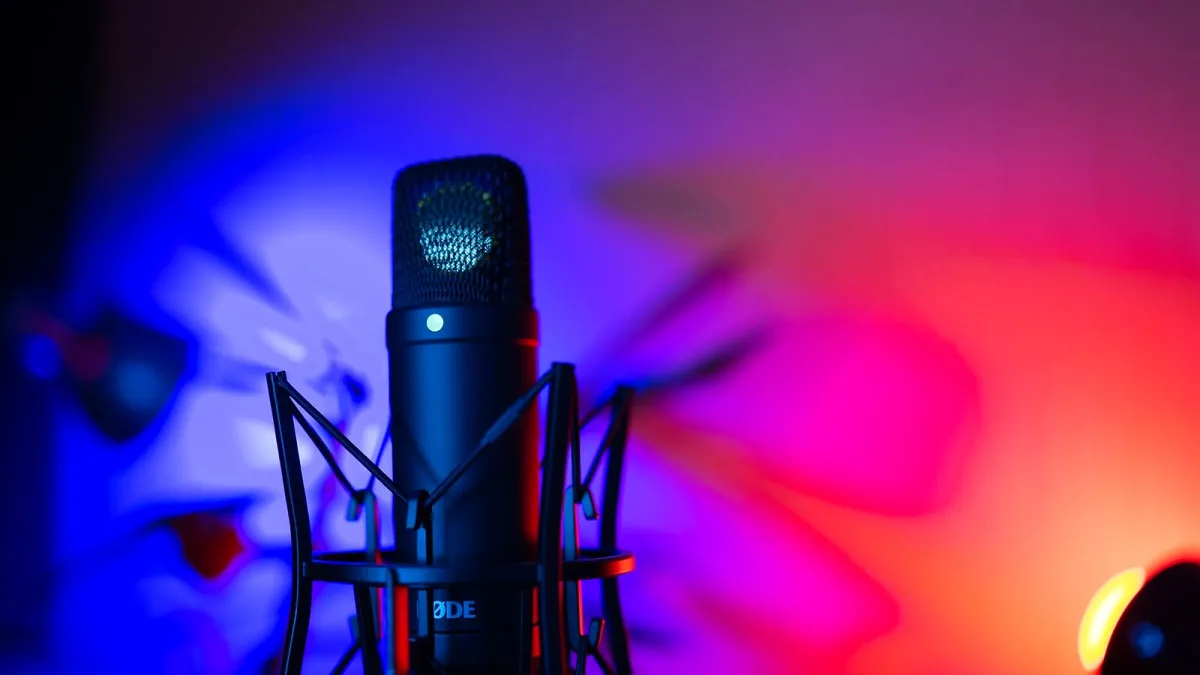
Most disappointing recordings aren't the microphone's fault. I've heard it a hundred times: someone's convinced their Rode mic is "bad" when actually it's a gain setting, a room, or a bit of placement they haven't quite nailed yet. Here are the mistakes that come up again and again, and the quick fixes for each one.
Set-Up Mistakes
Recording With No Pop Filter
Plosive sounds — the hard "p" and "b" bursts of air — hit a Rode mic's capsule and cause a dull thump on the recording. A pop filter, which is included with the NT1 Signature Series, sits between your mouth and the microphone and breaks up that burst of air before it arrives. Skip it and you'll be re-recording lines that were otherwise perfect.
Getting Gain Staging Backwards
Setting your interface gain too high "just in case" is one of the most common habits I see on a new Rode mic, and it's backwards thinking. Too much gain clips your recording and that distortion can't be fixed afterwards, whereas a level that's slightly too quiet can usually be brought up cleanly later. Aim for your loudest moments to peak comfortably below the red, with some headroom to spare.
Forgetting Phantom Power
If you're using an XLR condenser like the NT1 and you're getting no signal at all, check that 48V phantom power is actually switched on at your interface. It's an easy thing to forget, and condenser microphones simply won't work without it. USB microphones don't have this problem, since the power arrives over the USB cable itself.
Placement and Room Mistakes
Standing Too Close (or Too Far)
Get right up on a condenser and you'll hear the proximity effect — an exaggerated bass boom that flatters some voices and muddies others. Stand too far back and you'll pick up more of the room than you want. Somewhere around 15 to 30 centimetres is a sensible starting point; adjust by ear rather than by rule.
Ignoring the Room Entirely
Rode mics with genuinely low self-noise, like the NT1 Signature Series at around 4 dBA, get unfairly blamed for noisy recordings that are actually the room's fault. A quiet microphone still hears every reflection off a bare wall and every hum from a nearby appliance. Soft furnishings, a duvet on the wall, or simply switching off a noisy fan will do more for your sound than any spec on the datasheet.
Pointing a Cardioid Mic the Wrong Way
Cardioid microphones reject sound from directly behind them, which is genuinely useful — but only if you use it. Point the back of the microphone toward your noisiest source, whether that's a computer fan, a busy street, or another instrument in the room, rather than leaving it facing randomly.
Buying and Matching Mistakes
Buying the Wrong Model for the Job
The PodMic is voiced for speech, not detailed instrumental work; the NT1 family is built for sensitivity and detail, not for surviving being knocked about on tour. Buying a Rode mic on brand name alone, rather than checking which model actually fits the recording you're doing, is a genuinely common and avoidable mistake. Our buyer's guide goes through exactly which specs to check before you commit.
Assuming Every "NT1" Is the Same Microphone
The original NT1, the NT1-A, the NT1 Signature Series and the NT1 5th Generation are genuinely different products with different specifications, even though retail listings sometimes shorten them all to "NT1." Always check exactly which generation you're looking at before comparing prices or reviews.
Underestimating What a USB Microphone Can't Do
The NT-USB+ is a great starting point, but it can't run alongside several other microphones on a multitrack session the way an XLR setup can. If you think you'll eventually want to record a full band or run outboard hardware, an XLR route will save you buying twice.
Care and Handling Mistakes
- Leaving a condenser mic uncovered when not in use — dust settles on the capsule over time; a cover or the supplied case keeps it clean.
- Storing microphones in a damp space — humidity is genuinely bad for sensitive electronics; a dry cupboard beats a damp corner of a garage.
- Coiling cables too tightly — this stresses the internal wiring over time and shortens a cable's working life.
- Transporting without the shock mount fitted — knocks and bumps in transit are exactly what a shock mount is there to absorb.
If You're Just Starting Out
New to all this? Our beginner's guide to your first Rode mic walks through setup from scratch, and our full guide to the Rode range is worth a read if you're still deciding between models.
The Bottom Line
Nearly every one of these mistakes comes down to the same thing: a small habit rather than a faulty microphone. Fix your gain staging, treat your room a little, point the mic the right way, and match the model to the job, and a genuinely capable Rode mic will reward you every time you switch it on.





Comments