


MIDI Controller roundup
Midi Controller: A Complete Buyer's Guide
Buying a MIDI controller comes down to a handful of real decisions, not fifty spec-sheet bullet points. Here's the order they actually matter in.
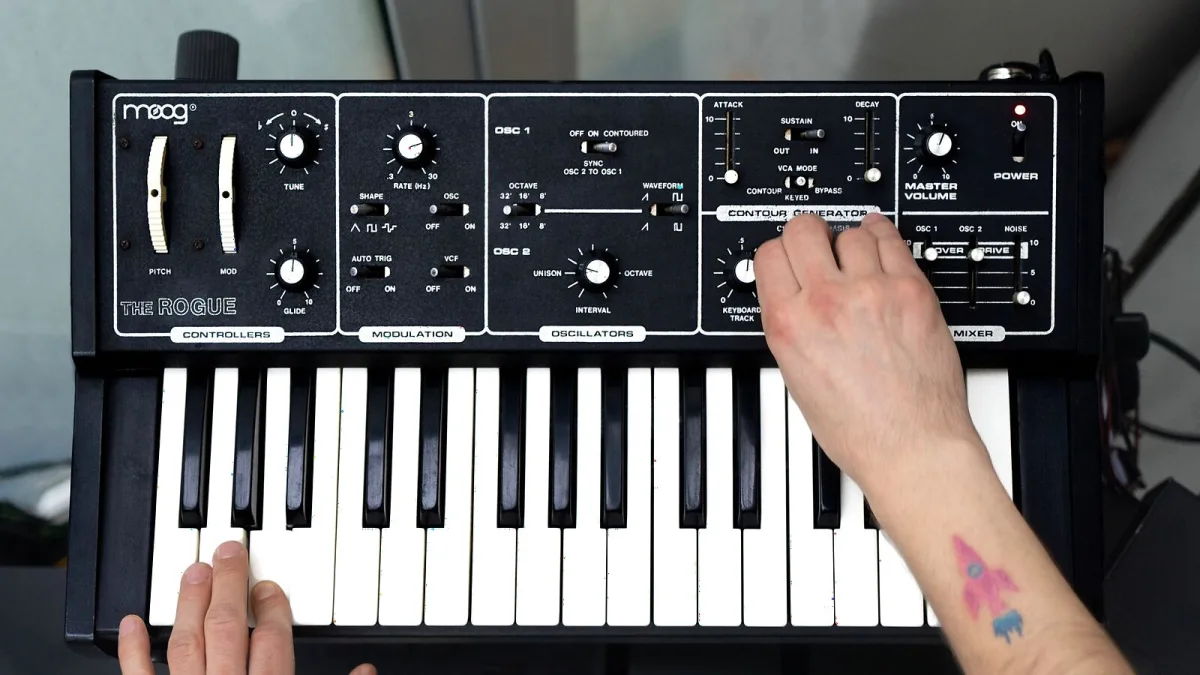
Buying a MIDI controller isn't complicated once you know which handful of decisions actually matter. Everything else on the spec sheet is noise by comparison. Here's a proper rundown of the choices worth your attention, in the order they'll actually affect your day-to-day workflow.
Decision One: How Many Keys?
Key count is the single biggest factor in how a controller feels and where it fits in your setup:
| Key Count | Best Suited To | Main Limitation |
|---|---|---|
| 25 keys | Portable rigs, basslines, leads, simple parts | Limited playing range |
| 32–37 keys | Compact performance and sequencing | Still tight for two-handed piano playing |
| 49 keys | General production, moderate two-handed work | Less portable than compact models |
| 61 keys | Broader performance range, arrangement work | Bigger footprint |
| 76–88 keys | Piano technique, orchestral parts, full-range playing | Cost, weight and desk space |
Buy for the parts you actually play, not the parts you imagine you might play one day. A cramped 25-key controller gathering dust because you really needed 61 is a common, avoidable regret.
Decision Two: What Kind of Key Action?
Synth action is light and fast, and it's what you'll find on most compact controllers. Semi-weighted adds resistance while staying friendly to synth-style playing. Fully weighted and hammer-action keys aim to mimic an acoustic piano's feel and response. Neither option is objectively better on a MIDI controller spec sheet — it genuinely comes down to whether you're a pianist who wants that weight under your fingers, or a producer who wants speed for fast synth lines and modulation work.
Decision Three: Pads, or No Pads?
If finger drumming, sample triggering or clip launching is part of your workflow, pad specs matter as much as the keys. Check the number of pads, their velocity sensitivity, whether they support aftertouch, and how they handle bank switching for accessing more sounds than the physical pads allow. Pads and keys aren't interchangeable tools — pads suit rhythm and triggering, keys suit melody and harmony — so don't expect one to fully cover for the other.
Decision Four: Real DAW Integration, or Just a Sticker?
"DAW integration" gets printed on a lot of boxes, but it can mean wildly different things in practice. Sometimes it's genuinely deep: transport control, automatic parameter mapping on the encoders, track arming, a display showing what you're editing. Sometimes it's a single button that does one thing in one specific DAW. Before you buy, check the manufacturer's own compatibility list for your exact DAW and operating system, because a controller advertised as "integrated" may have proper support in Ableton Live and only token support in Cubase.
Decision Five: Aftertouch and MPE, If You Need Them
Aftertouch measures pressure after a note is already held, and it comes in two flavours: channel aftertouch (one value for everything) and polyphonic aftertouch (an independent value per note, more expressive but also rarer and pricier). MPE goes further still, letting individual notes carry their own pitch, timbre and pressure changes. None of this matters if your software instruments don't support it too, so check the receiving end of your setup before paying extra for expressive hardware.
The Connectivity Checklist
Run through this before you commit:
- USB type, and whether a cable is actually included in the box
- Bus power requirements, especially if you're running from a laptop or tablet
- Five-pin MIDI DIN availability, if you need to reach hardware synths or drum machines
- iOS or Android compatibility, including any adapter you'll need
- Whether it can operate stand-alone, without a computer at all
- Whether the included software still receives updates and activation support
New, Used or Hand-Me-Down?
A used MIDI controller can be genuinely good value, provided the pads and keys still feel consistent and every control actually registers when you test it. Ask to try before you buy where you can, since a worn pad or a sticky key isn't always visible in a photo. New gets you a warranty and current software support, which matters more here than with a lot of instruments because manufacturer editor software and firmware updates do occasionally get discontinued on older models. Either way, resist buying purely from a spec sheet: play it, or at least watch a proper hands-on demo, before you commit.
Bringing It Together
Get key count and action right first, then layer pads, integration and expressive features on top of that foundation. If you're still working out whether a MIDI controller is even the right purchase, our ultimate guide explains the basics from scratch, and our round-up by price tier is worth a look once your decisions are made. First-timers should also read our beginner's guide, and everyone benefits from our list of common mistakes to avoid before parting with any money.
The Bottom Line
A good MIDI controller purchase comes down to five honest decisions, not fifty spec-sheet bullet points. Nail keys, action, pads, integration and expressive features in that order, and you'll end up with something that actually fits how you work.




Comments