


Roland Keyboard article
Common Roland Keyboard Mistakes to Avoid
Most Roland keyboard regrets trace back to one avoidable mistake. Here are the eight I see most often, and how to sidestep every one of them.
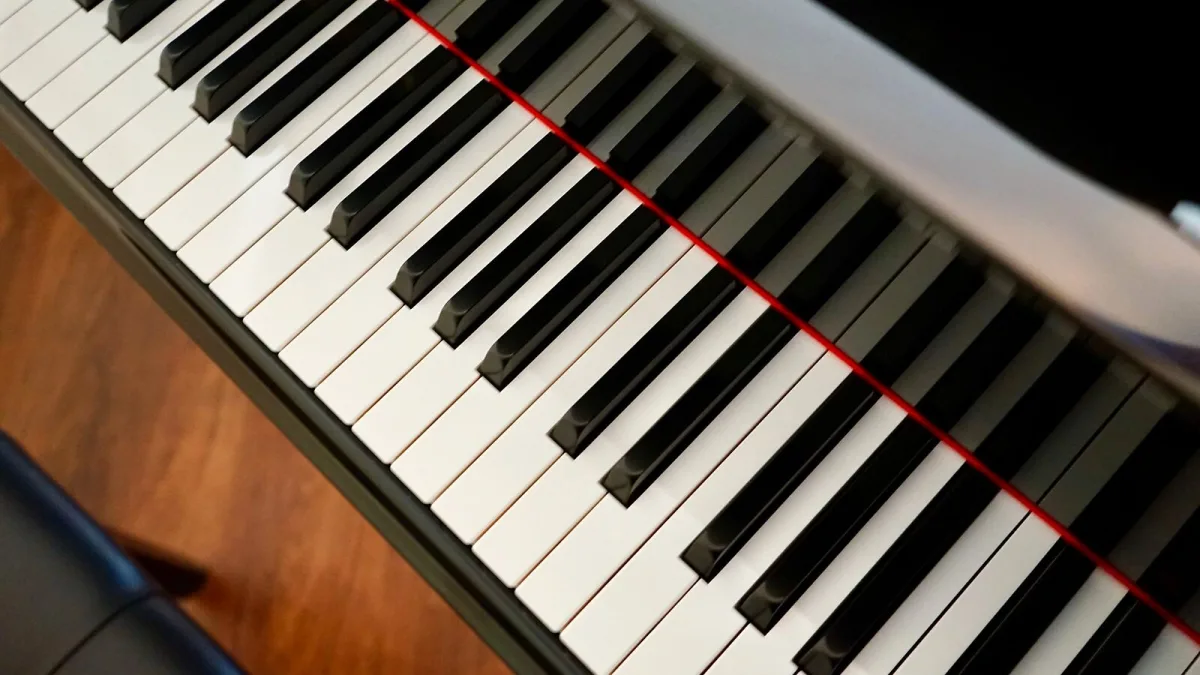
Most Roland keyboard regrets aren't about the instrument being poor value — they're about a small, avoidable mistake made either before buying or in the first few months of ownership. Here are the ones I see most often, and the simple fixes for each.
Mistake 1: Buying by Budget Instead of Playing Goal
Spending everything a budget allows on the most feature-packed model rarely serves a beginner well. A FANTOM workstation is wasted on someone who just wants to play piano pieces in the evening, while an entry-level GO:KEYS won't satisfy someone chasing a professional stage rig. Work out what you'll actually do with the instrument first, then let that narrow the shortlist — not the other way round.
Mistake 2: Ignoring Key Action
It's tempting to compare Roland keyboards purely on sounds and features, but the feel of the keys matters more day to day than almost anything else. Buying a synth-action model for serious piano study, or a heavy weighted action for someone who mainly wants to play fast synth lines, leads to frustration that no amount of onboard sounds will fix. Try the action in person if you possibly can, or at minimum read detailed reviews that describe it honestly.
Mistake 3: Skipping the Sustain Pedal
A surprising number of new owners play for months without a proper sustain pedal, either because it wasn't included or because they didn't think it mattered yet. It matters from the very first pieces that require smooth, connected phrasing. Check whether your model includes one, and confirm the pedal jack supports continuous half-pedalling rather than a simple on/off switch, since that changes how expressively you can play.
Mistake 4: Overlooking Polyphony
Polyphony is the number of notes a keyboard can sound at once, and it disappears faster than beginners expect — a sustained chord with the pedal held down, layered with a second sound, can use up far more "notes" than it looks like on the keys. A Roland keyboard with generous polyphony avoids the occasional dropped note that a limited one can produce during busy passages.
Mistake 5: Never Learning the Basic Sound Engine
Plenty of owners use a handful of preset sounds for years and never realise their instrument can do considerably more. Spending even one evening reading the manual's sound-editing section, or watching an official Roland walkthrough, tends to reveal features — split keyboards, layered sounds, effect depth — that make the same instrument noticeably more useful.
Mistake 6: Poor Placement and Storage
Leaving a keyboard in direct sunlight, near a radiator, or in a damp room can affect its electronics and finish over time, and an unstable or wobbly stand is both a practical nuisance and, frankly, a safety risk for a child at the keys. A sturdy stand at the correct height and a stable, temperate room location cost very little and protect a meaningful investment.
Mistake 7: Assuming More Expensive Always Means Better For You
An RD-2000 EX is a superb instrument, but it's not automatically the "right" upgrade from a GO:KEYS if what you actually need is simply a weighted action for lessons — an FP model would serve that purpose better and cost considerably less. Match the upgrade to the actual limitation you've hit, rather than the most expensive Roland keyboard within reach.
Mistake 8: Not Checking Connectivity Before Buying
If you plan to record, use backing-track apps, or control software instruments, confirm USB-MIDI support and driver compatibility before you buy, not after. Discovering a lack of proper connectivity once you're already committed to recording projects is one of the more frustrating and entirely avoidable mistakes on this list.
Getting It Right the First Time
Most of these mistakes share the same root cause: buying before working out the real playing goal. Our complete Roland keyboard buyer's guide walks through exactly that decision, and our round-up of the best Roland keyboards for the money shortlists sensible options by budget and purpose. If you're buying a first instrument for someone new to playing, our beginner's guide is the gentlest starting point.
The Bottom Line
None of these mistakes are expensive to avoid, but each one is common enough to be worth a moment's thought before you buy or unpack your next Roland keyboard. A little care at the start saves considerably more frustration later.





Comments