


Behringer roundup
Behringer: A Complete Buyer's Guide
Behringer's catalogue is huge and cheap, which makes picking the right piece easy to get wrong. Here's how to buy for the job you actually have.
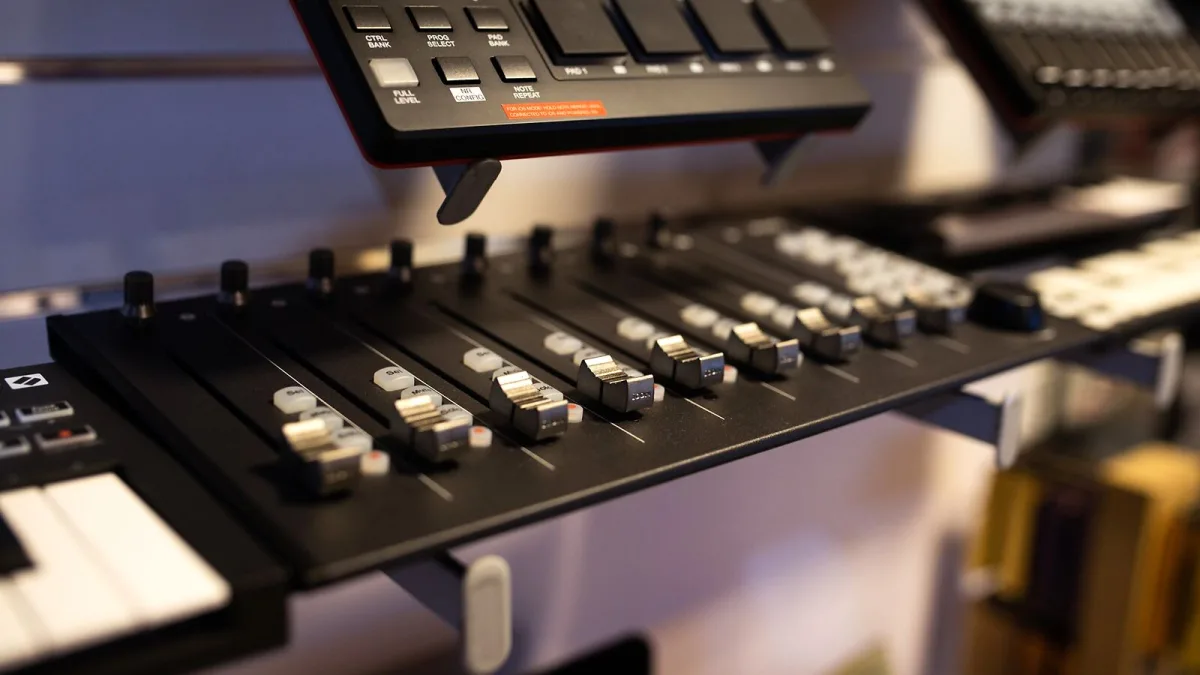
Buying Behringer gear is easy on the wallet but not always easy on the decision-making, simply because the range is so wide. Synths, mixers, interfaces, pedals, monitors — all under one badge, all at a similar "surely that's too cheap" price point. This guide is about slowing down for five minutes before you click buy, so the thing that arrives is actually the thing you needed.
Step one: name the job, not the gear
Before comparing any specific model, be honest about what you're trying to do:
- Playing and recording basslines or leads at home — that points towards a monophonic synth.
- Building pads, chords and layered parts — that points towards a polyphonic instrument.
- Mixing a live band or running sound for a small venue or church — that points towards a digital mixer.
- Recording vocals or an instrument into a laptop — that points towards an audio interface, not a synth at all.
It sounds obvious written down, but it's the single most common source of buyer's regret: people buy the model everyone's talking about rather than the one that matches their actual task.
If you're choosing a Behringer synthesizer
Check these specifics before you commit:
| Check | Why it matters |
|---|---|
| Monophonic, paraphonic or polyphonic | Determines how many notes you can genuinely play at once |
| Semi-modular patch points | Adds routing flexibility, but means a slower learning curve |
| Keyboard vs desktop format | A keyboard version suits live playing; a desktop module suits studio setups with an existing MIDI keyboard |
| Preset memory | Some entry models offer no preset storage at all — fine live, frustrating in the studio |
| MIDI and USB implementation | Confirm it will actually sync with your DAW or sequencer as expected |
Remember that a low price doesn't automatically mean a product is a technical match for the vintage instrument it echoes — calibration, tuning stability and build quality can genuinely vary between models, so read recent reviews for the specific unit, not just the product family.
If you're choosing a Behringer mixer
The X32 range is the obvious Behringer flagship, but "digital mixer" covers a lot of ground:
- Input and bus count — count your actual channels (vocals, instruments, monitors) rather than buying headroom you'll never use.
- Remote control — most digital mixers can be run from a tablet or laptop; check which apps are actually supported before assuming.
- Preamp quality — the X32 range uses Midas-designed preamps, which is a genuine step up from a basic analog mixer.
- Expansion — AES50 and similar protocols matter if you'll eventually add stage boxes or a second console.
If you're choosing a Behringer interface
Before buying, confirm the number of microphone, line and instrument inputs you actually need, whether phantom power is switchable per channel or only global, the converter's sample rate and bit depth, and—crucially—the real USB channel count. A product marketed simply as "USB" can sometimes mean only a stereo return rather than full multitrack recording, so read the actual specification rather than the headline description.
Buying new versus used
Used gear can be excellent value, but check firmware version, whether presets and calibration data survived a factory reset, physical condition of pots and switches, and whether the original power supply is included — a mismatched third-party supply can cause real problems. If any of that checking feels unfamiliar, our beginner's guide is a gentler place to build confidence first.
Common buying mistakes to sidestep
The two biggest: buying based on a "clone" headline without checking whether the actual feature set fits your workflow, and buying the flashiest recently announced product before it's confirmed to be shipping and reviewed. For a longer list of pitfalls that catch people after the purchase too, see our common mistakes guide.
The bottom line
Buy the Behringer that matches the job in front of you, verify the specific specs that matter for that job, and treat brand-new announcements with a little patience until reviews land. If you want to compare value across the whole range before deciding, our best-value roundup breaks it down by use case, and our complete guide covers the full picture if you want the background first.




Comments