


Akai Mpk Mini article
Common Akai Mpk Mini Mistakes to Avoid
The avoidable misunderstandings that trip up new and experienced owners alike, cleared up one at a time.
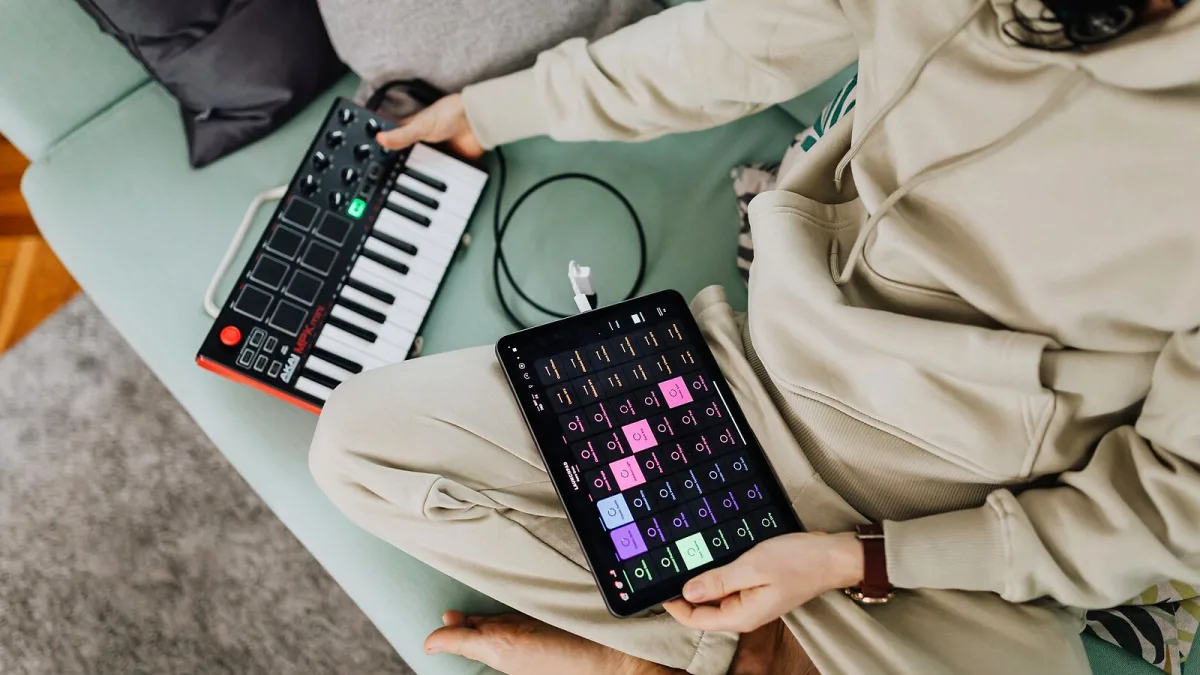
Most of the frustration I hear about with an Akai MPK Mini has nothing to do with the hardware itself — it's a handful of avoidable misunderstandings, repeated by beginners and old hands alike. Let's clear them up properly, one at a time.
Mistake: Expecting Sound Straight Out of the Box
An Akai MPK Mini makes no sound on its own; it sends performance data to software, and that software creates the actual sound. Plugging it in and pressing a key with nothing configured will produce silence every time, and that's entirely expected, not a fault. Confirm it's selected as your MIDI input and that an actual instrument sound is loaded before assuming anything's broken.
Mistake: Buying the Standard Model Expecting Built-In Sounds
This trips up more buyers than you'd think. The standard controller has no internal sound engine at all — if you want something that works entirely on its own, without a computer attached, you need the specific version built with internal sounds and its own speaker or headphone output instead.
Mistake: Assuming It Can Control Your Hardware Synth
The standard 25-key model doesn't offer conventional MIDI DIN or CV/Gate connections for controlling external hardware. If your plan involves a hardware synthesizer, drum machine or modular gear, only the larger 37-key version in the family provides that kind of connectivity. Check this specifically before buying if outboard hardware is part of your setup.
Mistake: Skipping the Correct Controller Map in Your Software
The pads and knobs don't automatically know what you want them to do. Software like MPC Beats needs the correct controller map selected before the pads and encoders line up with their intended functions. Skip this step and you'll end up convinced something's faulty when it's actually just unconfigured.
Mistake: Treating the Mini Keys Like a Full-Size Piano
The keys are genuinely smaller than standard piano keys, and expecting identical technique and reach is a recipe for frustration. They're excellent for basslines, chord stabs and short melodic parts, but two-handed piano technique will always feel cramped on this format — that's a design trade-off for portability, not a manufacturing flaw.
Mistake: Never Using the Octave Buttons
With only two octaves available at any one time, plenty of players get stuck playing everything in one narrow range simply because they've forgotten the octave-up and octave-down buttons exist. Get comfortable shifting range on the fly — it genuinely extends what's playable far beyond what the physical keys alone suggest.
Mistake: Not Registering the Device Properly
Skipping registration means missing out on the included production software and instrument sounds that make up a meaningful part of an Akai MPK Mini's actual value. Register it using the serial number on the unit as one of your very first steps, not an optional afterthought.
Mistake: Buying Used Without Checking Software Access
A used unit can be excellent value, but if the previous owner already registered the software bundle under their own account, you may not get full access to it yourself. Ask directly before buying, and factor that risk into any second-hand price.
Mistake: Ignoring the Bundled Software Entirely
Some new owners plug in, poke at a demo preset for five minutes and never actually explore the included production software properly. That's a genuine waste — a meaningful part of what you're paying for lives in that bundle, not just the physical hardware, and skipping it means missing instruments and sounds you already own.
Mistake: Chasing Rumoured Future Models
Unverified claims about newer versions occasionally circulate online without appearing on the manufacturer's own official product pages. Holding off a purchase, or paying a premium, based on a rumour rather than a confirmed announcement rarely ends well.
If you're still working out exactly which version fits your needs before you buy, this complete buyer's guide covers it properly, and this beginner's guide walks new owners through their very first setup step by step.
The Bottom Line
None of these Akai MPK Mini mistakes reflect badly on you — they're common precisely because the assumptions feel reasonable until someone explains why they're not. Sort the controller map, check your connectivity needs before buying, and register the device properly, and there's very little left to trip you up.





Comments