


Mpc Sampler roundup
Mpc Sampler: A Complete Buyer's Guide
The right MPC sampler is the one that matches how you actually work, not the longest spec sheet. Here's what to check before you buy.
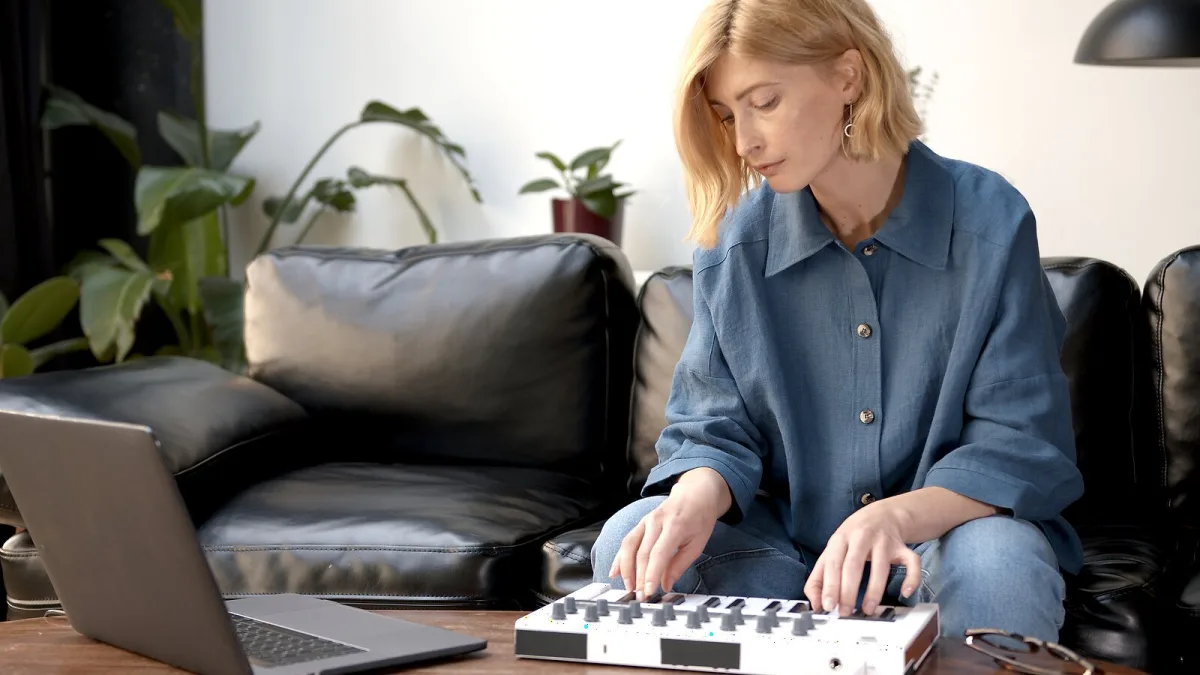
Buying an MPC sampler today means choosing between more shapes than the name suggests — compact standalone units, portable battery-friendly boxes, flagship studio machines, keyboard hybrids and a newer, dedicated sampling-only product. Before you look at any specific model, work through what actually matters for how you'll use it.
Standalone or computer-tethered MPC sampler?
The first real fork in the road is whether you want a machine that works entirely on its own, or one designed to sit alongside a computer. Standalone MPC hardware runs Akai's MPC3 operating system independently, meaning you can sample, chop, sequence and arrange a full track with nothing else plugged in. Computer-integrated setups lean more heavily on desktop MPC software, trading some of that self-contained simplicity for deeper editing and plug-in access on a bigger screen. Neither is objectively better — it depends on whether you want a machine you can walk away from a laptop with, or one that extends your existing studio.
What to check before you buy
- Inputs. Confirm the model has the inputs you'll actually use — line level, instrument level, and enough of them if you plan to sample from a mixer, turntable or multiple sources at once.
- Storage. Check internal storage capacity and whether it accepts removable media such as an SD card or USB drive; sample libraries grow fast.
- Screen and controls. A larger touchscreen makes chopping and editing noticeably easier than squinting at a small display, though it usually comes with a bigger footprint and price.
- Pad feel. Pad sensitivity and size affect performance more than most buyers expect; if you can, play a demo unit before committing.
- Software compatibility. If you're buying a newer product like MPC Sample, confirm it's compatible with any existing MPC projects, which currently requires MPC software version 3.8 or later on the other end.
Matching the model to the workflow
| If you mainly want… | Look toward… |
|---|---|
| A compact all-in-one for a small desk | MPC One or One+ |
| Something battery-friendly for working away from a plug | MPC Live II |
| Extensive physical controls and I/O for a studio centrepiece | MPC X or X SE |
| Production built around a full keyboard | MPC Key 37 or Key 61 |
| A dedicated, sampling-first workflow | MPC Sample |
Don't skip the actual sampling workflow
Whichever MPC sampler you're eyeing, make sure it actually supports the sampling steps you'll rely on day to day: manual and threshold-based recording, straightforward chopping into individual hits or phrases, flexible pad assignment for one-shots, drum programs and sliced regions, and internal resampling so you can print processed sounds back in as new material. Nearly every current model covers this, but it's worth confirming rather than assuming, especially on a newer or more compact product.
New versus used
The MPC sampler lineage runs back decades, and older models like the MPC2000XL or MPC3000 still turn up second-hand with genuine appeal for a particular vintage sound and workflow. If you're buying used, check the pads for wear, confirm the unit still boots and saves reliably, and be realistic about whether an older operating system will meet your current needs — newer MPC3 features and MPC Sample compatibility are only available on supported current hardware.
A word on price versus need
It's easy to assume the most expensive, most feature-packed model is the safest buy, but a flagship unit's extensive I/O and physical controls are wasted on someone who mainly wants to chop loops and sketch beats on the sofa. Be honest about your actual workflow before spending on headroom you won't use.
Before you commit
If you want the fuller picture of how the sampling workflow actually works first, our complete guide to MPC samplers covers that ground, and our round-up by price tier is worth reading alongside this checklist. Once you've bought one, our beginner's guide walks through your first sample, and our list of common mistakes is worth reading before you settle into a routine.
The bottom line
The right MPC sampler purchase is the one that matches how and where you actually work, not the one with the longest spec sheet. Get honest about standalone versus computer-based, check inputs, storage and pad feel in person if you can, and match the model to your workflow rather than the other way round.





Comments