


DJ Set roundup
Dj Set: A Complete Buyer's Guide
Building the gear behind a DJ set is about picking the right format for how you'll actually play, not chasing the flashiest box on the shelf.
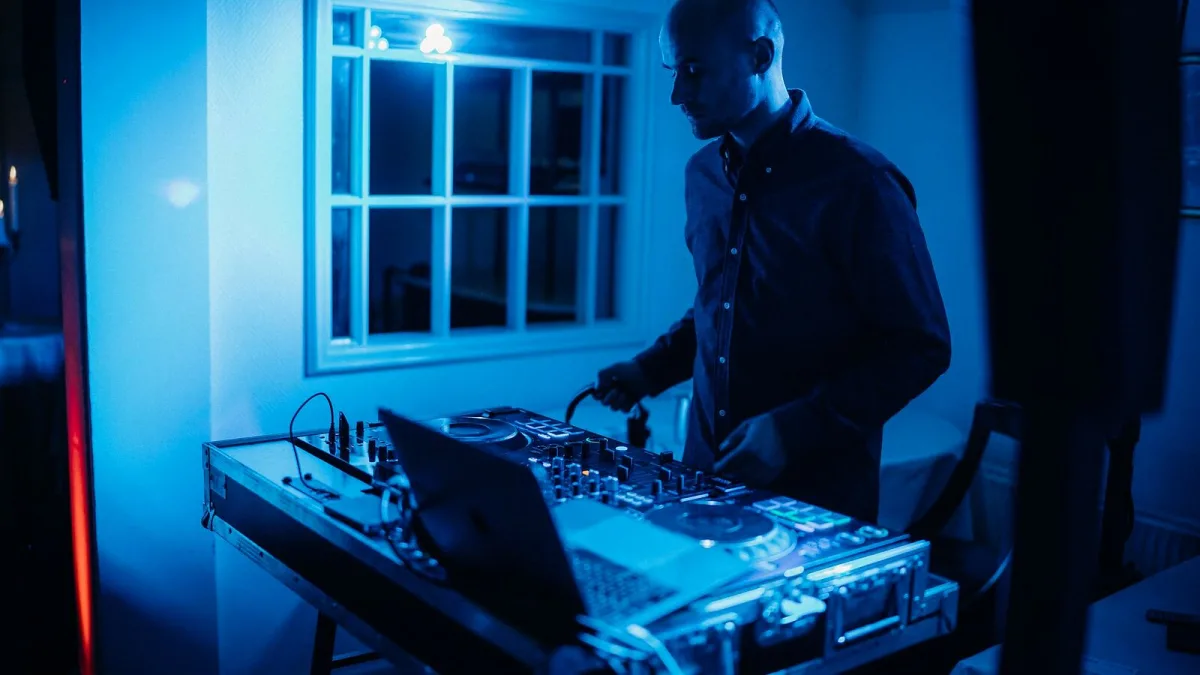
Building the gear behind your own DJ set is less about chasing the flashiest box and more about picking a format that actually fits how you want to play. Here's how to work through that decision properly, piece by piece.
Decide Your Format First
Everything else follows from this choice, so get it right before you spend anything.
| Format | Good for | Trade-off |
|---|---|---|
| Vinyl turntables | Tactile control, collecting culture | Heaviest to transport, smallest practical library |
| CDJs / USB players | Standard club workflow | Needs prepared, compatible USB media |
| Digital controller | Affordable, portable, all-in-one | Depends on a laptop or built-in software |
| DVS (timecode) | Vinyl feel with digital-library access | Extra interfaces and setup steps |
The Pieces Every DJ Set Needs
- A controller, or decks plus a separate mixer
- A pair of closed-back DJ headphones for cueing
- A laptop or standalone media player, if you're not going purely vinyl
- DJ software, or prepared USB media for standalone players
- An output to a sound system or monitors
Skip any of these and you'll hit a wall quickly — a controller with no reliable headphone cueing, for instance, makes it almost impossible to prepare the next track without the audience hearing your mistakes.
Controller, or Separate Decks and Mixer?
A controller bundles decks and mixer into one unit, which is the sensible starting point for most people building their first DJ set: cheaper, more portable, and forgiving to learn on. Separate decks and a standalone mixer cost more and take up more space, but they're the standard in most clubs, so it's worth practising on that layout eventually if club or festival work is the goal.
Software Is Half the Purchase
Hardware compatibility often narrows your software choice, and vice versa. Serato DJ, rekordbox, Traktor Pro, VirtualDJ and djay are the names you'll see repeatedly, each with its own approach to library management, beat analysis and effects. Check which software a controller is built around before buying — retrofitting a mismatched pair rarely goes smoothly.
Names Worth Knowing on the Hardware Side
Pioneer DJ (AlphaTheta) dominates club-standard media players and mixers. Technics turntables, especially the long-running SL-1200 line, remain closely tied to vinyl and scratch culture. Rane and Allen & Heath's Xone range turn up often in performance-oriented mixers, Denon DJ makes capable standalone players, and Numark and Native Instruments cover a lot of the controller and DVS space respectively.
What to Check Before You Buy
- Does the software you want actually support this specific hardware?
- How many channels do you realistically need — two is plenty to start
- Is there a proper headphone cueing output, separate from the master?
- How portable does it need to be for where you'll actually use it?
- Can it grow with you, or will you outgrow it within months?
Where This Fits in the Series
If you want the fuller picture of what you're actually building toward, our explainer on what a DJ set is covers the background. For a budget-by-budget breakdown, see the best options for the money. Once you've bought the gear, our step-by-step setup guide gets you plugged in and mixing. First-timer? Start with our beginner's guide instead, and check common mistakes to avoid before you commit to spending.
The Bottom Line
Choose the format that matches how and where you'll actually play, confirm the software and hardware genuinely work together, and don't overspend on channels or features you won't use for months. That's most of the decision made.




Comments