


DJ Decks roundup
Dj Decks: A Complete Buyer's Guide
Turntables, CDJs or a controller? Here's the buyer's checklist that actually matters before you spend on DJ decks — no invented prices, just the specs worth caring about.
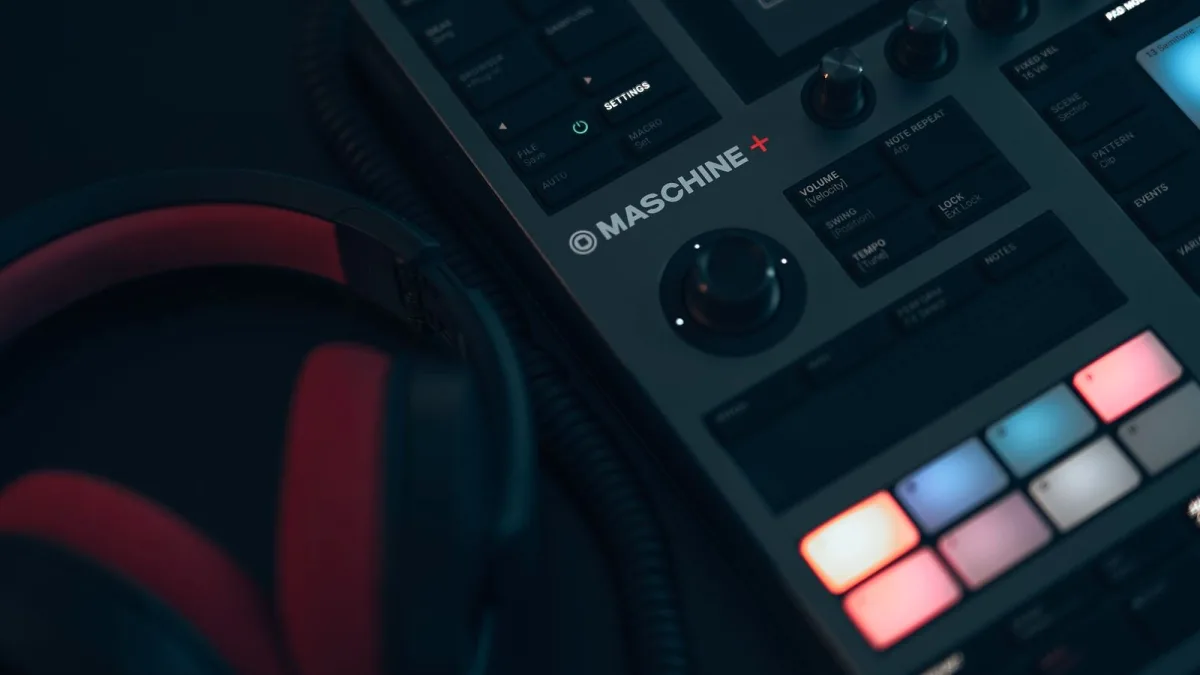
Right, so you've decided it's time — you're buying DJ decks. Brilliant. But walk into a shop or open a retailer's site and you'll hit a wall of turntables, media players and controllers that all promise to be exactly what you need. They're not all the same thing, and the “best” one depends entirely on what you're actually going to do with it. Here's everything worth checking before you spend a penny.
Work Out What You're Actually Buying For
Before you look at a single spec sheet, be honest about the room you'll be playing in most:
- Bedroom and practice — you want something forgiving, quiet-hours friendly and easy to learn on.
- Mobile and house parties — portability and reliability matter more than club-grade extras.
- Club-standard sets — you'll want to practise on whatever format the venues you're chasing actually run, usually media players.
- Scratch and turntablism — the format choice narrows fast, straight to direct-drive turntables.
Everything else in this guide branches off that one answer.
Three Formats, Sized Up for Buyers
| Format | Computer needed? | Portability | Learning curve |
|---|---|---|---|
| Turntables | No | Bulky, heavy | Steepest — manual everything |
| Media players (CDJs) | Usually not | Bulky, but standalone | Moderate, very transferable to club rigs |
| DJ controller | Often, yes | Best — one bag | Gentlest, software helps you along |
The Spec Checklist That Actually Matters
Ignore the marketing copy for a second and check these instead:
- Software licence — is the bundled DJ software fully unlocked, or a limited/trial version you'll need to pay to upgrade?
- Outputs — a proper headphone jack, master out, and (if you'll ever plug into a house system) booth output.
- Jog wheels — full-size and responsive, or small and stiff? Try before you buy where possible.
- Standalone or computer-dependent — does it need a laptop running the whole time, or can it work alone?
- Mixer section — proper EQ per channel and a usable crossfader, not an afterthought.
- Build quality — will it survive being packed into a bag and hauled to a friend's flat every weekend?
Buying a Turntable? Focus Here
If your heart's set on vinyl, the single biggest spec is the drive system. Direct-drive turntables spin the platter straight from the motor, giving fast start-up and enough torque to survive scratching and hands-on nudging — that's the standard for genuine DJ use. Belt-drive decks are gentler on the motor noise but far too slow-responding for anything beyond casual listening. Also check the tonearm feels solid, the cartridge is replaceable, and phono inputs are available on whatever mixer you're pairing it with.
Buying a Controller or Media Player? Focus Here
For controllers, the software relationship is everything — check which platforms it's officially compatible with, and whether hot cues, loops and pads feel intuitive under your fingers rather than buried in a menu. For standalone media players, prioritise reliable USB library reading, a clear waveform display, and export compatibility with whatever software you already use to prepare your music. A player that reads your USB drives without a fuss will save you more stress on the night than any flashy effect.
Budget Without the Guesswork
Rather than chase exact prices, which shift constantly, think in tiers:
- Entry-level — usually a two-channel controller with a starter software licence; fine for learning the fundamentals.
- Mid-range — sturdier build, four-channel options, better jog wheels and a fuller software licence included.
- Club-standard/professional — where standalone media players and direct-drive turntables live, built for nightly use and heavy handling.
Spend where it actually improves your workflow — a better jog wheel and a fuller software licence beat an extra flashing light every time.
Buying Second-Hand DJ Decks
A used pair of DJ decks can be a genuinely good route in, especially for turntables, which tend to be mechanically simple and long-lived. Before you commit, though:
- Ask to see it running — play a track, check the pitch fader actually moves the tempo, and listen for crackle or motor noise.
- Check the jog wheel sensor on a controller or CDJ — a worn or unresponsive wheel is expensive to fix and easy to miss in photos.
- Look past cosmetic scuffs — scratches on the case rarely matter; a sticky crossfader or dead headphone jack does.
- Ask why it's being sold — an upgrade is normal; a vague answer about “reliability issues” is worth pressing on.
Second-hand pricing moves fast, so compare a few listings rather than jumping at the first one you see.
Pitfalls to Sidestep at the Till
A few buying mistakes crop up again and again: locking yourself into software you can't try before buying, ignoring whether a controller can run without its bundled laptop app updating first, and buying the flashiest unit in the shop rather than the one that fits your actual gigs. For a longer list of things to avoid once the gear's already home, our common DJ decks mistakes to avoid covers the practical side.
The Bottom Line
There's no universal “best” when it comes to DJ decks — only the format that suits the room you're actually playing in and the budget you're actually working with. If you want the full technical picture first, our guide to how DJ decks work is a good next stop, and total beginners should start with our beginner's guide instead of the priciest kit on the shelf.






Comments