


Pioneer Ddj Flx4 roundup
Pioneer Ddj Flx4: A Complete Buyer's Guide
Software flexibility, USB-C and real portability — here's what to check before you commit to the Pioneer DDJ-FLX4.
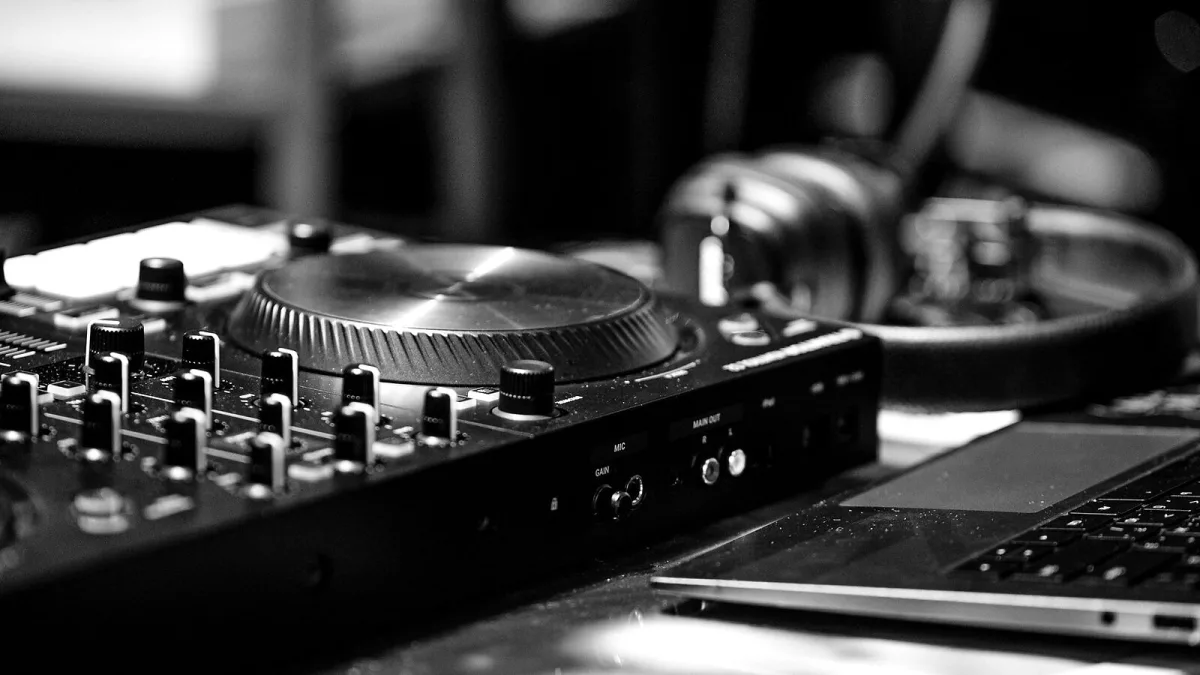
Right, you're eyeing up the Pioneer DDJ-FLX4 and trying to work out if it's actually the one, or if you should hold out for something bigger. Good news — this is one of those purchases where a bit of homework genuinely pays off, because the "best" controller here depends entirely on what software you're planning to live in. Let's get into it.
The Question That Decides Everything: Which Software?
Before you even think about specs, work out whether you're a rekordbox person or a Serato person, because it changes the whole experience. It ships ready for both — rekordbox (desktop and mobile) and Serato DJ Lite come included at no extra cost, with Serato DJ Pro available as a separate paid step up if you outgrow the free tier. There's also patchy support for djay and Traktor Play on some listings, so if either of those matters to you, check the current compatibility before you check out.
What's Actually in the Box
- Two-channel, two-deck mixer section with a three-band EQ per channel
- Two 5-inch capacitive-touch jog wheels
- 16 backlit performance pads across both decks
- One microphone input, a stereo RCA output and a 3.5mm headphone jack
- Two USB-C ports for connection and power
What's not in the box: a booth output, balanced outputs, or a laptop stand — factor those extras into your budget if you don't already own them.
Where It Sits Against the Rest of the Range
| Controller | Channels | Best for |
|---|---|---|
| Pioneer DJ DDJ-400 | 2 | An even simpler first step, single ecosystem focus |
| Pioneer DJ DDJ-FLX4 | 2 | Software flexibility plus mobile support |
| Pioneer DJ DDJ-FLX6 | 4 | Growing into four-deck mixing and more physical control |
If you've genuinely never touched a controller before, don't let this table talk you into overspending — our beginner's guide makes the case for starting simple rather than future-proofing on day one.
What You'll Still Need to Budget For
- A laptop or phone that meets the current software requirements
- Headphones — plugged into the controller itself, not the laptop
- Powered monitors or an amp and speakers for the RCA master output
- A USB-C cable and, for mobile use, a way to keep your device charged during longer sessions
Who Should Actually Buy the Pioneer DDJ-FLX4
Say yes if you want one controller that isn't married to a single piece of software, you're mixing from a laptop and a phone at different times, or you're a mobile DJ who values portability over a booth channel. Say no, or at least pause, if you already know you need four physical channels, balanced professional outputs, or genuinely standalone operation with no computer attached — none of that is on offer here, whatever the price tag suggests.
Our Take
For the money, the flexibility on offer — two major software ecosystems, USB-C, proper portability — makes it a sensible, low-risk first purchase rather than a compromise. For the Pioneer DDJ-FLX4, that's about as safe a first purchase as this category gets. Read the full technical rundown in our overview guide if you want the deeper spec breakdown before you buy, and don't skip our list of common mistakes once it arrives — a few of them are far too easy to make on your first night with it.





Comments