


Universal Audio Company article
Universal Audio Company for Beginners: A Complete Guide
New to Universal Audio? Here's a gentle, jargon-free place to start with Apollo and your first UAD plug-ins.
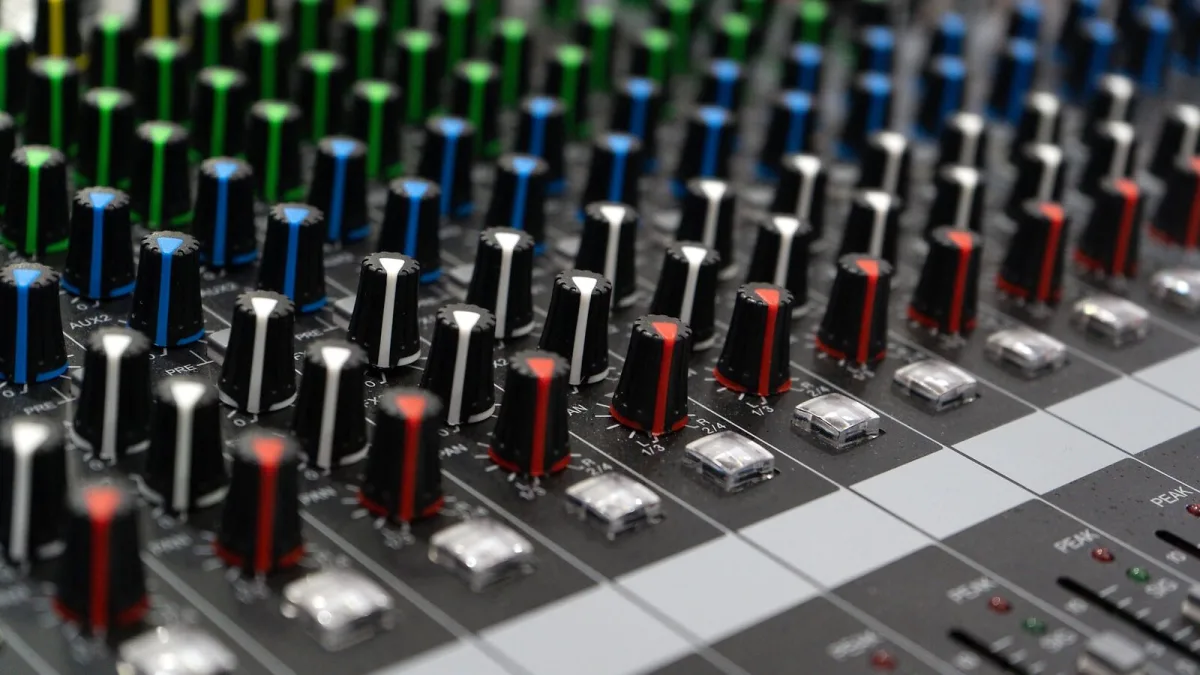
If the name Universal Audio has come up while you're researching your first proper recording setup, it's easy to feel a little overwhelmed — there's history, hardware, software and a whole vocabulary that nobody explains clearly enough. So let's slow down and go through it gently, one idea at a time, the way I'd talk a nervous student through anything new.
Who Is Universal Audio, in Simple Terms?
Universal Audio is a company that makes recording equipment, both physical hardware and computer software, built around the idea that classic studio gear from the mid-twentieth century still sounds wonderful and is worth preserving. Its founder, a recording engineer named Bill Putnam Sr., built some of that original equipment himself in the 1950s. Decades later, his sons brought the company back and began turning those same designs into software you can use on a laptop.
The Two Things You'll Meet First: Apollo and UAD
You don't need to understand the whole product range to get started — really, just two things matter at first. Apollo is the interface: the box that connects your microphone or instrument to your computer. UAD refers to the software plug-ins that run either on the Apollo itself or on your computer, adding compression, equalisation or other effects to your sound. Think of Apollo as the door into your computer, and UAD as the toolbox you use once you're inside.
You Don't Need Every Plug-In on Day One
New students often assume they need to own dozens of plug-ins before they can make a proper recording. You really don't. Most Apollo interfaces come bundled with a starter set of UAD plug-ins, and that's genuinely enough to record and shape a decent sound while you're learning. Give yourself permission to get comfortable with a handful of tools before you think about adding more.
A Few Words Explained Kindly
| Term | What it means, simply |
|---|---|
| Preamp | Boosts a quiet microphone signal so it's loud enough to record properly |
| Plug-in | A piece of software that changes how a sound is processed or shaped |
| DSP | Processing that happens on the interface itself, rather than your computer |
| Latency | A small delay you might hear when monitoring yourself through software |
Setting a Safe Recording Level
Here's a habit worth building from your very first session: turn your gain down before you start, then bring it up slowly while singing or playing at the volume you'll actually use. Watch the meter in your recording software rather than trusting your ears alone, and stop increasing the gain once your loudest moment sits comfortably below the point where the meter turns red. A quiet recording can always be made louder afterwards; a distorted one usually can't be rescued.
What Else You'll Need Around It
Your interface is only one part of a good first recording. A closed-back pair of headphones stops your microphone picking up whatever's playing back through them, and a simple stand keeps your positioning consistent from take to take. If you're recording vocals or acoustic instruments, try the softest, most furnished room in your home first — a small carpeted bedroom with curtains usually sounds gentler and less echoey than a bare-walled kitchen or hallway, and it costs nothing to compare the two before you settle on a spot.
Your First Proper Attempt
For your very first real recording, keep the goal small: connect everything, open your software, and record about thirty seconds of yourself talking normally before you touch a song. Listen back through headphones rather than laptop speakers, and check just two things — is it loud enough, and is it free of crackling or distortion. Get those two right first, and everything else, from tone shaping to plug-in choices, becomes something you can learn steadily over the following weeks.
It's Completely Normal to Feel Uncertain
Every experienced Universal Audio user once stared at an Apollo interface with no idea what half the buttons did, and that includes people who now use this gear professionally. Take your time with the manual, record something short and imperfect just to hear how it sounds, and build your understanding gradually rather than trying to learn everything at once. There's no test at the end of this, only progress.
Where to Go When You're Ready for More
Once the basics feel settled, our buyer's guide is a sensible next stop if you're thinking about your next purchase, and our complete guide to the company explains the wider history and product range in more depth. Our common mistakes guide is also worth a read once you've had a little practice.
The Bottom Line
Learning Universal Audio doesn't need to happen all at once. Start with Apollo and a small handful of UAD plug-ins, learn to set a safe level, and let your understanding of the rest grow naturally as you actually use the gear. Every confident engineer started exactly where you are now.






Comments