


Universal Audio Company article
Common Universal Audio Company Mistakes to Avoid
Most disappointing Apollo setups aren't the hardware's fault. Here are the buying and setup mistakes that quietly hold Universal Audio gear back.
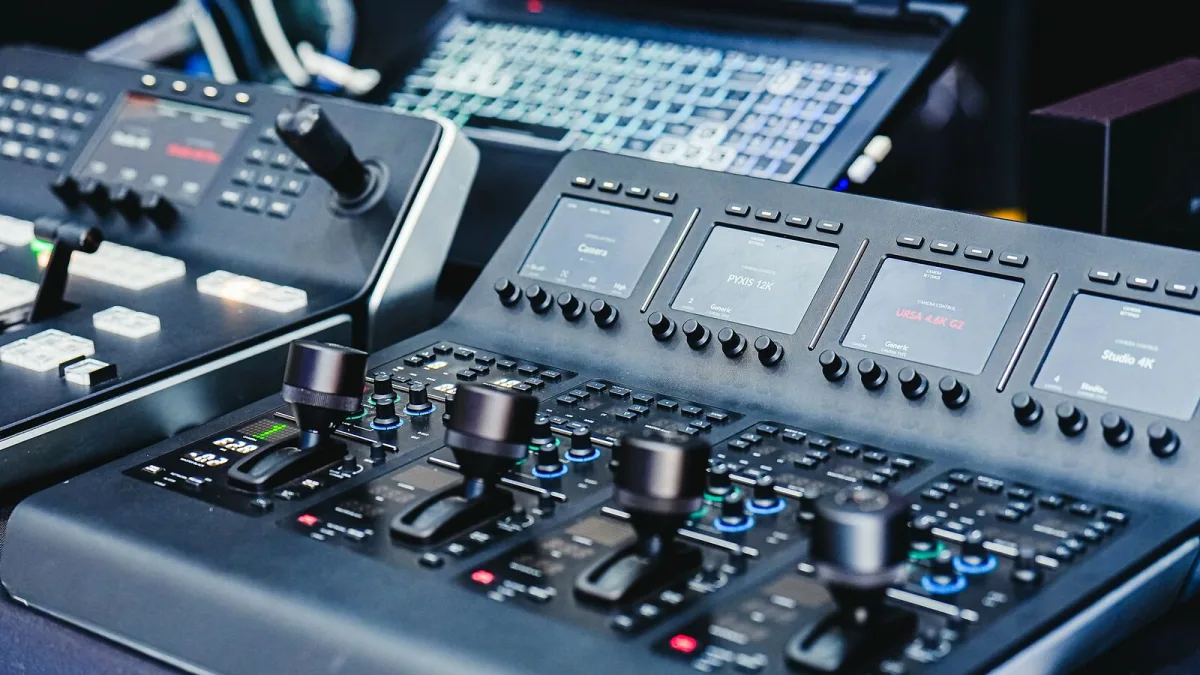
I've lost count of the number of Apollo interfaces I've seen sitting on a desk being used at maybe a third of their actual potential. It's rarely the gear's fault — it's a small set of habits and misunderstandings that quietly limit what Universal Audio equipment can actually do for you. Here's what I see most often, and the quick fix for each one.
Buying an Apollo Based on Preamp Count Alone
It's tempting to compare interfaces purely by how many preamps they have, but that ignores DSP capacity — the processing power that lets you run UAD plug-ins in real time while recording. A model with fewer preamps but generous DSP headroom can actually serve a heavy tracking session better than one with more inputs and less processing power. Think about how many plug-ins you'll want monitoring live, not just how many microphones you'll plug in.
Assuming Every Plug-In Runs the Same Way
Not every UAD plug-in behaves identically across DSP and native processing, and licensing terms can vary between them too. Buying a plug-in expecting it to run one way, only to find it needs DSP resources your interface doesn't have spare, is a genuinely common and avoidable disappointment. Check compatibility before you buy, not after.
Ignoring Thunderbolt Generation When Buying Secondhand
Older Apollo interfaces used earlier Thunderbolt standards, and mixing generations without the right cable or adapter causes connection problems that look like a faulty unit but aren't. Before buying secondhand, confirm exactly which Thunderbolt version your computer has and whether the interface genuinely matches it — a five-minute check that saves a returned parcel and a lot of frustration.
Forgetting That Plug-In Licences Don't Always Transfer
This one catches out secondhand buyers specifically. UAD plug-in licences are tied to a Universal Audio account, and not every licence automatically transfers to a new owner along with the hardware. Ask the seller directly what's actually included, and confirm it before money changes hands — a "fully loaded" interface with no transferable licences is really just an empty interface at full price.
Subscribing to UAD Spark Without Trying It First
A subscription can feel like the sensible, flexible option, but committing to one without exploring whether the actual catalogue suits your workflow means paying monthly for plug-ins you might rarely open. If a trial period is available, use it properly — load a real session, not just a quick test — before deciding whether ongoing access earns its keep.
Treating Unison as a Magic Fix
Unison-enabled preamp plug-ins are genuinely clever, modelling more than just tone, but they're not a substitute for basic technique. Poor microphone placement, an untreated room or bad gain staging will undermine even the most carefully modelled preamp emulation. Get the fundamentals right first, then let Unison refine what's already a good recording.
Never Updating Firmware or Console Software
Apollo's console software handles routing, monitor mixes and DSP allocation, and running an outdated version can cause odd, hard-to-diagnose problems — a mix that won't save, or a plug-in that refuses to load properly. Check for updates periodically rather than assuming the hardware itself has developed a fault.
Delaying Product Registration
New Universal Audio hardware usually needs registering to an account before you get full access to bundled plug-ins and support. Leaving that box unopened for months, then trying to register it later, occasionally throws up complications that a prompt registration avoids entirely. Do it in the first week, while any paperwork and receipts are still easy to find.
Assuming the Priciest Option Is Automatically the Right One
A bigger Apollo or a premium plug-in bundle isn't automatically the correct purchase — it's only correct if it matches what you actually record. I've watched people buy a flagship Universal Audio interface for a single-microphone podcast setup, gaining nothing over a smaller model except a lighter wallet. Match the purchase to the session, not to the top of the range.
A Quick Recap
- Weigh DSP capacity alongside preamp count, not instead of it.
- Check plug-in compatibility with your specific interface before buying.
- Confirm Thunderbolt generation matches before buying secondhand.
- Ask whether plug-in licences actually transfer with used hardware.
- Trial UAD Spark properly before committing to a subscription.
- Fix mic placement and gain staging before relying on Unison to save a take.
- Keep console software and firmware up to date.
- Register new hardware promptly.
- Match the purchase to your actual sessions, not the top of the range.
If you're still deciding what to buy in the first place, our buyer's guide covers the practical choices properly, our complete guide to the company explains how the whole ecosystem fits together, and total beginners should start with our beginner's guide instead.
The Bottom Line
Nearly all of this comes down to checking things before you buy or press record, not the hardware letting you down. Get the buying decisions and the basic habits right, and Universal Audio equipment will genuinely do what it's built to do — quietly, reliably, and without you having to think about it too hard.






Comments