


Yamaha Studio Monitors roundup
Yamaha Studio Monitors: A Complete Buyer's Guide
Which HS model fits your room, your budget and your music? A practical guide to the specifications, placement requirements and connection options.
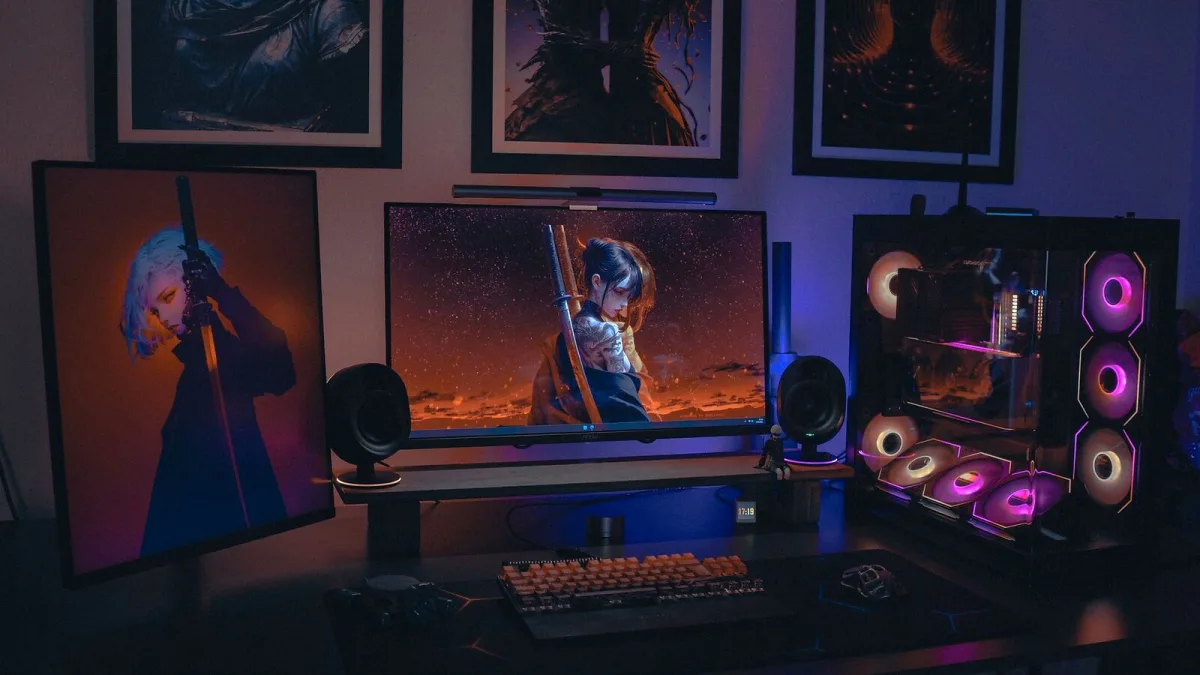
Choosing between the HS5, HS7 and HS8 comes down to three factors: room size, the frequency range your music occupies, and how the monitors will be used alongside other references. This guide covers each variable and explains which model fits which context.
Room Size and Monitoring Distance
The most common mistake in buying Yamaha studio monitors is choosing the largest model available regardless of room size. A pair of HS8 Yamaha studio monitors in a small, untreated room will create problematic bass build-up that obscures low-end decisions rather than clarifying them. Speaker size needs to match the monitoring distance and the room’s acoustic behaviour.
As a working guide for Yamaha studio monitors: the HS5 suits rooms up to approximately 10 square metres and a monitoring distance of 1–1.5 metres. The HS7 is appropriate for 10–20 square metres. The HS8 benefits from 20 square metres or more and needs adequate distance to let the woofer develop cleanly.
The HS5: Best for Small Studios
The HS5 is the most widely sold model in the range for a reason. Its frequency response rolls off below 54Hz, which means very low sub-bass is not reproduced, but in a small untreated room, that bass is likely to be misleading anyway. The HS5 gives a clear mid-range and detailed high-frequency response in the range most critical for modern music. For producers working at low to moderate levels in a domestic or small commercial studio, it is the pragmatic choice.
Pairing an HS5 with the HS8S subwoofer extends the low end while keeping the monitors appropriate for the room size. This is a meaningful option for producers who need sub-bass reference without committing to an HS8.
The HS7 and HS8: When More Is Warranted
The HS7 adds approximately 10Hz of low-end extension compared with the HS5. In an appropriately sized room, that extra extension is a genuine asset for genres with significant sub-bass content. The HS8 extends further and has more headroom for louder monitoring levels. Both models are appropriate choices for Yamaha studio monitors at mid-range budgets in rooms that can accommodate them.
Connections and Practical Setup
All HS models include balanced XLR and balanced TRS inputs. Both accept the same signal; the XLR is the preferred connection for professional audio interfaces. The input sensitivity trimmer on the rear panel allows the monitor’s gain to be matched to your interface’s output level, which is worth adjusting to ensure the interface operates in its optimal range rather than being used at full volume to reach adequate monitoring levels.
Key Specifications at a Glance
- HS5: 54Hz–30kHz, 70W total, XLR + TRS, Room Control, High TRIM
- HS7: 43Hz–30kHz, 95W total, XLR + TRS, Room Control, High TRIM
- HS8: 38Hz–30kHz, 120W total, XLR + TRS, Room Control, High TRIM
- HS8S: 22Hz–80Hz subwoofer, 150W, for use with HS5 or HS7
Where to Go Next
For a complete introduction to the range, our overview covers the HS series context and design philosophy. Our best value guide gives direct recommendations by budget. Our beginner guide covers setup from scratch. And our mistakes guide explains the errors that affect results.





Comments