


Adam Audio article
Common Adam Audio Mistakes to Avoid
Good ADAM Audio monitors, undone by avoidable habits — here's what to fix first.
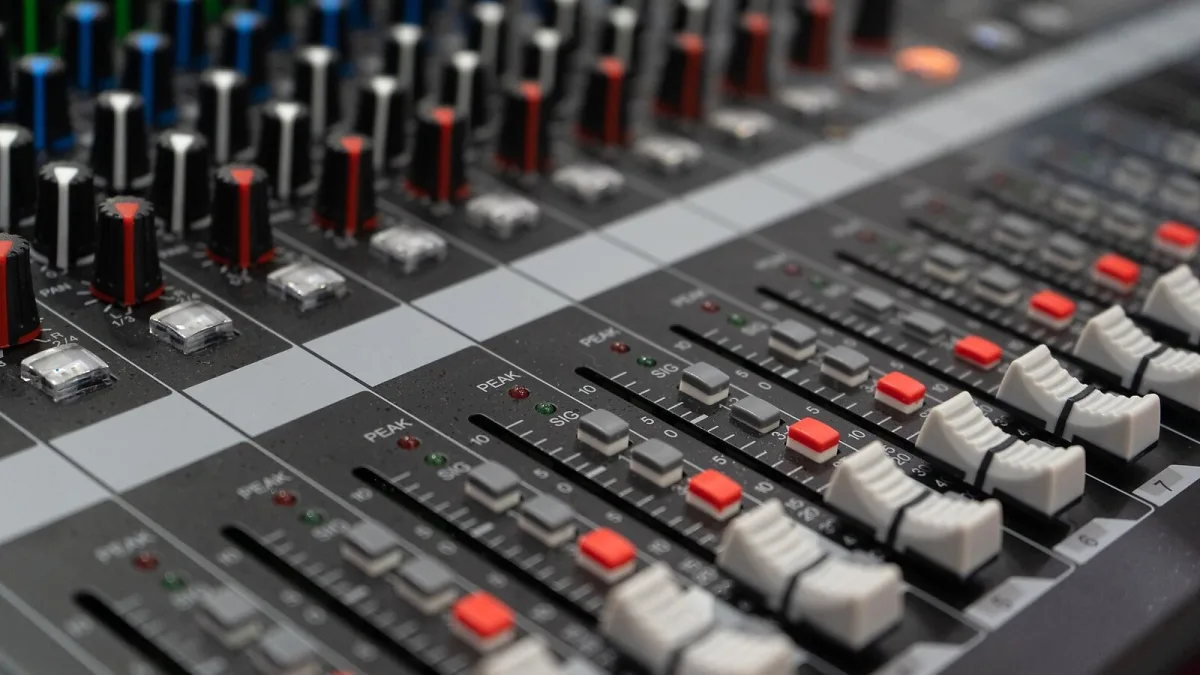
I've seen people spend genuinely good money on Adam Audio monitors and then undo half the benefit through habits that have nothing to do with the Adam Audio gear itself. Most of these mistakes are completely avoidable once you know they exist, so let's go through the ones I see most often.
Mistake 1: Buying More Range Than Your Room Can Use
The S Series is genuinely excellent kit, and it's also complete overkill in an untreated box bedroom. If your room doesn't have the space or the treatment to support proper listening distance, that extra spend buys you headroom you'll simply never access. Match the range to the room you actually have, not the one you'd like to have eventually.
Mistake 2: Skipping Proper Placement
This is the one that costs people the most for free. Sticking monitors flat on a desk, unangled, at whatever height happens to line up with your shelf, throws away a real chunk of what you paid for. Ear-height tweeters, an even triangle between the speakers and your head, and matched distance from side walls cost nothing and make a genuinely noticeable difference.
Mistake 3: Expecting DSP to Fix a Bad Room
The onboard DSP in ADAM's A and S Series models is a real, useful feature for boundary compensation and EQ — it is not a substitute for actual acoustic treatment. A badly shaped room with hard, reflective surfaces will still cause problems no amount of digital correction can fully undo. Treat DSP as a helpful refinement, not a fix for a fundamentally difficult space.
Mistake 4: Adding a Subwoofer Too Early
It's tempting to chase deeper bass the moment budget allows, but a subwoofer added to an unresolved room can make existing problems more obvious rather than solving anything. Get your main monitors properly placed and understood first. Extend the low end second, once you actually know what you're working with.
Mistake 5: Judging New Monitors Too Quickly
A new pair of monitors, ADAM or otherwise, will often sound "off" for the first few days simply because your ears are used to something else. Panicking and immediately reaching for the EQ to compensate is a good way to build bad habits into every mix that follows. Give it a week or two of honest listening before you trust your judgement on how they actually sound.
Mistake 6: Ignoring Input Gain Settings
Running a monitor's input gain too hot or too quiet skews how loud everything sounds relative to your actual mix level, which throws off your judgement on dynamics and level balance without you realising why. Set it to the manufacturer's recommended starting point rather than whatever felt loud enough when you first plugged in.
Mistake 7: Taking Marketing Language at Face Value
Words like "accurate," "transparent" and "high-definition" appear across pretty much every monitor manufacturer's site, ADAM Audio included, and they're marketing language rather than independent measurements. That doesn't make the products bad — it just means the actual sonic character is something you should verify with your own ears or an independent review, not take as an established fact from a product page.
Mistake 8: Never Using Headphones as a Second Check
Relying entirely on your monitors, with no secondary reference, means every mix decision depends on the same room and the same speakers being right every single time. Cross-checking on a pair of decent headphones, such as ADAM's own H200, catches problems your room might be quietly hiding, and it's a habit worth building early rather than after you've shipped a few disappointing mixes.
The Bottom Line
Almost none of these mistakes are about the gear being wrong — they're about habits that quietly cancel out what good gear is trying to give you. Fix the placement, be patient with your ears, and keep your expectations of DSP realistic, and you'll get far more out of any Adam Audio monitor than the spec sheet alone can promise. If you're still deciding what to buy, our roundup of the best options for the money and our complete buyer's guide are both worth reading first. New to all of this? Start with our beginner's guide instead, and our complete guide to Adam Audio covers the technology behind all of this in more depth.






Comments