


Adam Audio roundup
Adam Audio: A Complete Buyer's Guide
Buy for your room first, not the spec sheet — a hands-on guide to choosing between ADAM Audio's ranges.
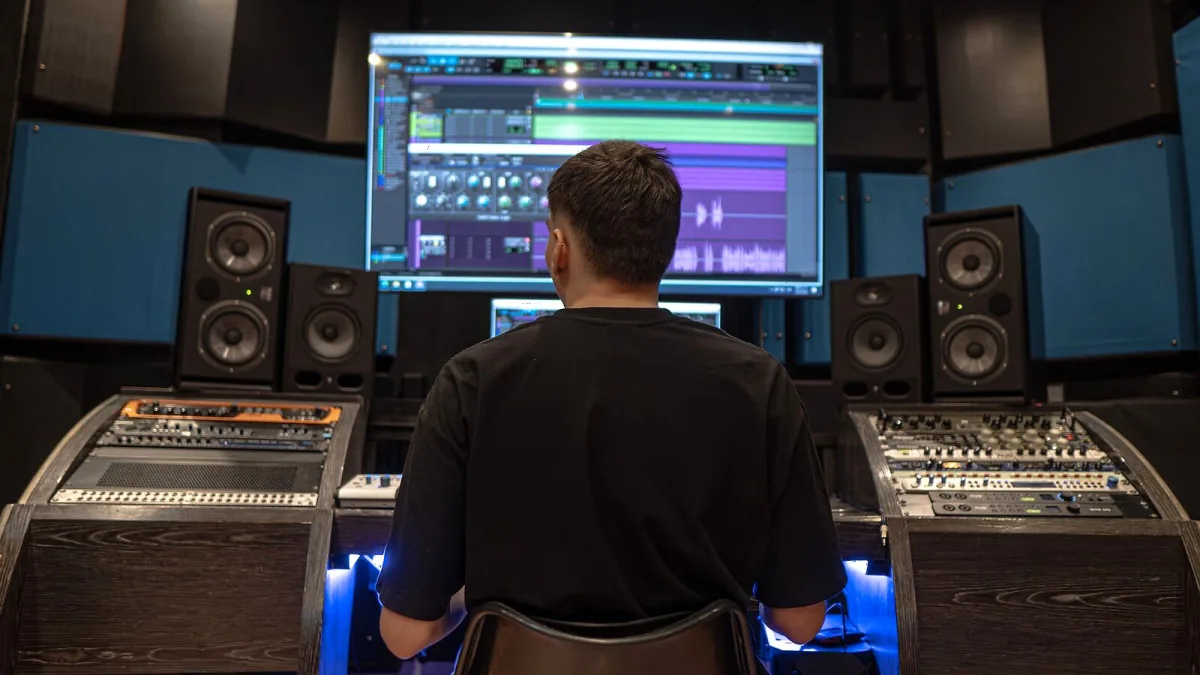
I get asked about buying Adam Audio monitors more than almost any other piece of kit, and it's usually the same underlying question: which model actually suits my room, not which one has the flashiest spec sheet. Here's how I'd genuinely work through that decision, the way I'd talk it over with a mate before they spent their own money.
Work Out Your Room and Use Case First
Before comparing a single Adam Audio spec, be honest about two things: how big is the space you're actually mixing in, and how far will you realistically be sitting from the speakers? A tiny desk in a box room and a treated control room need completely different monitors, and no amount of marketing copy changes that physics.
- Small desk, close listening distance: a compact nearfield or desktop monitor.
- Proper studio space, some acoustic treatment: a full-size nearfield with more headroom.
- Larger room or mastering work: midfield monitors built for greater listening distance.
T Series, A Series or S Series?
This is genuinely the biggest Adam Audio decision you'll make, so it's worth being clear-eyed about it rather than just buying whatever's cheapest or most talked-about.
| Range | Choose it if… |
|---|---|
| T Series | Budget is the priority and you want a compact, no-frills nearfield |
| A Series | You want DSP, flexible connectivity and room adjustment, including immersive setups |
| S Series | Your room, listening distance and budget can justify serious professional control |
Most home-studio buyers land in T or A territory. S Series only really earns its price if you've already got the room to match it — there's no point paying for headroom you'll never use in a bedroom studio.
Does the Tweeter Tech Actually Matter to You?
ADAM's whole identity rests on its folded-ribbon tweeters — ART, X-ART or D-ART depending on the model — based on the Air Motion Transformer principle rather than a standard dome. In practice, this generally means a detailed, revealing top end. Whether that suits you depends on your ears and your genre; if you're mixing bass-heavy electronic music, as I mostly am, that clarity up top is genuinely useful for hearing where things get messy in a busy mix.
Is DSP Worth Paying For?
Higher-end A and S Series models come with onboard DSP for crossover management, EQ and boundary compensation — handy if your monitor has to sit close to a wall or you want some room correction built in. It's a real feature, not just a spec-sheet line, but don't treat it as a substitute for basic acoustic treatment. DSP smooths edges; it doesn't rebuild a bad-sounding room from scratch.
Short on Desktop Space? Look at the D3V
If your entire setup lives on one desk, the D3V is worth a proper look. It's a fully active, compact system built with D-ART tweeters and passive radiators, connecting over USB-C rather than needing a separate audio interface for basic monitoring. It won't dig as deep in the low end as a full-size monitor, but for a desk-bound producer that's often a fair trade for the space it saves.
Connectivity Checklist
Before you buy any Adam Audio model, confirm it actually matches your setup:
- Balanced XLR or TRS inputs for a proper interface connection.
- USB-C, if you want to run monitors more directly from a laptop.
- Any app or software needed for DSP control, and which operating systems it supports.
- Physical boundary or gain controls on the rear panel, useful for quick placement adjustments.
Should You Add a Subwoofer?
Only once your main monitors are properly placed and you understand how your room behaves. A subwoofer extends bandwidth, but it can just as easily amplify an existing room problem as fix one. Get the two-speaker setup dialled in first; add low end second, not the other way round.
Don't Forget Headphones as a Backup
ADAM's H200 headphones are worth considering as a genuine second reference, not just an afterthought — useful for checking a mix late at night, or double-checking what your monitors are telling you against a completely different playback method.
The Bottom Line
Buy for your room and your actual listening distance first, then let the tweeter tech and DSP be the tiebreaker between models that already fit your space. If you want the full picture of the brand before you commit, our complete guide to ADAM Audio covers the history and the tech in more depth, and our roundup of the best options by budget breaks the range down tier by tier. New to studio monitors generally? Our beginner's guide is the gentler starting point, and once you've bought, it's worth reading common mistakes to avoid before you set anything up.





Comments