


Yamaha P45 article
Yamaha P45 Explained: Features, Types and Tips
Not flashy, but it does one job well. Here's what's actually inside the Yamaha P45, and what to expect from it.
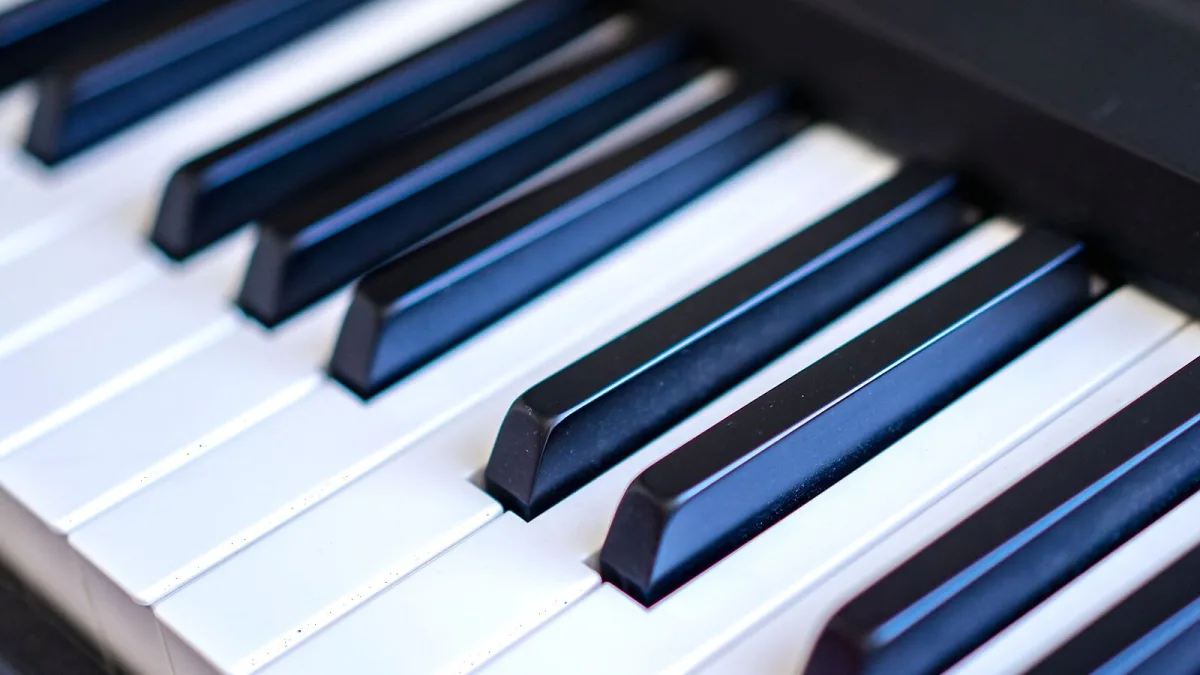
Ask a piano teacher which entry-level digital piano they've recommended most over the past decade, and the Yamaha P45 comes up again and again. It's not flashy, and it was never meant to be — it's built to do one job well: give a genuine piano-playing experience in a light, affordable, portable box. Let's go through what's actually inside it, and what to expect.
What the Yamaha P45 Actually Is
The P45 is a compact, 88-key digital piano from Yamaha's P Series, designed for students, beginners and anyone who needs a proper practice instrument without the size or cost of an upright. Its defining feature is Yamaha's Graded Hammer Standard (GHS) action: the lower keys feel heavier and the higher keys lighter, echoing the way an acoustic piano actually responds under your fingers. It's worth knowing upfront that Yamaha introduced the P-145 as this model's successor in 2023, so today's P45 is best understood as a previous-generation instrument, found through remaining retailer stock or the used market rather than as Yamaha's current entry-level offering.
The Keyboard Action, Properly Explained
GHS is a weighted action, but it's worth being precise about what that means. It's not identical to an acoustic piano's mechanism — digital actions differ in key travel, escapement and repetition feel — but it does a genuinely good job of teaching correct finger weight and dynamics, which matters enormously for a beginner building technique. Four touch settings let you adjust how much force changes the volume:
| Setting | What it does | Best for |
|---|---|---|
| Soft | Less force needed for full volume | Younger players or lighter touches |
| Medium | Balanced, general-purpose response | Most players, most of the time |
| Hard | More force needed for full volume | Players who prefer a firmer feel |
| Fixed | No velocity response; volume stays constant | Consistent output regardless of touch |
Sound, Polyphony and Practice Tools
The instrument uses Yamaha's AWM Stereo Sampling engine with 10 built-in voices — piano and non-piano sounds included — rather than the huge libraries you'd find on an arranger keyboard. That's a deliberate trade-off: this is a piano-focused instrument, not a do-everything workstation. Maximum polyphony sits at 64 notes, which is comfortable for ordinary solo playing but can get stretched with heavy pedalling or layered Dual-mode sounds in dense passages.
Useful practice features include a metronome (32–280 BPM), transpose up or down six semitones, and fine-tuning around the standard 440 Hz reference. Dual mode layers two voices together, and Duo mode splits the keyboard into two matching ranges — handy for sitting a teacher and student side by side on the same instrument.
Connections and What They're For
A USB-to-Host port handles MIDI communication with a computer, tablet or compatible app — useful for notation software, virtual instruments and MIDI recording. It's worth being clear that this is MIDI data, not digital audio, so don't expect to record the P45's actual sound directly over USB. Beyond that, you get a standard headphone output for silent practice and a sustain-pedal input; pairing it with Yamaha's optional FC3A pedal unlocks half-pedalling, while a basic pedal only gives simple on/off sustain.
Build, Size and Sound Output
At 11.5 kg and 1,326 mm wide, the P45 is genuinely portable by digital-piano standards, though its full-size width still means you'll want a proper case or careful handling for transport. Sound comes from two 12 cm speakers driven by two 6-watt amplifiers — perfectly adequate for personal practice and small rooms, but not designed to fill a large space or replace an external amp.
Where It Falls Short
Honesty matters more than hype here. The P45 has no Bluetooth audio, no MIDI DIN ports and no auxiliary output. Its 10-voice sound set is basic, and 64-note polyphony can feel limiting for heavily layered or sustained playing. None of that makes it a bad instrument — it simply means the P45 was built to nail the fundamentals rather than compete on features. If you're deciding whether it fits your needs, our complete buyer's guide to the Yamaha P45 walks through that decision properly.
Quick Tips Before You Start Playing
Set the touch response to medium until you have a reason to change it, use headphones for late or shared-space practice, and keep the instrument away from walls or corners to avoid unwanted bass buildup. If a first piano is what you're actually shopping for, our beginner's guide to the Yamaha P45 is written specifically for that starting point, and our guide to getting the best value covers bundles, pedals and used options.
The Bottom Line
The Yamaha P45 earns its long-running reputation the unglamorous way: a genuinely weighted 88-key action, a straightforward interface, and few frustrations for the price, even now that it's been succeeded by the P-145. If your priority is learning to play properly rather than collecting sounds and features, it remains a sensible, well-built place to start.






Comments