


X Touch roundup
X Touch: A Complete Buyer's Guide
Before you spend anything on an X-Touch, here's exactly what to check on compatibility, size and budget.
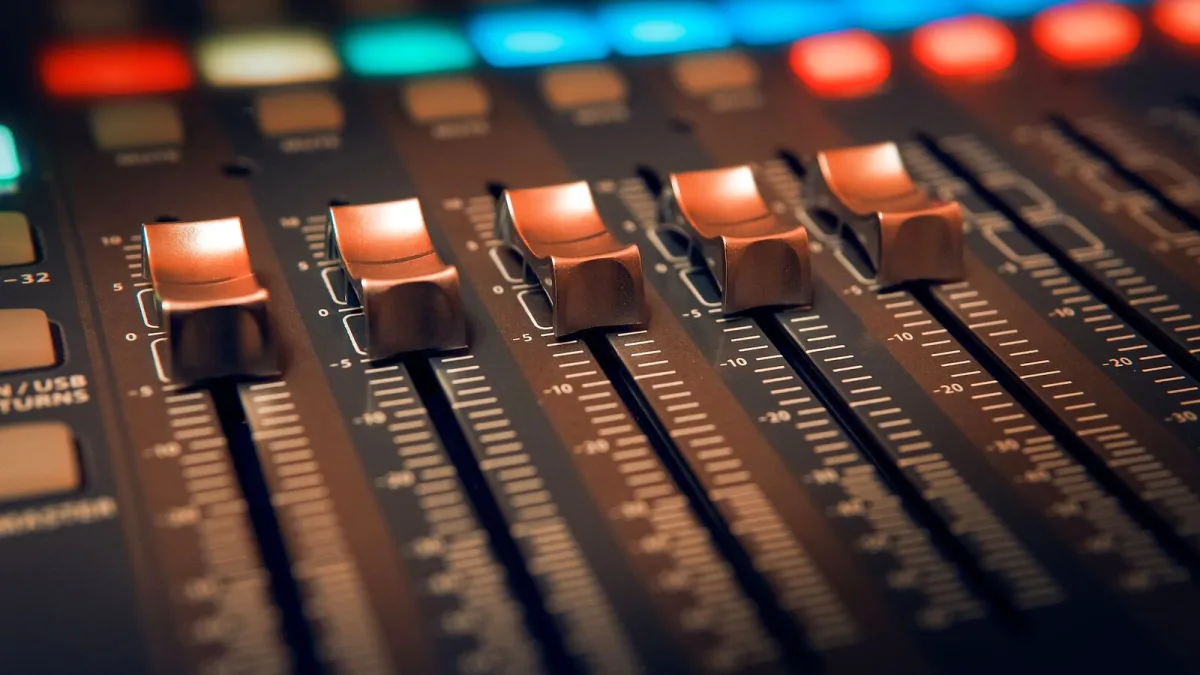
Right, let's go through this together, properly, before you spend anything. The Behringer X-Touch is a genuinely lovely thing to work with, but it only earns its keep if it actually fits your setup — your DAW, your desk, and honestly, your patience for a bit of configuration. Here's everything worth checking first.
Before You Buy an X-Touch, Answer This
Does your recording software actually support Mackie Control or HUI? Most major DAWs do — Pro Tools, Logic Pro, Cubase, Ableton Live, Reaper and Studio One are all commonly mentioned as compatible — but exact feature support varies from one to the next. Basic fader, mute, solo and transport control tends to work reliably everywhere; detailed plug-in parameter display is far less consistent. Have a look at your own DAW's manual for "Mackie Control" or "MCU" support before you commit to buying anything.
Which X-Touch Model Actually Fits Your Desk
| You need | Consider |
|---|---|
| Full console-style mixing, several channels at once | The full-size unit, with nine motorized faders |
| A smaller footprint with flexible MIDI mapping | The Compact model |
| One detailed channel strip and transport control only | The single-fader model |
Don't assume the smaller options are simply shrunk-down versions of the big one — the Compact in particular behaves more like a general-purpose MIDI controller with partial protocol support, rather than a miniature twin. Our full model comparison is worth a proper read if you're torn between two of them.
What You'll Still Need Alongside It
- A DAW that supports Mackie Control or HUI
- Your existing audio interface — this controller doesn't replace one
- A USB connection to your computer (plus MIDI or Ethernet if you're linking it to other gear)
- Enough desk space for motorized faders to move freely and, on the full-size model, ninety-odd buttons to sit comfortably under your fingers
Common Buying Mix-Ups
A few things are worth clearing up before you order. First, this is a control surface, not a mixer or an audio interface — it has no microphone preamps or analogue-to-digital conversion of its own. Second, "works with every DAW" is really marketing shorthand for "supports the same widely used protocol" — feature depth still varies. Third, some retailer listings describe it loosely as an "X32 controller," but it's more accurate to say it supports selected networking functions with Behringer's digital mixer ecosystem, not a full physical replacement for one.
Budget Sensibly
If desk space or budget matters more to you than controlling many channels simultaneously, the smaller models genuinely aren't a compromise — they're simply built for a different kind of session. Buying the biggest option "to be safe" often just means fighting for space on a desk that was never meant to hold it. Once it arrives, our common mistakes guide is worth reading before your first proper session with it.
Our Advice on Buying an X-Touch
Confirm your DAW's protocol support first, be honest about how many channels you actually mix at once, and choose the model that matches your desk rather than your ambitions. Get those three things right and you'll be glad you bought an X-Touch — get them wrong, and it'll spend more time gathering dust than helping you mix. If you're brand new to the whole idea, start instead with our overview guide, which explains what it actually does before you decide anything.






Comments