


X Touch roundup
The Best X Touch for the Money
Three X-Touch models, three different jobs. Here's which one is actually worth your money, tier by tier.
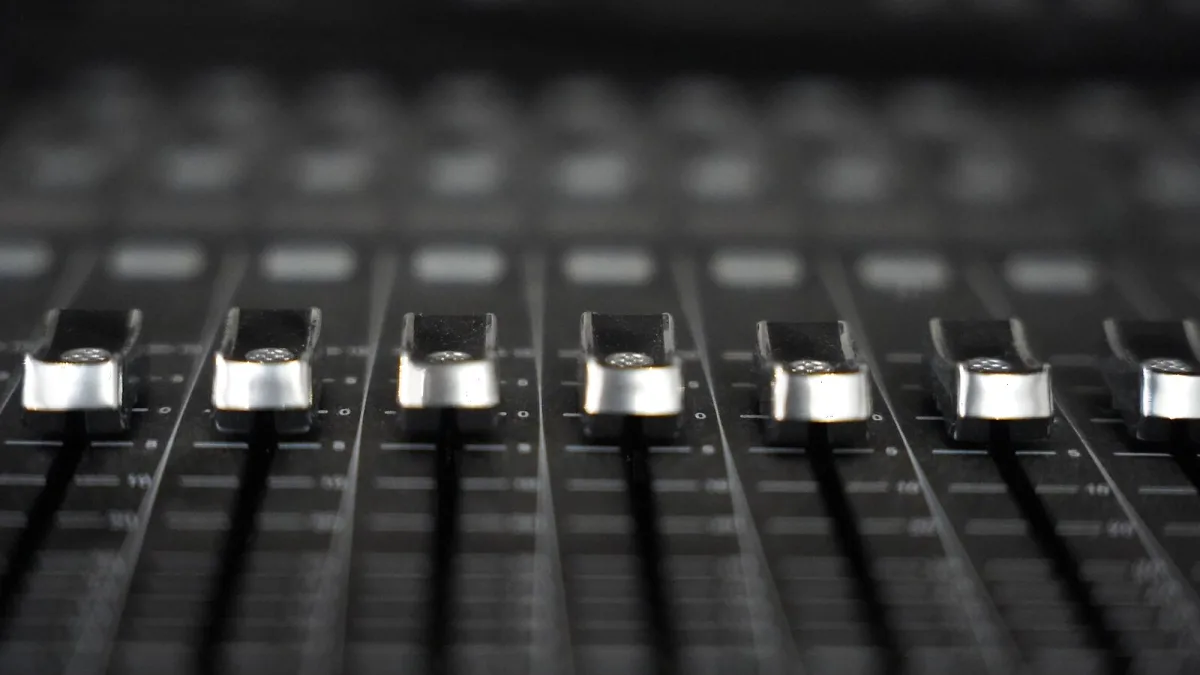
The X-Touch range comes in three models, three genuinely different jobs — so "which one's best" really depends on what your desk and your sessions actually look like, not on which box has the biggest spec sheet. Let's go through each price and size tier properly, the way I'd talk a student through it.
The Full-Size Model: Best for Serious, Multi-Channel Mixing
If you regularly mix sessions with more than a handful of tracks and want your hands on several levels at once, the full-size unit is where the money's best spent. Nine motorized, touch-sensitive faders, eight rotary encoders, eight LCD scribble strips and a proper jog wheel give you a genuine console-style workflow. It's the most expensive tier in the range, and it earns that position by being the only one built for real multi-channel, hands-on mixing rather than general MIDI control.
The Compact Model: Best for Smaller Studios and Flexible Mapping
Here's the trap worth avoiding: don't buy this one assuming it's simply a smaller, cheaper version of the full-size model. Reviewers have been quite specific that it behaves more like a general-purpose MIDI controller with partial Mackie Control support, rather than a shrunk-down twin. That's not a downside if flexible MIDI mapping across various software is actually what you need — it just means you're buying a different tool, not a discount one.
The Single-Fader Model: Best for Tight Desks and Focused Work
For anyone working in a small room, a shared space, or simply someone who doesn't want ninety-odd buttons staring back at them, the single-fader option offers one detailed motorized channel strip alongside transport and navigation controls. It's the cheapest entry point into the range, and for plenty of home setups, one good fader with proper touch-sensitivity does more useful work than nine faders you'll only ever use three of.
A Straight X-Touch Comparison
| Model | Best value when... |
|---|---|
| Full-size | You mix several channels at once and want a console-style desk |
| Compact | Desk space matters and you want broader, flexible MIDI mapping |
| Single-fader | Budget and space both matter, and one detailed channel strip is genuinely enough |
Don't Buy on Spec Sheet Alone
The temptation with any "best for the money" list is to assume more faders always means more value, but that's not how this range works — protocol behaviour and desk footprint matter just as much. If you're still unsure how these all actually function day to day, our overview guide is the better starting point before you commit to a tier.
What Every Tier Still Needs
Whichever one you choose, remember none of them replace your audio interface or your DAW — they're all controllers, not mixers, and all depend on your software supporting Mackie Control or HUI properly. Check that before comparing prices, not after.
Our Verdict
For genuine value, most home producers with a modest track count get the most out of the Compact or single-fader X-Touch models — you're paying for exactly the control you'll use, rather than desk real estate you won't. The full-size model only becomes the better-value choice once your sessions genuinely demand hands on several channels simultaneously. New to the range entirely? Our buyer's guide covers the wider decision, including what else you'll need to budget for.






Comments