


Chord Player roundup
The Best Chord Players for the Money
Free browser tools, MIDI plug-ins, hardware pads, arranger systems or a guitar-focused app — here's which tier of chord player actually suits you.
Right, let's cut through it. Chord players come in five genuinely different shapes, and the "best" one for you depends entirely on which shape fits your setup — not on some made-up top ten list. No invented specs here, no fake shoot-outs. Just an honest rundown of what each category is actually for, so you can pick the right tier and stop wasting time on the wrong one.
Free and Browser-Based: Start Here If You're Not Sure
If you've never used one of these tools before, don't spend a penny yet. Browser-based options like Musicca's chord player let you pick a progression, set a tempo and backing style, then rearrange, mute instruments and save your work — all for nothing, in a tab. It's the obvious first stop for songwriting sketches and for hearing how progressions actually sound before you commit to hardware or a plug-in.
Best for: total beginners, quick songwriting ideas, and anyone who wants to try the concept before spending anything.
MIDI Chord Plug-ins: Best for Producers Already in a DAW
Once you're working inside Ableton, Logic, FL Studio or similar, a plug-in earns its place on a track rather than living in a browser tab. Audiomodern's Chordjam leans on guided randomisation, letting you audition suggestions and build a personal library of progressions you can tag and reuse. ChordPrism takes a different approach, packaging chord, melody and bassline playing into one AU/VST/AAX window so you're not juggling three separate tools mid-session.
Best for: producers who want harmonic ideas without leaving the DAW, and anyone building a personal bank of go-to progressions.
Hardware Pad Controllers: Best for Fast, Physical Idea Capture
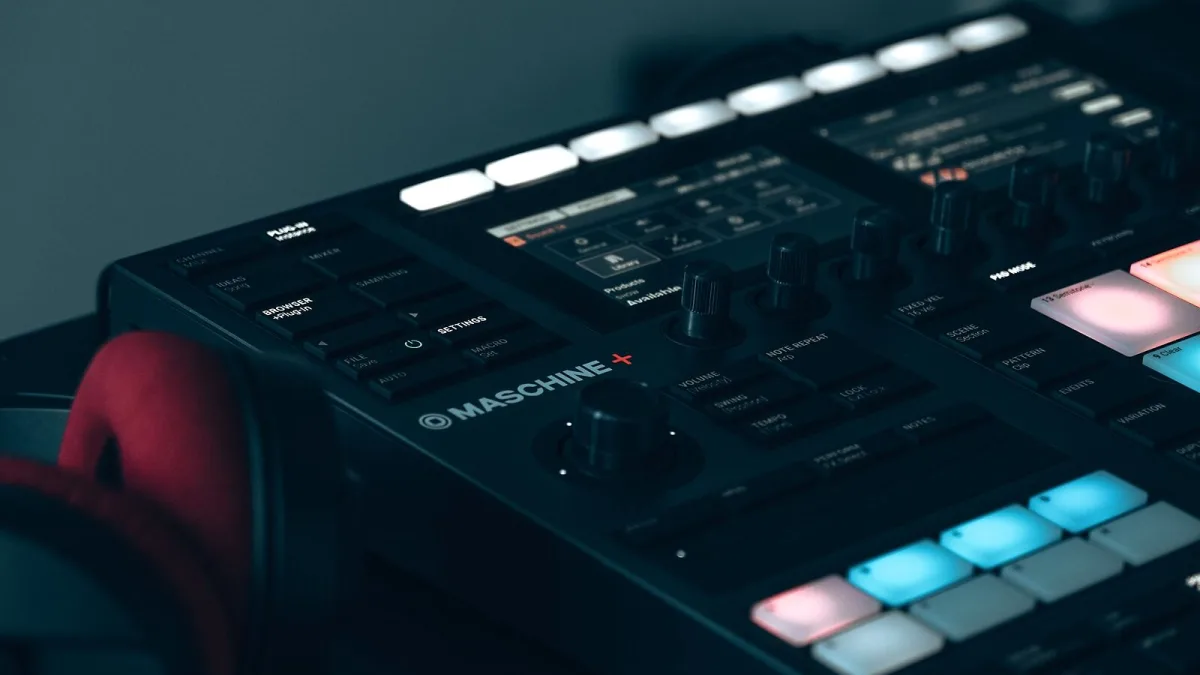
Some players just want buttons under their fingers instead of a mouse. Q-RY Instruments' ChordPlayer arranges 24 major and minor chords around the circle of fifths, connects over USB-C, and adds a monophonic mode for basslines — a tidy, focused unit for sketching harmony fast. InstaChord goes a more physical route again, pairing chord buttons with rubber strumming pads and both USB and Bluetooth MIDI, closer in feel to a guitar than a keyboard controller.
Best for: writers who think faster with hardware in hand, and performers who want a dedicated, no-laptop-required unit.
Arranger Systems: Best for Solo Performers
This tier does considerably more than trigger a chord. ReChord is built as a software arranger with real-time auto-accompaniment, chord detection and keyboard splitting, effectively turning your DAW into a one-person backing band. vArranger works along similar lines for real-time performance use. If you sing and play solo, or you're covering songs live without a full band behind you, this is the category that actually solves your problem — a plain chord trigger won't.
Best for: solo singers, worship musicians, and anyone playing live without a rhythm section.
Guitar-Oriented Chord Systems: Best for Guitarists Learning Shapes
Not every chord player is aimed at keys players. Litejam is built specifically around guitar chords, scales and neck positions, with chord types, inversions and visual guidance built in for learning rather than for MIDI production. If your instrument is a guitar rather than a keyboard, this category will suit you far better than anything designed around piano-style triggering.
Best for: guitarists who want a structured way to learn and visualise chord shapes.
How the Tiers Compare
| Category | Typical cost | Best suited to |
|---|---|---|
| Browser-based tool | Free | Beginners, quick sketches |
| MIDI plug-in | One-off purchase | DAW-based producers |
| Hardware pad controller | Mid-range, one-time cost | Fast physical idea capture |
| Arranger software/hardware | Higher, feature-dependent | Solo performers needing full backing |
| Guitar chord system | Varies by feature set | Guitarists learning shapes |
Questions to Ask Before You Spend
Whichever tier of chord player you're leaning towards, a handful of honest questions will save you money and disappointment:
- Am I actually going to use the format I'm buying, or does it just look impressive in a demo video?
- Does this need a laptop or computer running, or does it work stand-alone?
- Will the chords it produces still need editing afterwards, and am I prepared to do that?
- If it's hardware, will it survive being carried to a gig, or is it really a desk-only unit?
- Am I paying for features I'll genuinely use, or for a longer chord list I'll never open?
Be Wary of Inflated Marketing Claims
A fair few product pages lean hard on words like "professional" and "instant songs" without much to back them up. Treat any claim that a chord player writes finished, original music for you with a healthy pinch of salt — independent, hands-on testing of most of these products is thin on the ground, so product descriptions confirm advertised features rather than proven results. The categories above are genuine and well established; the specific marketing language around any one product is a separate matter entirely.
The Bottom Line
There isn't one best chord player — there's a best category for what you're actually trying to do, and picking the right one matters more than picking the "top-rated" one within it. Start free if you're new, as covered in our beginner's guide. If you already know your format and want the fine print on features, our buyer's guide covers what to check before you spend anything, and our full explainer is worth a read if you want the bigger picture first. And whichever tier you land on, have a look at common chord player mistakes to avoid before you get stuck in.





Comments