


Chord Player article
Chord Player Explained: Features, Types and Tips
From browser tools to MIDI hardware and arranger keyboards, here's what a chord player actually is and how the different types work.
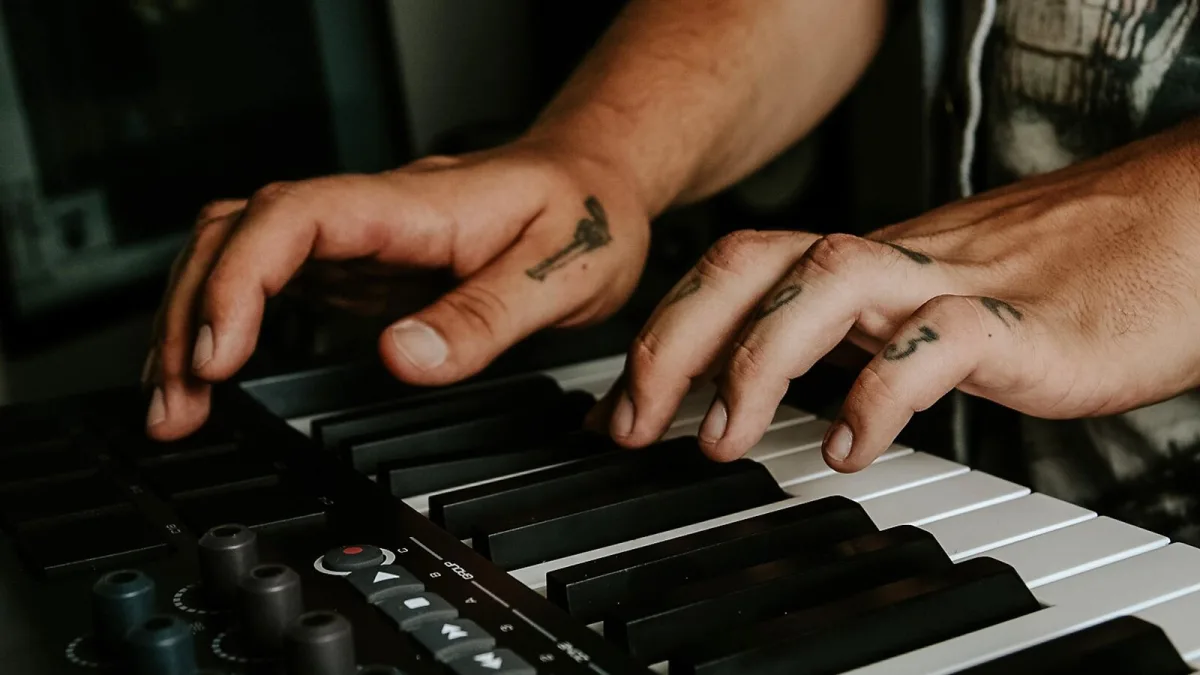
There's a particular kind of magic in pressing one key and hearing a full, rich chord bloom out of the speakers — no fumbling for the right shape, no second-guessing which notes belong together. That's the whole promise of a chord player, and it's a term that covers a surprisingly wide family of tools. This guide walks through what one actually is, the different forms it takes, and how to think about the features on offer, so you can work out which flavour suits the way you make music.
What Is a Chord Player, Really?
At its simplest, one lets you trigger a group of notes as a single unit rather than playing every note yourself. Press one pad and you get C–E–G instead of hunting for three separate keys. Beyond that basic idea, the term gets used quite loosely across the industry, so it's worth defining before you start comparing products.
Depending on how it's built, a chord player might store fixed chord shapes, build chords from a key and scale you've chosen, turn a single played note into a full chord, or even generate progressions for you to browse through. Some go further still, listening to what you play and using it to control an entire backing arrangement.
The Main Types You'll Come Across
Rather than one product category, "chord player" really describes several distinct approaches. Here's the lie of the land:
| Type | How it works | Typically used for |
|---|---|---|
| Online chord player | Pick chords in a browser, hear them played back | Learning, quick songwriting sketches |
| MIDI chord plug-in | Turns a note or trigger into chord data inside a DAW | Studio production and arranging |
| Pad or button controller | Dedicated hardware buttons fire stored chords | Live performance, fast idea capture |
| Arranger keyboard | Detects your left-hand chord and builds bass, drums and backing | Solo performance, worship, entertaining |
| Guitar-style chord system | Displays or triggers chord shapes and positions | Learning guitar chords and technique |
A browser tool such as Musicca's is a good example of the first category — you choose a progression, a tempo and a backing style, then rearrange and share the result. At the other end sit dedicated MIDI hardware controllers like Q-RY Instruments' ChordPlayer, which arranges 24 major and minor chords around the circle of fifths for one-touch triggering over USB-C.
How It Actually Works Under the Hood
Whatever the format, the underlying job is the same: convert a simple input — a button press, a single note, a menu choice — into a musically useful group of notes. A MIDI-based tool sends that data on to a synth, sampler or piano sound in your software; it usually doesn't make any noise of its own. A browser tool, by contrast, plays its own built-in instrument sounds directly.
Plug-ins such as Audiomodern's Chordjam lean into guided randomisation, letting you audition suggested progressions and then import, tag and save the ones you like. ChordPrism, meanwhile, is built as an AU/VST/AAX plug-in specifically for playing and recording chords, melodies and basslines from one window, which suits producers who want everything in a single pane inside the DAW.
Why Musicians Reach for One
It earns its keep whenever there's a mechanical barrier between an idea and hearing it. That covers a lot of everyday situations:
- A songwriter wants to audition several progressions quickly, without stopping to work each one out by hand.
- A producer is fishing for a harmonic idea they wouldn't have landed on deliberately.
- A solo performer needs simplified, one-handed chord control while singing.
- A student wants to hear how chord changes function within a key, as a listening exercise.
- A guitarist or pianist wants a controlled backing track to practise over.
You'll find these tools especially common in pop, electronic music, hip-hop and worship settings, where getting from harmonic idea to finished-sounding sketch quickly matters more than playing every voicing by hand.
Features Worth Knowing About
Not every one offers the same depth. A few things separate the basic tools from the more capable ones:
- Chord vocabulary — major and minor triads are the baseline; sevenths, suspended, added-note and extended chords (ninths, elevenths) show up on the more thorough tools.
- Voicings and inversions — the same chord can sound completely different depending on which note sits on the bottom and how the notes are spaced.
- MIDI routing — USB and Bluetooth MIDI, VST/AU/AAX plug-in formats, and separate outputs for chords, bass and melody all matter if you're feeding a DAW.
- Rhythm controls — arpeggiation, strumming patterns and chord latching turn a static trigger into something more performable.
Hardware such as InstaChord takes a slightly different tack again, pairing chord buttons with rubber strumming pads and both USB and Bluetooth MIDI, which puts it closer to a guitar-shaped performance instrument than a studio tool.
Where It Won't Save You
It's worth being honest about the limits, too. It doesn't replace knowing your harmony — its output still depends entirely on the voicing, rhythm and instrument sound you choose around it. Generated progressions can sound generic if you never edit them, preset voicings don't always suit every genre, and an arranger's automatic accompaniment can occasionally follow the wrong chord if what you played was ambiguous. Treat the output as a strong first draft, not a finished part.
The Bottom Line
A chord player is less a single product than a whole family of tools built around the same idea: turning a chord from something you assemble note by note into something you can simply trigger. Whether that's a free browser tool for quick sketches, a MIDI plug-in for your DAW, or a hardware pad controller for the stage depends entirely on what you're trying to do. If you're picking up your very first one, our beginner's guide to chord players walks through the gentlest way in, while our complete buyer's guide digs into the features worth paying for. Curious what's actually out there? Have a look at the best chord players for the money, and once you're using one regularly, it's worth reading through our rundown of common chord player mistakes to avoid.




Comments