


Virtual DJ article
Virtual Dj for Beginners: A Complete Guide
Everyone's first mix feels like too many buttons. Here's a calm, step-by-step route into VirtualDJ that doesn't need a controller or a paid licence to start.
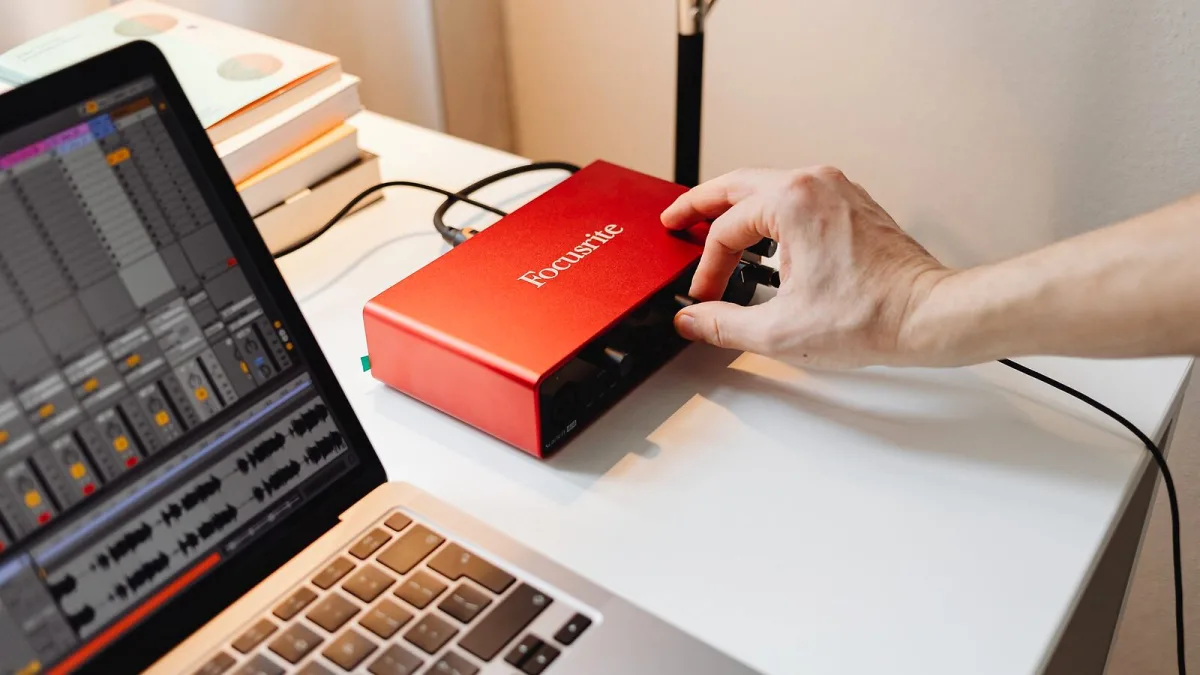
Everyone remembers their first go on DJ software feeling like too many buttons and not enough clue what they do. That's completely normal, and VirtualDJ is actually a decent place to start, because you can learn the whole thing for free before spending a penny or buying any hardware. Here's a calm, no-pressure route from "just installed it" to your first proper practice mix.
Before you install anything
You do not need a controller to begin. VirtualDJ will run with just your laptop's keyboard and mouse, which is honestly a good way to learn what each function actually does before a physical controller adds another layer to think about. If you do already own a basic controller, that's fine too — just don't feel you need one on day one.
Getting set up, step by step
- Download VirtualDJ from the official Atomix website — never a third-party mirror, since that's how people end up with bundled junk software.
- Pick one small, organised folder of music to start with. A huge, messy library is overwhelming on day one; twenty or thirty tracks you actually like is plenty.
- Let VirtualDJ analyse the tracks. This reads the BPM and builds the beatgrid and waveform for each file automatically.
- Set one cue point per track at the point you'd actually want to start mixing in from — usually the first strong beat after an intro.
- Load two tracks and just listen through headphones before you touch a fader. Get used to hearing one deck in your headphones and the other through your speakers.
- Practise gain staging first. Match the volume of both decks before you attempt a blend — a mix with mismatched gain sounds messy no matter how well the beats line up.
- Try a basic transition using Sync, then try the same transition manually, nudging pitch by ear. Both skills matter; Sync is a tool, not a replacement for hearing it yourself.
- Record yourself and listen back critically for clipping, sudden bass jumps or timing that drifts.
Take that slowly. There is no prize for rushing to controllers, effects and video decks in week one.
The three skills worth learning before anything fancy
1. Gain and EQ, before Sync
It's tempting to let the Sync button in VirtualDJ do everything from the start, and there's no shame in using it — plenty of working DJs do. But learning to set gain and EQ by ear first means you'll actually understand what Sync is doing for you, rather than treating it as a mystery button. Digital DJ Tips has described VirtualDJ's Fluid BPM feature as aimed at DJs who "mix without the sync button" — that's a more advanced skill for later, but it tells you the software still rewards ear training.
2. Headphone cueing
Being able to hear the next track privately, find your cue point, and judge the timing before the audience hears it is the single most useful habit you can build early. It feels awkward for about a week, then becomes automatic.
3. Reading a beatgrid
The coloured grid VirtualDJ overlays on the waveform tells you where the software thinks the beats fall. For most modern, steady tracks it is reliable. For live-band recordings or tracks with tempo changes, it can drift — so get into the habit of glancing at the first downbeat and correcting the grid manually if it looks off, rather than trusting it blindly.
Don't feel you need this on day one
- The stems feature in VirtualDJ (splitting a track into vocal, drum, bass and melody in real time) is genuinely fun, but it's an "add this once you're comfortable" feature, not a beginner essential.
- The effects engine, with well over 100 effects in the current build, is easy to over-use early on. One effect at a time, used deliberately, beats stacking three you don't fully understand.
- Video, karaoke and DVS (timecode vinyl) setups add real complexity. Learn the core mixing skills on a simple two-deck audio setup first.
- A paid licence. VirtualDJ's free tier is built for exactly this stage — non-professional practice — so there's no need to spend anything until you're DJing for other people.
A gentle practice plan for your first few weeks
Fifteen or twenty focused minutes most days beats one long, frustrating session at the weekend. Pick two tracks of a similar tempo and genre, and just work that one transition until it feels boring — boring means it's becoming automatic. Then swap in a new pair. Resist adding a controller, effects or a bigger library until the basics genuinely feel easy, not just "technically working."
When you're ready for more
Once headphone cueing and basic transitions feel natural, it's worth reading our full VirtualDJ overview to see everything the software can do, and our buyer's guide when you're deciding on a licence or your first proper controller. It's also worth a look at our list of common VirtualDJ mistakes — much easier to sidestep them now than to unlearn bad habits later.
The main thing to remember
Nobody's first mix is smooth, and that's fine. VirtualDJ rewards patience far more than it rewards buying the fanciest controller straight away. Learn to hear a transition before you learn to automate one, and the rest of the software will make a lot more sense when you do explore it.




Comments