


Mpc Sample roundup
Mpc Sample: A Complete Buyer's Guide
Is the Akai MPC Sample worth your money? Here's what to check before you buy, and where it fits next to Akai's bigger standalone units.
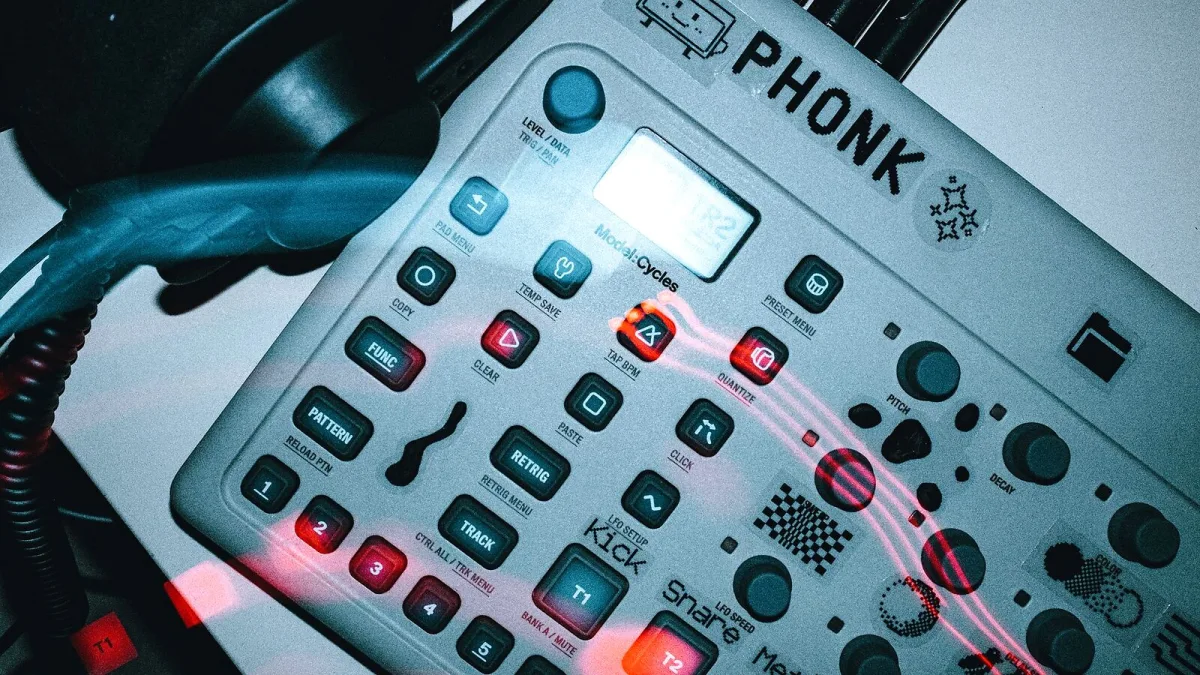
Right, let's get straight into it: is the Akai MPC Sample worth your money, and what should you actually be checking before you buy one? This isn't a history lesson — it's the practical stuff: specs that matter, what you're trading away for the portability, and where it sits next to Akai's other standalone machines.
Who This Machine Is Actually For
The MPC Sample is built for people who want to sample and chop audio quickly, without needing a laptop nearby — think bedroom producers, songwriters catching an idea on the move, or anyone who wants a self-contained sampler that runs on battery power. It's less well suited to anyone who wants a big screen, deep plugin integration or the most generous onboard storage; Akai's larger standalone units cover that ground instead.
Specs Worth Checking Before You Buy
| Spec | What Akai states | Why it matters |
|---|---|---|
| Polyphony | 32 stereo voices | Caps how many samples can layer and ring out at once |
| Project limits | Up to 128 samples and 128 sequences | Determines how big a single project can grow |
| RAM / storage | 2 GB RAM, 8 GB internal storage | Sets the ceiling on loaded content and saved projects |
| Battery life | Up to six hours (Akai); ~5 hours in earlier hands-on coverage | Real-world runtime depends on speaker and effects use |
| Inputs | Built-in mic, stereo 1/4-inch inputs, USB-C | Confirms how you'll actually get audio in |
That gap between Akai's stated six-hour battery figure and earlier five-hour reports is worth bearing in mind — treat six hours as a best-case number rather than a guarantee, since screen brightness, speaker use and effects load will all eat into it.
Format and Compatibility Check
Before buying, confirm the file types you'll actually be working with are covered: it supports WAV, MP3, AIFF, FLAC and OGG, at up to 24-bit resolution and 96kHz sample rates. If your workflow leans heavily on a specific format or a very high sample rate for mastering-grade work, it's worth checking that against Akai's current documentation directly, since supported formats and modes can vary between firmware versions.
How It Compares to Akai's Other Standalone Units
The MPC One, MPC Live and MPC X all run the same underlying MPC software environment but are built for a different use case: bigger screens, more onboard storage and broader connectivity, at the cost of portability and battery independence. If you already own one of those and are wondering whether you need this one too, the honest answer is that it fills a genuinely different role — a grab-and-go sampler rather than a full studio replacement. Buying it as your only production tool is a different decision than buying it as a portable companion to a bigger setup.
Things That Aren't Fully Confirmed Yet
A few practical details are worth double-checking directly with a retailer before you commit, since the available documentation doesn't settle them completely: exact regional pricing and availability, full behaviour of microSD-based storage expansion, and how every supported format performs across all of the unit's operating modes. None of these are dealbreakers, but they're the kind of thing worth confirming rather than assuming.
It's also worth asking a retailer directly whether current stock includes the latest firmware, since Akai has continued updating features like Instant Sample Chop and the effects engines after launch. A unit running older firmware isn't faulty, but you may need to update it yourself before some documented features behave exactly as described.
What You're Giving Up for the Portability
It's worth being upfront about the trade-offs rather than only the selling points. The screen is smaller than on Akai's larger standalone machines, onboard storage is modest next to a laptop-based setup, and there's no substitute for a proper monitor when you're doing detailed edit work. None of that makes it a bad purchase — it just means the honest pitch is "portable and quick," not "replaces your whole studio."
Related Reading
Once you've decided it's the right fit, MPC Sample for Beginners: A Complete Guide walks through your first project step by step, and MPC Sample Explained: Features, Types and Tips goes deeper on the sample types and features themselves. Worth a look before you get too far into a project: Common MPC Sample Mistakes to Avoid.
The Bottom Line
If portability and quick, hands-on sampling matter more to you than a big screen or the deepest onboard storage, this ticks the right boxes. Check the battery-life caveat, confirm your format needs against current documentation, and decide honestly whether you need a standalone studio or a grab-and-go companion — that answer determines which MPC is actually right for you.




Comments