


Mpc Sample article
Common Mpc Sample Mistakes to Avoid
Most MPC Sample problems aren't a hardware fault — they're a handful of habits. Here's what trips people up, and the quick fix for each.
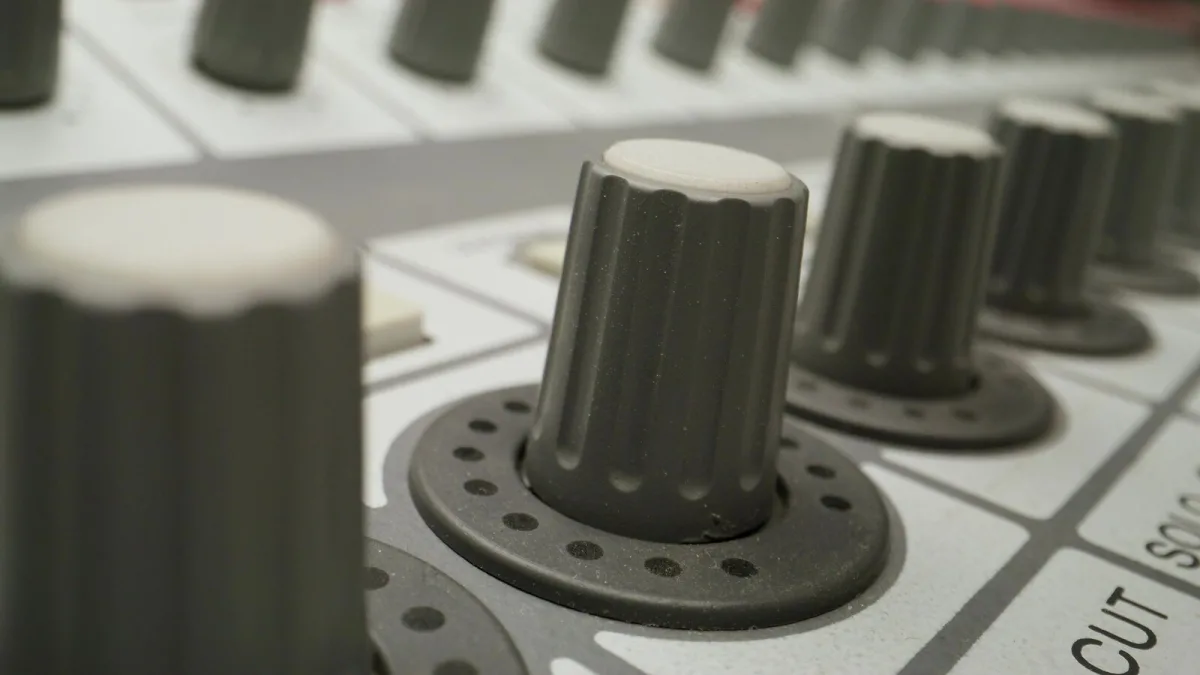
Most of what goes wrong on the Akai MPC Sample isn't a hardware fault — it's a handful of habits that quietly work against you until you notice the pattern. Here are the mistakes that come up most often, and the quick fixes for each one.
Recording Too Hot, or Too Quiet
Two opposite problems, same root cause: not checking gain before hitting record. Recording too hot introduces clipping that can't be undone afterwards, while recording too quietly and then pushing the level up later brings up noise along with the signal. Aim for a healthy level with some headroom left, and check it on a couple of test hits before committing to a full take.
Leaving Silence Around Every Sample
Untrimmed dead air before or after a sound is one of the most common reasons a beat feels loose or "late" even when the timing is technically correct. Trim tightly around drum hits especially, and use short fades at edit points to avoid audible clicks where a sample starts or stops abruptly.
Trusting Automatic Chopping Completely
Instant Sample Chop is genuinely useful for speeding up the process, but treating its output as final is a mistake. Automatic slicing can produce a good starting point, but transients and note endings often need manual adjustment afterwards — especially on vocal phrases or breaks with less predictable timing.
Overdoing Time-Stretch and RePitch
Both tools are useful for small adjustments, but extreme settings introduce audible artefacts that are hard to disguise later. If a sample needs a dramatic tempo or pitch change to fit a project, it's often worth finding a better-suited source instead of pushing the processing further than it can comfortably go.
Ignoring Phase and Low End When Layering
Stacking multiple kicks or bass samples without checking how they interact is a common way to lose punch rather than gain it. Overlapping low-end frequencies and out-of-phase layers can cancel each other out or turn into an undefined rumble. Layer complementary sounds — different frequency ranges or characters — rather than piling up multiple sounds doing the same job.
Making Every Hit the Same Volume
Sequencing everything at identical velocity is an easy trap, and it's the fastest way to make a beat sound mechanical and flat. Velocity exists specifically to add movement and human feel across a kit — use it deliberately rather than defaulting to maximum on every pad hit.
Skipping File Organisation
It's tempting to keep sampling and worry about organisation later, but an unsorted library becomes a real drag on a project once it grows past a handful of sounds. Organising files by instrument, tempo, key and genre from the start costs very little time up front and saves a lot of searching later.
Confusing the Product With the Technique
One quieter mistake: assuming every mention of an "MPC sample" refers to this specific Akai unit, when plenty of guides use the same phrase to mean any sample used in a general MPC workflow, on any model in the range. Worth checking which one a given article or forum thread is actually discussing before applying its advice directly.
Forgetting Sample Clearance Isn't Automatic
Being able to record and manipulate audio doesn't grant permission to use copyrighted recordings commercially. If a sample originated from someone else's copyrighted work, clearing its use is a separate step from the technical process of chopping and sequencing it, and it's worth thinking about early rather than after a track is finished and you're attached to it.
Not Keeping a Backup of the Original Recording
It's easy to chop, tune, filter and time-stretch a sample straight into its final form and lose track of what you started with. Keeping the untouched original recording somewhere — even just as a spare file — means you can always start over if a heavily processed version stops working within a track, rather than having to re-record or re-import from scratch.
Treating the Manual as Optional Reading
It's tempting to learn everything by trial and error, and plenty of the workflow genuinely rewards that approach. But a handful of features — input selection for external recording in particular, and how the different chop modes actually behave — are documented clearly enough that a five-minute read saves considerably more time than working it out by guesswork later on.
Where to Go Next
If you're still getting comfortable with the basics, MPC Sample for Beginners: A Complete Guide walks through your first project step by step, and MPC Sample Explained: Features, Types and Tips covers the full feature set in more depth. Deciding whether to buy one in the first place? MPC Sample: A Complete Buyer's Guide covers what actually matters.
The Bottom Line
None of these mistakes are complicated to fix once you know to look for them — they're mostly about slowing down for thirty seconds before committing to a take, rather than learning new technical skills. Catch these habits early and everything you make afterwards will sound noticeably tighter.




Comments