


Portable CD Player article
Common Portable Cd Player Mistakes to Avoid
The avoidable mistakes that trip up most portable CD player owners, from Bluetooth confusion to bad disc cleaning, and the quick fix for each.
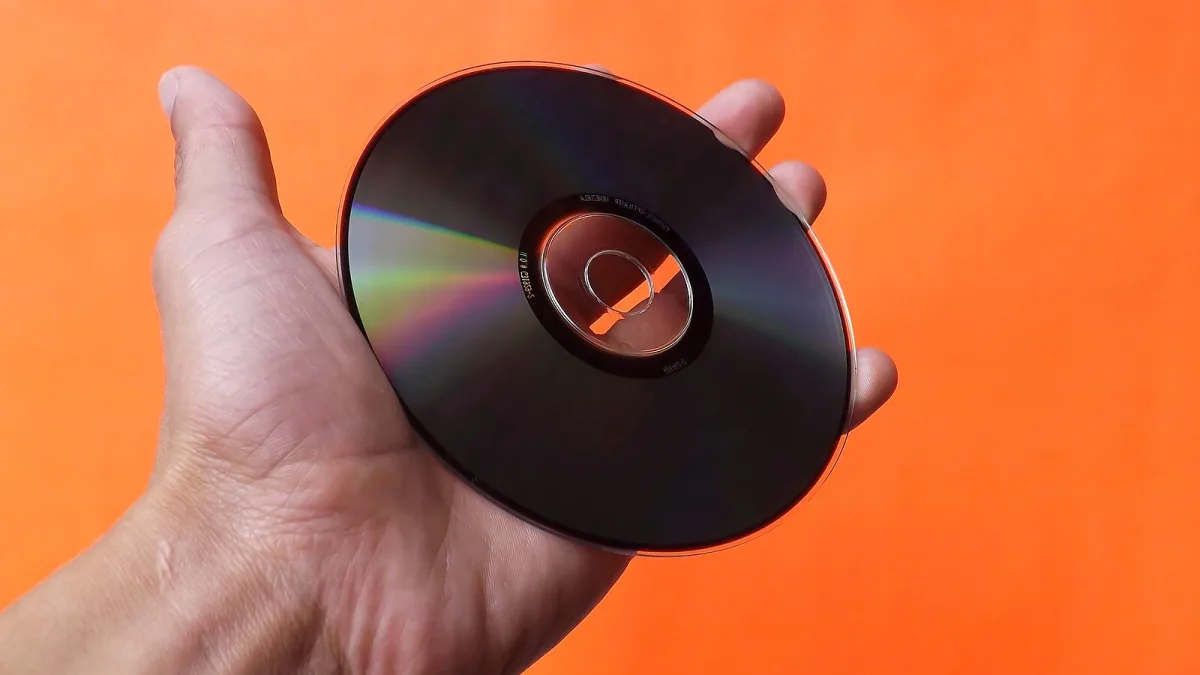
I've watched a fair few people give up on a perfectly decent portable CD player over problems that were entirely avoidable. Nothing here is complicated once you know it's an issue — it's just that nobody tends to mention it until you've already made the mistake once.
Mistake: Assuming Bluetooth Means Full Wireless
This is the one that catches people out most. A "Bluetooth CD player" might only transmit audio out to your wireless headphones, with no ability to receive audio in from your phone, or vice versa. Buy expecting one function and discover the other isn't there, and it feels like a fault when it's really just a spec you didn't check closely enough beforehand.
Mistake: Grabbing Any Old USB Cable
USB-C has spread widely, but it's genuinely not everywhere in this category yet. Plenty of models still use micro-USB or an older proprietary connector, and assuming your phone charger will fit is a quick route to a "dead" player that's actually just uncharged. Check the port before you travel anywhere with it, not after.
Mistake: Blaming the Player for a Dirty Disc
Repeated skipping while sitting still is very often the disc, not the mechanism. Fingerprints, dust and light scratches all interfere with the laser's ability to track properly. Before you conclude the player's broken, give the disc a proper clean with a soft, dry cloth, wiped in straight lines from the centre outward, and try it again.
Mistake: Cleaning a Disc the Wrong Way
While we're there — wiping in circles, using household glass cleaner, or scrubbing at a scratch with anything abrasive can genuinely make things worse, not better. Straight, radial wipes with a soft cloth are the safe method; anything more aggressive risks turning a minor mark into a proper scratch that skips every single time.
Mistake: Ignoring a Low Battery
Odd skipping, sudden stops, or a sluggish display are all classic symptoms of a battery that's running low, long before it dies completely. It's an easy thing to misread as a mechanical fault. If playback starts acting strange, charging up or swapping batteries should always be the first thing you try, not the last.
Mistake: Buying Purely on the Spec Sheet
Balanced outputs, USB DAC modes and CD ripping all sound impressive on paper, but they're wasted money if you're just after something simple for the daily commute. Work out what you'll genuinely use — walking, desktop listening or serious headphone sessions — before you let a long feature list talk you into paying for capability you'll never touch.
Mistake: Skipping the Warranty and Battery Details
It's easy to focus entirely on sound and features and forget the boring practical bit: what happens if the rechargeable battery degrades in a couple of years, and is it even replaceable? Checking warranty length and battery-replacement policy before buying takes two minutes and can save you from an expensive paperweight once the cell wears out.
Mistake: Storing Discs and Player Carelessly
Leaving discs loose in a bag, out of their cases, invites scratches from keys and coins. Leaving the player itself somewhere hot, like a car parked in the sun, can warp plastic components and shorten battery life over time. Neither habit causes instant damage, but both add up over months of casual mistreatment.
Mistake: Buying the Wrong Category Entirely
A portable CD player, a CD transport and a boombox get lumped together more often than you'd expect, and they're not interchangeable. A transport needs an external DAC and amplifier to make any sound at all — no good if you just want to press play and hear music. A boombox does the speaker job well but isn't remotely pocketable. Know which category you're actually shopping in before you compare a single spec sheet.
Mistake: Leaving Anti-Skip On for Stationary Listening
Anti-skip is brilliant for walking about, but it isn't free — buffering audio in memory uses extra power, and it does nothing useful while you're sat at a desk not moving the player at all. If your model lets you toggle it off for stationary listening, doing so can genuinely stretch your battery life, and you won't lose anything since there's no movement for the buffer to compensate for in the first place.
Mistake: Assuming a Used Player Works Like New
Second-hand and vintage units can be genuinely great value, but the laser lens does wear over time, and a player that struggled with one worn seller's demo disc might struggle with several of yours too. Test a few different discs before you commit if buying in person, and don't assume every unit that "mostly works" will keep working reliably once it's yours.
Getting the Basics Right
Every portable CD player mistake here is a five-minute fix once you know to look for it: check the actual Bluetooth spec, keep the right cable to hand, clean discs properly, and don't panic the moment something skips before ruling out the boring explanations first. If you're still getting to grips with the essentials, our beginner's guide is worth reading, and our buyer's guide covers what to check properly before your next purchase.





Comments