


Pioneer DJ roundup
Pioneer Dj: A Complete Buyer's Guide
A straight technical rundown of what actually matters when choosing gear in this ecosystem, sorted by the decisions that make the real difference.
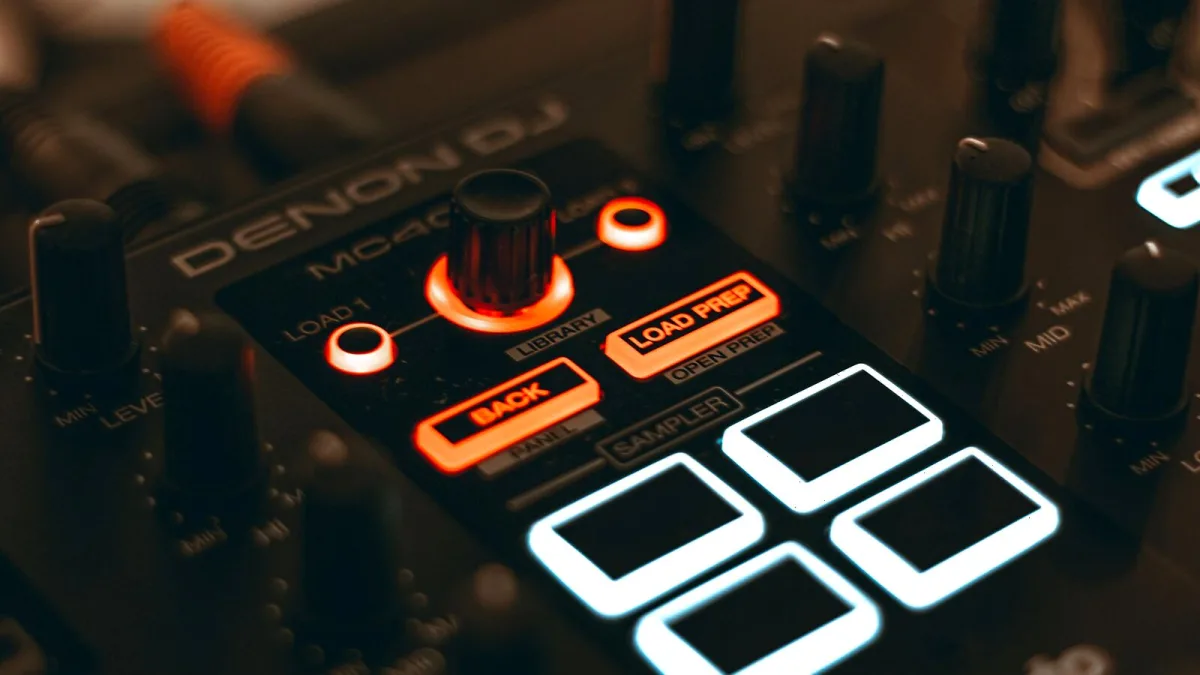
The Pioneer DJ range is wide enough that shopping it without a plan usually ends in either overspending or buying the wrong thing entirely. This is a straight technical rundown of what actually matters when you're choosing gear from the Pioneer DJ ecosystem — sorted by the decisions that make the biggest difference, not by marketing copy.
Start With What You're Actually Doing
Before comparing a single spec, answer this honestly: are you practising at home, playing mobile gigs and small bars, or aiming at proper club and festival bookings? The answer changes almost everything else on this list, because the brand's ranges are built around fairly distinct use cases rather than one product scaling up neatly to the next.
Controller, Standalone, or Club Rig?
There are three broad routes into the Pioneer DJ ecosystem, and they're genuinely not interchangeable:
- All-in-one controllers (DDJ range) — a single unit with jog wheels, mixer section and software control built in. Cheapest way in, needs a laptop running rekordbox or Serato DJ.
- Standalone media players (XDJ, OPUS-QUAD) — no laptop required, load music straight from USB. More expensive, but closer to how club setups actually behave.
- Separate media players and mixer (CDJ plus DJM) — the club-standard configuration, sold as individual units rather than one box. This is what you're training for if the goal is proper venue bookings.
Buying a controller when you actually want club experience isn't wrong, but know that the muscle memory only partly transfers — the physical layout and workflow of CDJs and a separate mixer feel different enough that most DJs need an adjustment period either way.
Software Compatibility Is Not Optional Homework
Every piece of hardware in the Pioneer DJ range is built around a specific software relationship, and it genuinely isn't universal. Rekordbox is the manufacturer's own platform; Serato DJ is a widely used alternative that a good number of controllers and mixers also support, but not all of them, and not always to the same feature depth. Before you buy anything, confirm three things: which software the unit is actually designed for, whether your preferred software supports it fully or in a limited mode, and whether that support requires a specific software version or paid tier. Getting this wrong after purchase is an expensive lesson.
What Actually Matters on a Spec Sheet
| Consideration | Why it matters |
|---|---|
| Jog wheel size and feel | Bigger, weighted jog wheels generally give more precise scratching and cueing control |
| Number of channels on the mixer | More channels mean more inputs for players, other decks or external gear |
| Effects and performance pads | Useful for live remixing, but don't let pad count alone decide a purchase |
| Connectivity (USB, network, analogue inputs) | Determines whether you can link multiple units or bring in outside sources cleanly |
| Build quality | Matters far more if the gear is travelling to gigs regularly rather than staying in a bedroom |
Buy for Where You're Actually Playing, Not Where You Hope To
It's tempting to buy club-standard CDJs on day one because that's what you'll eventually want. Resist it unless you're already booking venues that require it. Home practice on a controller, with the same rekordbox library and analysed tracks you'd use on standalone gear, transfers a genuinely useful amount of your prep work — the physical hardware gap matters less than the workflow habits you build early.
Firmware and Long-Term Support
Factor ongoing support into the purchase decision, not just the initial spec sheet. Pioneer DJ issues regular firmware updates covering USB-media handling, operating-system compatibility and occasional security patches, so gear that's actively supported tends to stay usable for longer without compatibility headaches. Older, discontinued units can eventually fall behind on macOS, iOS or software updates, which is worth weighing against a lower second-hand price.
If You're Buying Your First Setup
If all of this is new territory, our beginner's guide strips this down to the simplest, cheapest sensible starting point, and our full overview explains how the CDJ, DJM, DDJ and XDJ product families actually relate to one another before you commit to any of them.
Learn From Other People's Expensive Mistakes
Before you check out, it's worth ten minutes with our rundown of the most common buying and setup mistakes — software mismatches and over-buying for your actual gigging level come up constantly, and both are entirely avoidable with a bit of planning.
The Bottom Line
Buy for the gigs you're actually playing this year, confirm software compatibility before you confirm anything else, and don't assume a bigger spec sheet automatically means a better fit. The right piece of Pioneer DJ gear is the one that matches your real workflow, not the one with the most features on the box.






Comments