


Pioneer DJ article
Common Pioneer Dj Mistakes to Avoid
Everyone makes at least one of these. Here's how to avoid the expensive, frustrating mistakes people make buying and using this gear.
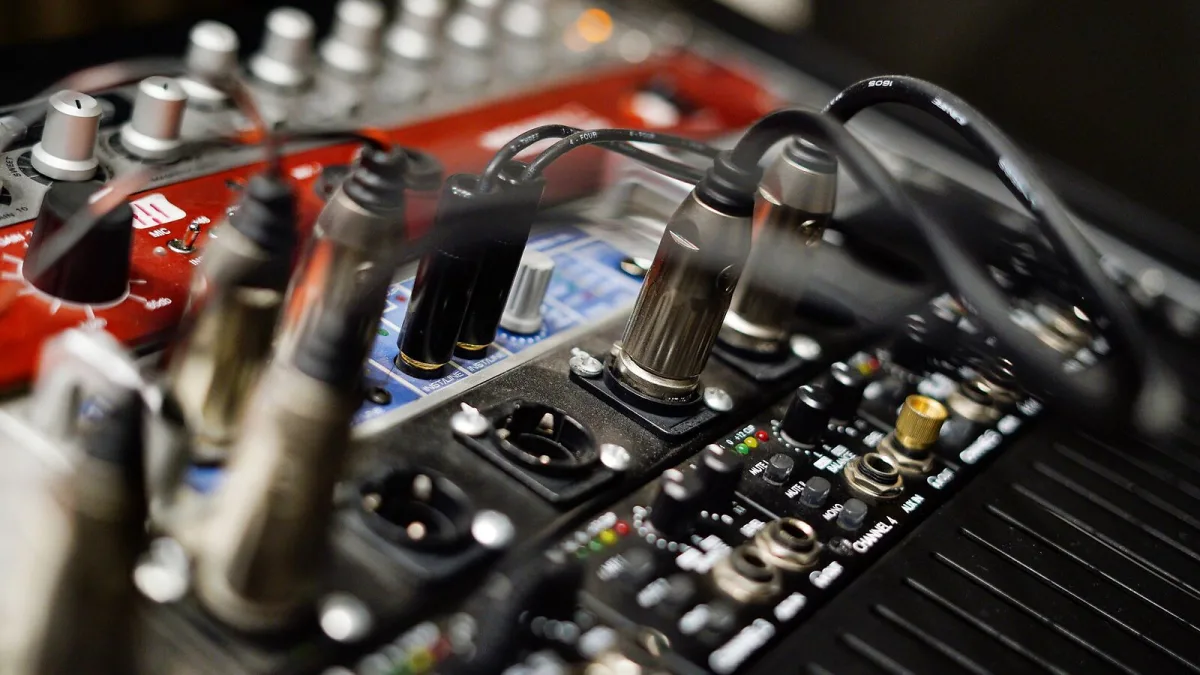
I've watched a lot of people wander into this hobby, spend money in slightly the wrong order, and get needlessly frustrated for it. None of these Pioneer DJ mistakes are embarrassing — everyone makes at least one of them — but knowing them upfront saves you both cash and a fair bit of head-scratching.
Buying Club-Standard Gear Before You Need It
The CDJ and DJM combination you see in every big club is genuinely excellent kit, and it's also priced and built for people gigging that circuit regularly. Buying it as your very first setup, before you know whether you'll stick with DJing at all, is one of the most common and most expensive mistakes going. An entry-level controller teaches the same fundamentals for a fraction of the outlay.
Ignoring Software Compatibility
Not every mixer or controller in the Pioneer DJ range plays equally nicely with every piece of software. Some units are built around rekordbox specifically; others support Serato DJ fully, partially, or not at all depending on the exact model and firmware version. Buying first and checking compatibility afterwards is how people end up with a decent-looking mixer that quietly won't do what they actually need.
Skipping Firmware Updates Until Something Breaks
Firmware isn't exciting, so it's easy to ignore until a problem forces the issue. That's backwards. Updates cover USB-media handling, operating-system compatibility, network features and the occasional security patch — and there have been reported cases of playlists or track history disappearing after certain updates went wrong. The fix isn't avoiding updates altogether; it's checking release notes and updating well ahead of a gig, never the night before one.
Turning Up to a Gig With an Untested USB
Exporting a library from rekordbox and assuming it'll behave identically on unfamiliar club hardware is a gamble you don't need to take. Beat grids, cue points and playlists can occasionally misbehave on gear you haven't personally tested. Bring a backup drive, and where possible, get to the venue early enough to plug in and check your export actually loads and plays the way you expect.
Overlooking PRO DJ LINK and Network Basics
Linked Pioneer DJ setups sharing data over PRO DJ LINK are convenient, but convenience isn't the same as something you can ignore entirely. Pioneer DJ has issued security notices covering this exact network protocol, so it's worth understanding what your gear is actually sharing and with what, rather than assuming a network feature is automatically safe by default.
Chasing Spec Sheets Instead of Your Actual Sound
More pads, more effects, more channels — it's tempting to shop by the longest feature list. But a mixer or controller only earns its keep if it fits how you actually play. Someone building slow, blend-heavy house sets doesn't need the same box as someone doing scratch-heavy turntablism, whatever the marketing photos on both units suggest.
Neglecting Your Headphones and Monitoring
People will spend serious money on a controller and then cue up on whatever headphones happened to be lying around. Cueing accurately — hearing exactly where a track's beat sits before it goes out to the room — depends on decent headphones, full stop. It's an easy corner to cut and a genuinely costly one to cut badly.
Building a Library You've Never Properly Listened To
A folder stuffed with thousands of half-heard tracks looks impressive and helps nobody mid-set. The DJs who read a room well are usually the ones who know a smaller library intimately, not the ones with the biggest hard drive. Curate before you perform, not during.
Buying Grey-Market or Suspiciously Cheap Gear
Genuine Pioneer DJ hardware holds its resale value well which unfortunately makes it a target for grey-market imports and outright dodgy listings promising a big discount. A unit bought this way can arrive with no proper warranty, an unclear service history, or accessories quietly stripped out before resale. Buy from an authorised dealer or a clearly reputable seller, even if it costs a little more — the warranty and support alone are usually worth the difference.
Where to Go From Here
If you're still deciding what to actually buy, our full buyer's guide covers the decisions that matter most before you spend anything, and our overview explains how the whole product range fits together. Brand new to this entirely? Our beginner's guide is the more forgiving starting point.
The Bottom Line
Every Pioneer DJ mistake on this list comes from the same root cause: moving fast on gear before slowing down on information. Check compatibility before you buy, update firmware before you need to, test your USB before the gig, and build a library you actually know. None of it costs anything except a bit of patience.






Comments