


Pioneer DJ DJ Controller article
Pioneer Dj Dj Controller for Beginners: A Complete Guide
Nervous about DJing? A Pioneer DJ controller for beginners is simpler than it looks. This guide walks you through setup, first practice and building confidence.
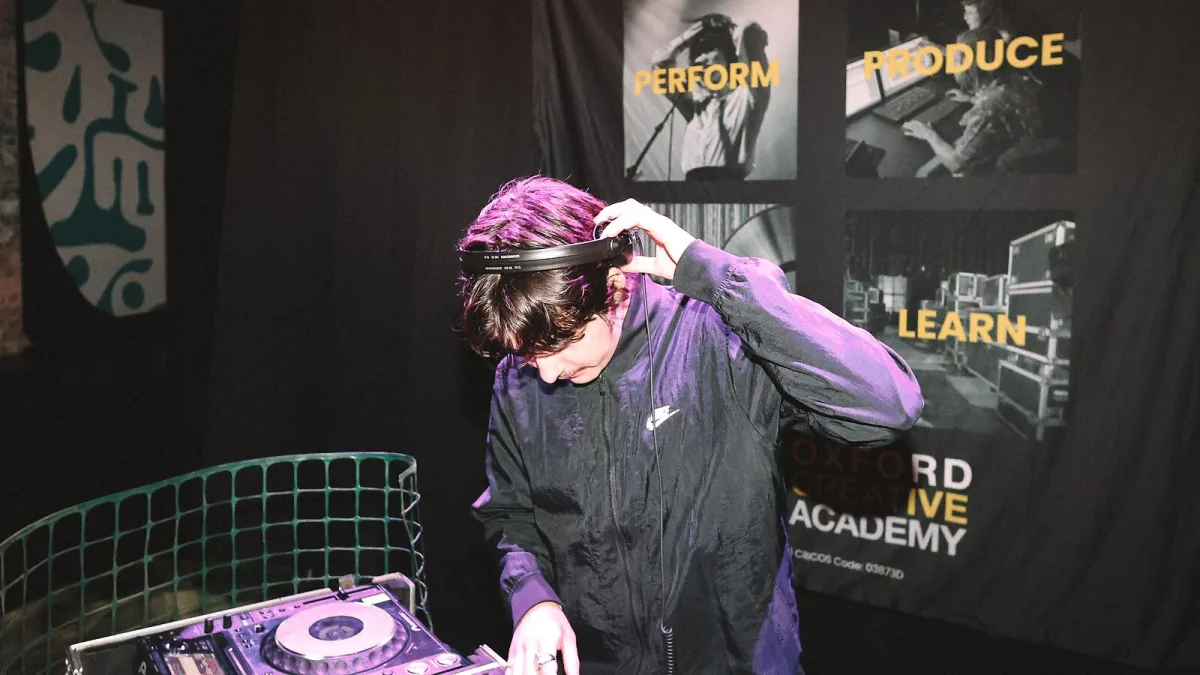
The idea of standing behind decks and mixing music for a crowd sounds brilliant, but where do you even start? A Pioneer DJ controller for beginners is actually much simpler than it looks—it's basically a fancy remote control for music software, with physical buttons and wheels that let you do in real time what you'd normally click on a screen. This guide walks you through the bare essentials: what you actually need, how to set it up without panicking, and how to take your first nervous steps from bedroom mixing to something you're genuinely proud of.
You Don't Need Much to Start
Here's the relief: you don't need to spend a fortune or understand complex audio engineering to start DJing. A basic setup is a Pioneer DJ controller (something like the entry-level DDJ-FLX2), a laptop running DJ software, headphones and speakers. That's it. Everything else is nice-to-have, not essential. You probably already have the laptop. You might even have decent headphones lying around. So realistically, you're looking at buying the controller and maybe replacing your headphones if what you have is uncomfortable or has dodgy audio.
The software—rekordbox, Serato DJ Lite, djay—comes free or nearly free with most beginner controllers. You don't need to understand music production or audio engineering. You don't need expensive studio monitors or a perfectly treated room. You don't need to know how to beatmatch by hand on the first day (though you'll learn). Start simple and add complexity later as you actually need it.
Choosing Your First Controller
For a beginner, the Pioneer DJ controller you want is compact, affordable and compatible with multiple software platforms. The DDJ-FLX2 is genuinely the sweet spot: it's small enough to fit in a rucksack, supports rekordbox, Serato DJ Lite, djay and Traktor, has USB-C connectivity (modern and reliable), and costs under £200. It's not flashy—it won't have a screen on the jog wheels or sixteen performance pads—but it has everything you need to learn properly.
Skip the temptation to buy a four-channel controller right away. They're bigger, more expensive, and the extra two decks will confuse you before they help you. Get comfortable mixing two decks first, then upgrade later if you want more. Likewise, ignore standalone systems for now. They're professional gear aimed at DJs with touring schedules; you'd be paying for features you won't use yet.
Software: Pick One and Learn It
Your Pioneer DJ controller will work with several software platforms, but pick one and commit to learning it properly. Rekordbox is Pioneer's own software and it's brilliant for club preparation, so many beginners choose it. Serato DJ Lite (the free version of Serato) is slightly less beginner-friendly but still approachable. Djay is very beginner-friendly with visual feedback and assisted features. Traktor is professional software with a steep learning curve.
For your first controller, pick whichever software feels most intuitive to you. If the interface clicks, you'll practice more. You can switch later if you want to. The core skills—learning to listen, understanding tempo, blending tracks—transfer between platforms, so pick the one that doesn't make you want to quit.
Setting It Up Without Panic
Physical setup is straightforward. Plug the controller into your laptop's USB port (or USB-C port, depending on the model). Install the software. Create an account if needed. The controller should automatically appear in the software as a connected device—if it doesn't, you might need to install drivers from the manufacturer's website, though most modern systems handle this automatically.
Connect headphones to the headphone jack. Connect speakers or monitors to the master output—most beginner controllers use 3.5 mm outputs, so you're probably plugging them into powered speakers (speakers with built-in amplifiers). If you're using passive speakers, you'll need an amplifier between the controller and speakers, but honestly, powered speakers are simpler for beginners.
Once everything's plugged in, open the software and go through the input/output setup. Most software has an initial setup wizard that walks you through selecting your controller as the input device and your speakers as the audio output. It's meant to be straightforward; if something's unclear, the software usually has helpful tooltips.
Your First Practice Session
Load two tracks into the two decks. Don't worry about mixing them yet—just play one, then switch to the other using the play buttons. Get comfortable with the physical layout. Use the headphone cue button to listen to the next track in your headphones while the audience hears the current track. This is the most important DJ skill: you're always listening ahead, preparing the next move while the crowd enjoys what's playing now.
Use the jog wheels to search through a track, find the beat-in point and position where you want to mix. Press play on the next deck. Don't panic about beatmatching (getting both tracks at the same tempo) on day one. Get a feel for the equipment first. Use the software's Sync button if it has one—it automatically matches tempos, which is genuinely useful while you're learning. Manual beatmatching comes later.
Use the crossfader (the horizontal slider in the middle) to blend between decks smoothly. Move it slowly from one side to the other. This is where mixing happens: it's the physical, tactile skill that makes DJing satisfying. Practise blending smoothly without jumps or drops in volume.
Building Your Music Library
Don't worry about having 10,000 tracks from day one. Start with 50–100 songs you genuinely love and know well. The software will analyse them (detect tempo, create waveforms) so you understand how they're structured. Tracks with clear, steady beats are easiest to learn with—anything from house, techno, funk, soul, UK garage and R&B that has a solid 4/4 beat.
As you practise, you'll get a feel for which songs mix well together: tracks at similar tempos, compatible EQ characteristics, tracks that have complementary energy. This instinct develops with practice, not from reading. Start with songs you know, add new ones slowly and deliberately.
The Patience Phase
Here's the reality: your first mixes will sound clunky. You'll miss the beat-in point. You'll let a track play too long because you panicked about hitting the cue button. You'll accidentally turn the master volume to zero at the worst moment. This is completely normal and it happens to everyone. Professional DJs have thousands of hours of practice behind them; you're in hour two.
Give yourself permission to sound rough. Record yourself mixing and listen back—you'll hear what needs work and improve naturally. Practice with the same controller regularly; your hands will develop muscle memory and things will start feeling natural. Mix for 30 minutes at a time rather than marathon sessions; your ears will thank you.
When You're Ready to Progress
After a few months of practice, if you're actually enjoying it and mixing regularly, you can think about adding gear. Better headphones will make a real difference—your ears spend all their time there, so invest in comfortable DJ headphones. A booth monitor speaker lets you hear what the audience hears while you're concentrating on cueing the next track. If you've outgrown two decks, a four-channel Pioneer DJ controller opens creative possibilities.
But none of that comes before you've properly learned on a simple setup. Too many people buy expensive gear hoping it will make them better DJs, then discover they actually just needed practice. You're learning a skill, not collecting equipment. Start with the basics and add thoughtfully as you grow.
This Is Actually Achievable
DJing looks intimidating from outside the booth, but it's fundamentally about listening, understanding music structure and making smooth transitions. Those are learnable skills, and a Pioneer DJ controller for beginners gives you the right tool to develop them. You'll be nervous the first time you mix; everyone is. But after a few sessions, you'll start to understand the rhythm and feel of it. And somewhere around session ten, you'll nail a transition that feels genuinely good, and you'll be hooked. That moment makes all the early fumbling worthwhile.





Comments