


Mpc One article
Mpc One for Beginners: A Complete Guide
It looks intimidating the first time you switch it on. Here's the beginner's route in, minus the overwhelm.
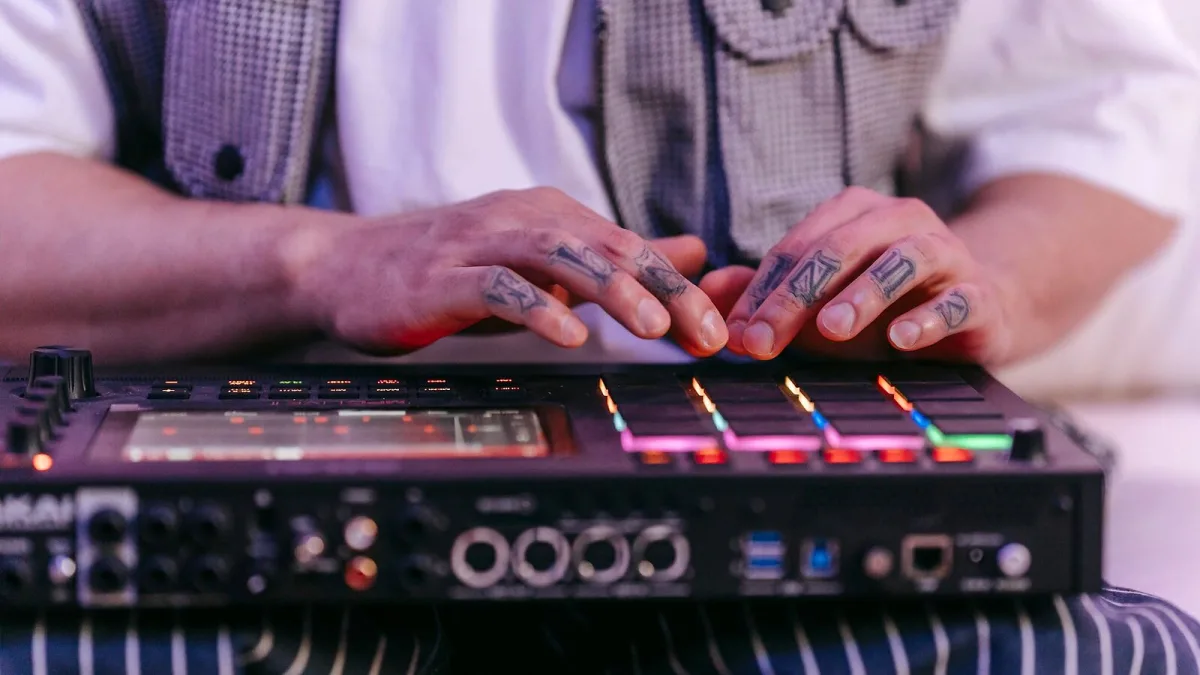
Right, deep breath — the MPC One looks intimidating the first time you switch it on, all pads and menus and unfamiliar words like "sequence" and "program." It really isn't as complicated as it looks once you know the shape of it. Here's the beginner's route in, minus the overwhelm.
Your Very First Session on the MPC One
Forget trying to understand every button on day one. Plug in headphones, load up one of the factory drum kits, and just tap the pads. That's it — that's step one, and it's genuinely enough for your first sitting. Get a feel for how velocity-sensitive they are; hit softer and harder and listen to the difference. This bit isn't wasted time, it's how your hands start learning the instrument before your brain has to learn the menus.
The Four Words That Unlock Everything
Nobody explains this bit clearly enough, so here it is plainly. A program is your sound — a drum kit, an instrument, a sample. A track plays that program according to a pattern. A sequence is a section made of tracks, like a verse or a chorus. A project is the whole song, sequences and all. You genuinely don't need more theory than that to start making something that resembles a beat.
- Pick a program (a drum kit is easiest to start with)
- Record yourself tapping pads onto a track, even messily
- Loop that as your first sequence
- Add a second track for a bassline or melody once the drums feel solid
Don't Touch These Yet
It's tempting to go exploring every menu the first week, but a few things are genuinely fine to leave alone at the start: CV/Gate outputs for modular gear, detailed sample resampling chains, and deep MIDI track routing for external hardware. None of that helps you make your first beat, and all of it will make far more sense once you've got a handful of simple loops under your belt. Save the deep end for month two.
Sampling Without Overthinking It
Sampling sounds technical, but the beginner version is simple: record a sound through the inputs, or import one from an SD card, trim off the silence at the start and end, and drop it on a pad. That's a usable sample. Chopping a longer clip into pieces across multiple pads is the natural next step once single samples feel comfortable — don't rush straight to it, since one clean sample well-placed beats five chopped ones badly used.
Getting Storage Sorted Early
If you've got the original MPC One rather than the One+, sort your SD card situation in week one, not week six. The built-in storage fills up fast once you're recording and importing samples regularly, and there's nothing more deflating than hitting a storage wall mid-idea. A decent card costs very little next to the frustration it saves.
Common Beginner Worries, Answered Honestly
"Am I doing this wrong if I'm just tapping pads randomly?" — no, that's genuinely how a lot of great loops start. "Do I need to understand every menu before I make anything good?" — absolutely not, plenty of people make solid beats for months before touching half the features. "Should I watch ten tutorials before I even switch it on?" — one or two is plenty; the rest is better learned by doing. "Is it normal to feel lost the first few sessions?" — completely, and it passes faster than you'd think.
Learn the Physical Controls Before the Deep Menus
Alongside the pads, the MPC One has four Q-Link knobs and a big data encoder, and getting comfortable with those early pays off fast. Use the Q-Links to tweak volume, filter or pan while a loop is playing rather than digging through touchscreen menus for every small change — it's quicker, and it teaches your ears to hear what each control actually does in real time. The data encoder is your best friend for scrolling and confirming choices without constantly tapping the screen.
Building Real Confidence
Once tapping pads and building simple loops feels natural, you'll want the bigger picture — how the full hardware, storage tiers and connectivity all fit together. Our complete guide covers exactly that, and if you're about to buy rather than already owning one, the buyer's guide is worth a read first.
Give yourself permission to be bad at the MPC One for the first few weeks. Every producer you admire started exactly where you're standing now, tapping pads and wondering what half the buttons do. Keep going and it clicks faster than you expect.






Comments