


Audio Technica Turntable article
Audio Technica Turntable Explained: Features, Types and Tips
Belt drive or direct drive, automatic or manual, PHONO or LINE — here's how the Audio-Technica turntable range actually breaks down, explained by someone who has lived with most of it.
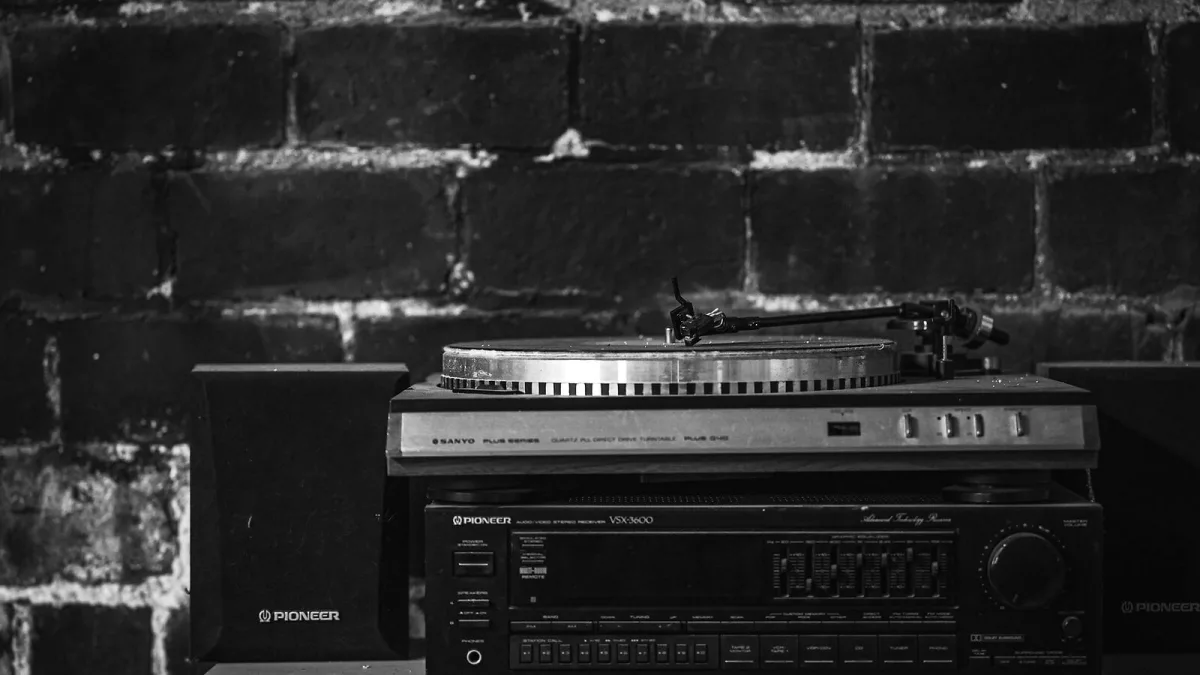
I've owned more turntables than I'd care to admit, and an Audio-Technica deck has turned up in nearly every listening room I've ever set up — sometimes as the star of the show, sometimes quietly digitising a crate of old singles in the background. If you're trying to make sense of the current Audio-Technica turntable range, this is the explainer I wish someone had handed me years ago: what the different types actually mean, where each model sits, and the handful of things worth understanding before you plug one in.
What Is an Audio-Technica Turntable, Exactly?
Audio-Technica has been making cartridges, headphones and studio microphones since the company was founded in Japan in 1962, and its turntables draw on that same engineering pedigree. Every model does much the same basic job: a stylus (the needle, essentially) traces the groove of a spinning record, a cartridge turns that tiny mechanical wiggle into an electrical signal, and a phono preamp then boosts and equalises that signal so an amplifier or a pair of powered speakers can make sense of it.
That last step matters more than most people realise. Skip the phono preamp, or connect to the wrong input, and you'll get sound that's either painfully quiet or oddly harsh. We'll come back to that.
Belt Drive or Direct Drive? The Two Turntable Types
Every deck in the range uses one of two drive systems, and understanding the difference explains a lot about how a given model behaves.
- Belt drive — the motor spins the platter via a rubber belt. It's common on home hi-fi decks, helps isolate the platter from motor vibration, and the belt itself is a consumable you'll eventually need to replace.
- Direct drive — the platter sits directly on the motor spindle. Start-up is near-instant and speed stays rock-steady even under the torque of cueing a record by hand, which is why it's the standard choice for DJ-style decks.
Neither is objectively "better" — platter mass, bearing quality and tonearm design all play a part too — but the distinction tells you a great deal about what a given deck is built for.
Automatic or Manual: How Much Do You Want to Do Yourself?
The second big fork in the range is automation. A fully automatic turntable starts, cues and returns the tonearm at the press of a button; a manual one asks you to lift and place the tonearm yourself. Automatic models are forgiving and quick to use. Manual decks demand a slightly steadier hand but generally open the door to more adjustment — tracking force, anti-skate, cartridge swaps — which matters if you like to tinker.
The Range at a Glance
Audio-Technica spreads its line-up across a handful of clear use cases rather than one continuous ladder of price. Here's roughly how the family divides up:
| Model | Drive / operation | Best suited to |
|---|---|---|
| AT-LP60X | Belt drive, fully automatic | The simplest possible vinyl playback |
| AT-LP60XUSB | Belt drive, fully automatic, USB out | Digitising records to a computer |
| AT-LP3XBT / AT-LP70XBT | Belt drive, automatic, Bluetooth | Wireless speakers or headphones |
| AT-LP5X | Belt drive, manual | A more traditional hi-fi listening experience |
| AT-LP120XUSB | Direct drive, manual, USB out | DJ-style handling and vinyl archiving |
The AT-LP60X is the one most people meet first: fully automatic, two speeds (33⅓ and 45 rpm), and an integral cartridge — often labelled AT3600L, or simply "Dual Magnet" — with a replaceable stylus that isn't really designed for swapping out to something else. It's a sealed, sensible package rather than a platform for tinkering. Want the same simplicity but the option to record vinyl onto a computer? The AT-LP60XUSB adds a USB output to that same basic design.
Step up to the AT-LP120XUSB and the character changes completely. It's manual, direct-drive, and built around a removable headshell, adjustable tracking force and anti-skate, pitch control, and even 78 rpm playback alongside the usual two speeds — all things a DJ or a serious hobbyist will actually use. The AT-LP5X takes a related, more purist route: manual operation without the DJ furniture, aimed squarely at listening rather than mixing. And if cables are the annoyance, the AT-LP3XBT and AT-LP70XBT both add Bluetooth to automatic, belt-drive decks so you can pair with wireless speakers or headphones.
Phono Preamp or Line Output: Getting the Connection Right
Every model in the current range has a switchable output, and getting this setting wrong is the single most common reason a new deck sounds terrible.
- PHONO setting — use this into a dedicated phono input on an amplifier or mixer, which supplies its own RIAA equalisation.
- LINE setting — use this into an AUX or line-level input, powered speakers, or a soundbar, because the deck's own built-in preamp is doing the equalising for you.
Send a PHONO signal into a LINE input and the sound will be thin and quiet; send a LINE signal into a PHONO input and you risk overloading the phono stage. Check the switch before you assume the turntable itself is faulty.
Cartridges, Styli and the Bits You'll Eventually Replace
The stylus is the only part of a cartridge that wears out in normal use, and Audio-Technica sells replacements across its own ranges. Entry-level decks like the AT-LP60X use an integral cartridge, with a stylus you can swap but not meaningfully upgrade beyond. The AT-LP120XUSB, by contrast, ships with a proper removable-mount cartridge — the AT-VM95E — which you genuinely can replace or upgrade down the line as your ear, and your record collection, develops.
Looking After an Audio-Technica Turntable
A little care goes a long way. Keep the chassis level — Audio-Technica's own guidance recommends checking it with a spirit level and adjusting the feet — and keep the stylus and dust cover clean. Replace a worn or damaged stylus promptly; a tired stylus wears grooves faster than a fresh one ever will. On belt-drive models, remember the belt itself is a wear item, and it's worth having a spare eventually.
The Bottom Line
Once you separate the range by drive type, automation and connectivity, the Audio-Technica turntable line-up stops looking like a confusing wall of model numbers and starts looking like a set of deliberate, sensible choices. If you're weighing up which one to actually buy, our buyer's guide to the range walks through the practical decisions in more depth, and if this is your very first deck, our beginner's guide keeps things refreshingly simple.





Comments