


Mic to XLR roundup
Mic to Xlr: A Complete Buyer's Guide
A clear, honest buying checklist covering what to plug into, whether you need phantom power, and which adapters actually do their job.
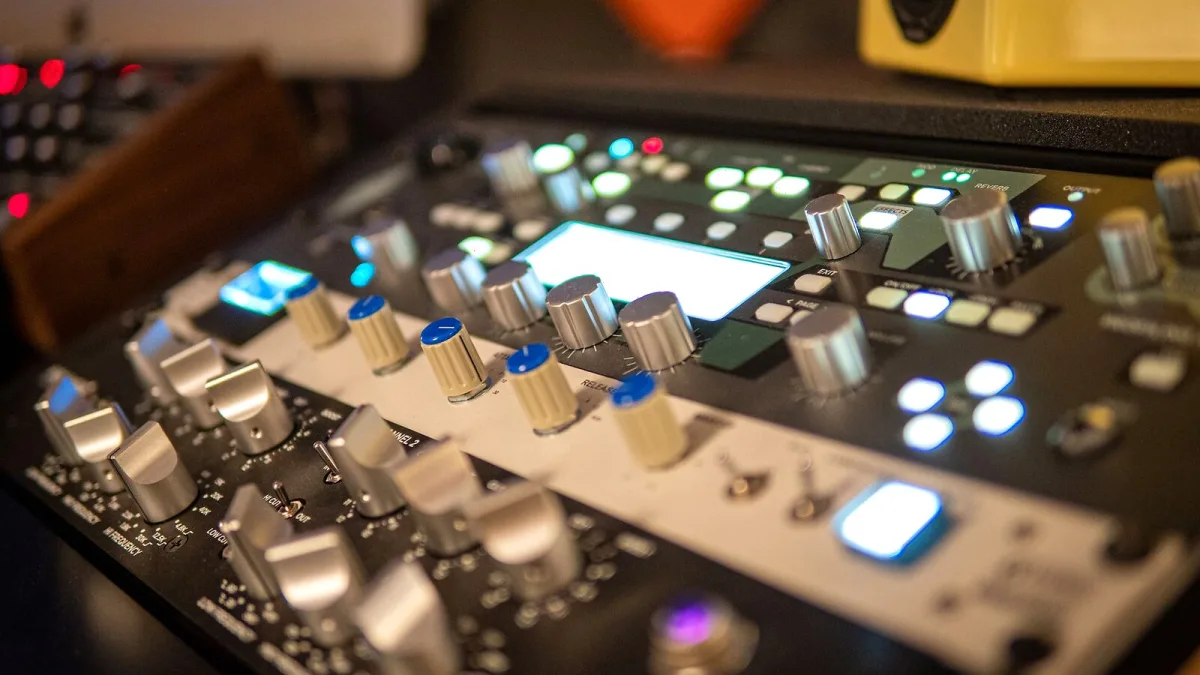
Right, let's talk shopping list. Getting an XLR microphone properly connected isn't just about the cable — it's a small chain of decisions that all need to line up, and getting one wrong is the classic reason a "simple" setup ends up not working on day one. Here's what to actually check.
Step One: What Are You Actually Plugging Into?
Before anything else, work out what's on the other end of that cable. Your options are broadly:
- An audio interface — the standard choice for recording to a computer, usually with one or more combo XLR/TRS inputs.
- A mixer — sensible for live sound, podcasting with multiple people, or anyone who wants physical hands-on control.
- A standalone mic preamp — worth it once you know exactly what tonal character you're chasing, but overkill for a first setup.
Does Your Microphone Actually Need Phantom Power?
| Type | Phantom power? |
|---|---|
| Dynamic | Usually not required |
| Condenser | Usually yes, commonly +48 V |
| Passive ribbon | No — and needs careful handling around it |
| Active ribbon | Sometimes — check the manual |
If you're buying an interface or mixer, confirm it actually supplies +48 V on its mic inputs. Cheaper units sometimes skip it entirely, which is a dealbreaker if a condenser XLR microphone is anywhere in your plans.
Choosing a Proper XLR Microphone Cable
Not every cable with the right connector on each end is genuinely built the same. Look for a balanced, shielded design specifically sold as an XLR microphone cable, rather than assuming any three-pin lead will do. Cheap, poorly shielded cables are a common source of hum, especially near lighting rigs or mains cabling, and that's a frustrating thing to troubleshoot after the fact when a decent cable would have avoided it entirely.
XLR-to-TRS and XLR-to-USB: When Adapters Actually Make Sense
An XLR-to-TRS cable can work if you're feeding a balanced source into a compatible TRS input, but you need to actually understand what that input expects rather than assuming. XLR-to-USB is a different matter entirely — a genuine product in this category contains real analog-to-digital conversion electronics. A passive cable cannot perform that conversion, no matter how the packaging is worded, so check whether you're buying an active adapter or just a plain cable.
Interface, Mixer or Standalone Preamp?
| Option | Best for |
|---|---|
| Audio interface | Recording to a computer, home studios, podcasting alone. |
| Mixer | Multiple sources, live sound, hands-on level control. |
| Standalone preamp | Chasing a specific tonal character once you know what you want. |
Once you've settled the hardware, our step-by-step setup guide covers exactly how to wire and gain-stage everything properly.
Verify Before You Pay
- Confirm your interface or mixer supplies phantom power if your microphone needs it.
- Buy a genuine, shielded XLR microphone cable rather than a generic three-pin lead.
- Double-check any adapter is actually rated for what you're trying to do — especially XLR-to-USB.
- Match your budget to real needs rather than buying features you won't use yet.
The Bottom Line
A good setup comes down to three honest checks: does your interface or mixer power what you're plugging in, is your cable genuinely built for the job, and does any adapter you're considering actually do what it claims. Get those right and the rest is straightforward. Our guide to the best setups for the money breaks this down further by budget, and our list of common mistakes to avoid is worth reading before you plug anything in for the first time.





Comments