


Mic to XLR article
Common Mic to Xlr Mistakes to Avoid
The seven predictable mistakes that turn a good microphone into a noisy or silent one, and the simple fixes for each.
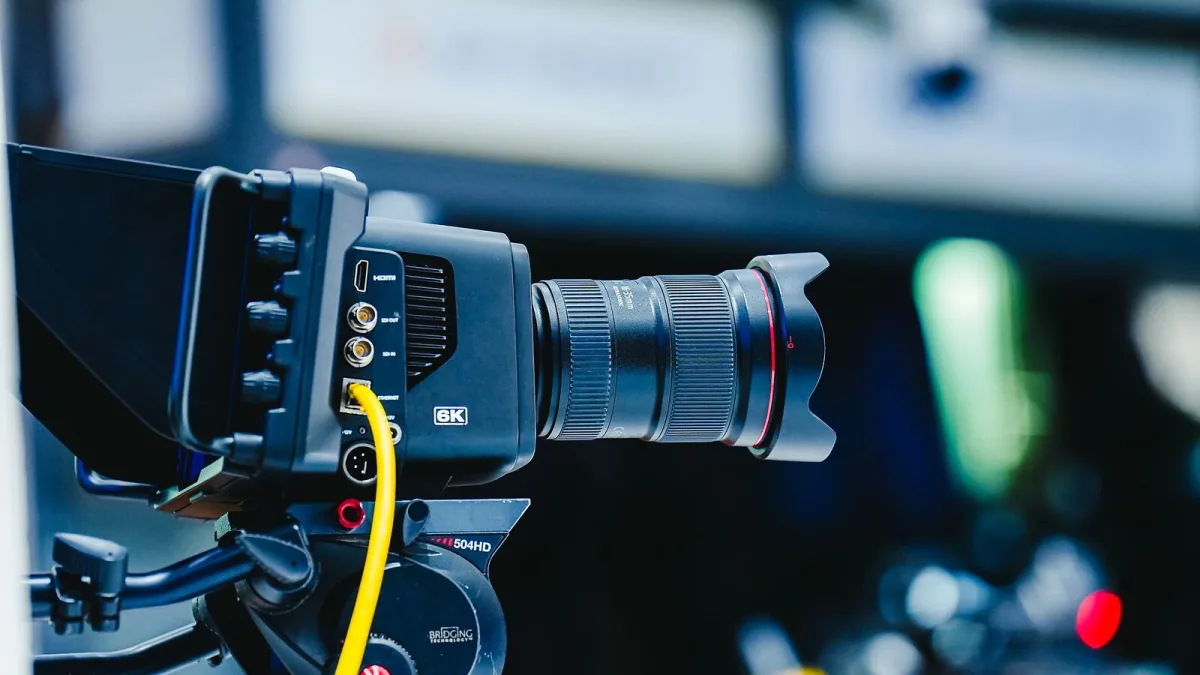
I've heard more dead XLR microphone sessions than I can count, and it's almost never the microphone that's actually at fault. It's one of a small handful of predictable mistakes in the chain between the mic and whatever's meant to be recording it. Here's what actually goes wrong, and how to sidestep every one of them.
Mistake 1: Enabling Phantom Power With Monitors Up
Flipping on +48 V while your speakers or headphones are at a normal listening level is how you get a genuinely startling pop, and it's an easy habit to fall into when you're in a hurry. Mute or turn monitoring down first, connect your XLR microphone, then engage phantom power — never the other way round.
Mistake 2: Using a Cheap, Unbalanced Cable
Not every cable with the right connectors on each end is built the same way underneath. A poorly shielded cable is one of the most common sources of hum, especially anywhere near lighting rigs or mains cabling, and it's genuinely frustrating to troubleshoot after the fact when a properly built cable would have avoided the problem entirely.
Mistake 3: Assuming a USB Adapter Fixes Everything
A passive adapter cable cannot turn an analogue signal into USB data on its own — that conversion needs real electronics inside whatever you're buying. If a product doesn't clearly describe genuine analog-to-digital conversion, assume it's just a plain XLR microphone cable wearing a different label, not a shortcut around needing a proper interface.
Mistake 4: Feeding an XLR Signal Into a Line Input
Mic-level and line-level signals are not the same thing, and plugging into the wrong type of input gives you either a painfully quiet signal or an overloaded, distorted one. Always check that you're using an input actually labelled Mic, Mic/Line, or XLR, not a generic line-level input that happens to physically fit.
Mistake 5: Ignoring Gain Staging Entirely
Cranking your XLR microphone's preamp to whatever number "feels right" without watching a meter is asking for either a hissy, underpowered signal or ugly digital clipping. Set your XLR microphone gain while performing at a realistic level, aim for healthy peaks with headroom, and treat a quiet recording as fixable — because clipping usually isn't, not cleanly.
Mistake 6: Blind Phantom Power on Old or Passive Ribbon Mics
This is the one genuine safety mistake on this list. Some older or passive ribbon microphone designs can be sensitive to incorrectly wired phantom power, and treating every microphone as equally tolerant of +48 V is a real risk with this specific category. Always check the manufacturer's documentation before assuming it's fine.
Mistake 7: Unplugging With Phantom Power Still Engaged
Disconnecting a live cable while phantom power is still active is a reliable way to produce a loud pop, and repeated exposure to that isn't doing your speakers, or your ears, any favours. Mute the system and disable phantom power first, then disconnect — the same routine in reverse that you used to connect everything safely.
| Mistake | Quick fix |
|---|---|
| Phantom power with monitors up | Mute first, connect, then engage power. |
| Cheap unbalanced cable | Use a genuine shielded, purpose-built cable. |
| Assuming any USB adapter converts signal | Confirm real conversion electronics are included. |
| Wrong input type | Use a labelled Mic, Mic/Line or XLR input. |
| No gain staging | Watch the meters, aim for headroom. |
| Phantom power on old ribbon mics | Check the manufacturer's documentation first. |
| Unplugging with power on | Mute and disable power before disconnecting. |
Still working out the fundamentals? Our full overview explains why the connector works the way it does, and our step-by-step setup guide is the exact routine that avoids most of these mistakes automatically.
The Bottom Line
Nearly every dead or noisy XLR microphone session comes down to one of these seven habits, and none of them require new equipment to fix — just a different order of operations. Get the sequence right, respect the one genuine safety concern around older ribbon microphones, and the rest of your setup takes care of itself.





Comments