


Podcast Equipment roundup
Podcast Equipment: A Complete Buyer's Guide
A practical buying guide to podcast equipment — sort your format first, then the microphone, then everything else.
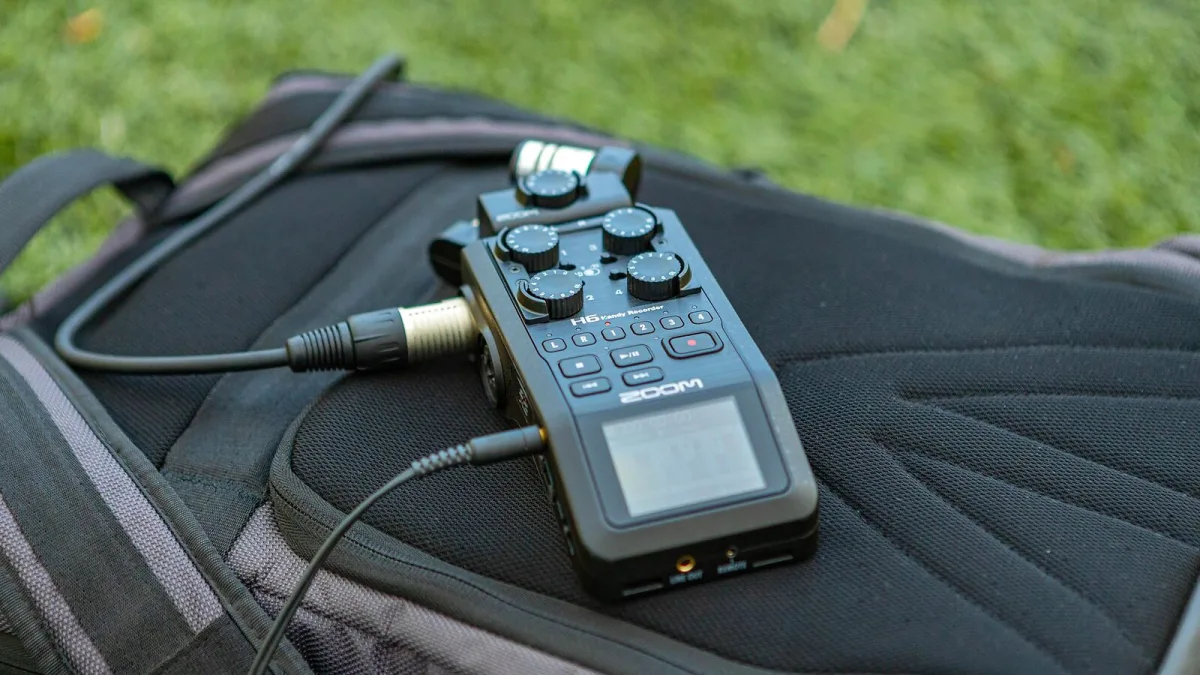
Right, let's talk about actually buying podcast equipment. I've helped enough mates put together their first setup to know the same question always comes first: "what do I actually need, versus what's just nice to have?" Here's how I'd work through it, starting with the one decision that shapes everything else.
Decide Your Format Before You Spend Anything
The kit list for a solo voice show, a two-person chat and a remote interview show are genuinely different, so work this out first:
- Solo host — one microphone, one set of headphones, minimal fuss
- Two people, same room — two microphones, two headphone outputs, an interface or mixer with at least two inputs
- Remote guests — your own solid local setup, plus a recording workflow that captures separate local tracks per person
- On location or interviews — something portable and battery-friendly, built to survive a bit of chaos
The Microphone Decision, Properly Explained
Don't just buy whatever's top of a "best podcast mic" list. Ask yourself two questions instead: how treated is my room, and do I want the simplicity of USB or the expandability of XLR?
Your Room Decides Dynamic or Condenser
If you're recording in a bedroom, home office or anywhere with hard walls and no treatment, a dynamic microphone is the safer buy — it rejects more of the room around you. A condenser microphone sounds genuinely lovely in a treated space, but in an untreated one it'll happily capture your computer fan along with your voice.
Your Growth Plans Decide USB or XLR
If you're confident this stays a one-person show, USB keeps things simple and cheap. If you think you'll add a second host, a mixer, or want more control over gain later, XLR is the better long-term buy — you're paying a bit more up front for room to grow.
Setup Costs by Format, Roughly Speaking
Rather than chase a single "best" price, think about what each format actually asks of your podcast equipment budget. A solo show can genuinely run on one decent USB microphone and a pair of wired headphones — that's most of the spend, done. A two-person or interview format adds a second microphone, a second headphone output and an interface with enough inputs, which is where most of the extra cost sits. A video podcast adds camera, lighting and storage costs on top of all of the above, so decide early whether video is really part of your plan before you build the budget around it.
Do You Actually Need an Interface or a Mixer?
An interface converts your microphone signal for the computer — that's it, and that's enough for one or two people. A mixer adds faders, extra headphone outputs and often phone-call routing, which only earns its cost once you're juggling multiple mics or want hands-on control while recording live. Buying a mixer for a solo show is money spent on features you'll never touch.
Don't Skip These Small Purchases
| Item | Why it's worth it |
|---|---|
| Pop filter or foam windscreen | Cuts plosive bursts on "p" and "b" sounds cheaply |
| Boom arm or stable stand | Reduces handling noise and keeps distance consistent |
| Wired, closed-back headphones | Reliable real-time monitoring without latency or leakage |
None of these cost much, but skipping them shows up in every single episode you record afterwards.
Questions Worth Asking Before You Buy
- Does this microphone need phantom power, and does my interface actually supply it?
- How many inputs do I need — now, and realistically in a year?
- Can I record each speaker to a separate track with this setup?
- Is monitoring built in, or will I need a separate headphone amp?
Buying Secondhand Podcast Equipment
Microphones and interfaces hold up well secondhand, since there's nothing much to wear out beyond connectors and the odd dropped stand. Check for physical damage, test every input before you commit, and confirm the seller can show it working. This is a genuinely sensible way to get better podcast equipment for your budget than buying new at the entry level, provided you actually test it before handing over any money.
Where Not to Overspend
Save your money on the room, not just the gear list. A quiet space with a few soft furnishings will do more for your sound than swapping a perfectly good microphone for a more expensive one. Spend on acoustic treatment and microphone technique before you spend on a second upgrade to the mic itself.
The Bottom Line
Buying podcast equipment sensibly comes down to matching the kit to your actual format, not the longest spec sheet you can find. Sort the format, sort the microphone, then spend what's left on the room and the small accessories that make every episode easier to record.
Next Steps
For the full picture of how all these pieces fit together, read our complete explainer first. Brand new to this? The beginner's guide strips it right back, and it's worth reading the mistakes people commonly make before you finalise your shopping list.






Comments