


Podcast Equipment article
Common Podcast Equipment Mistakes to Avoid
The podcast equipment mistakes I've made myself, from trusting Bluetooth headphones to skipping the test recording, and how to fix each one.
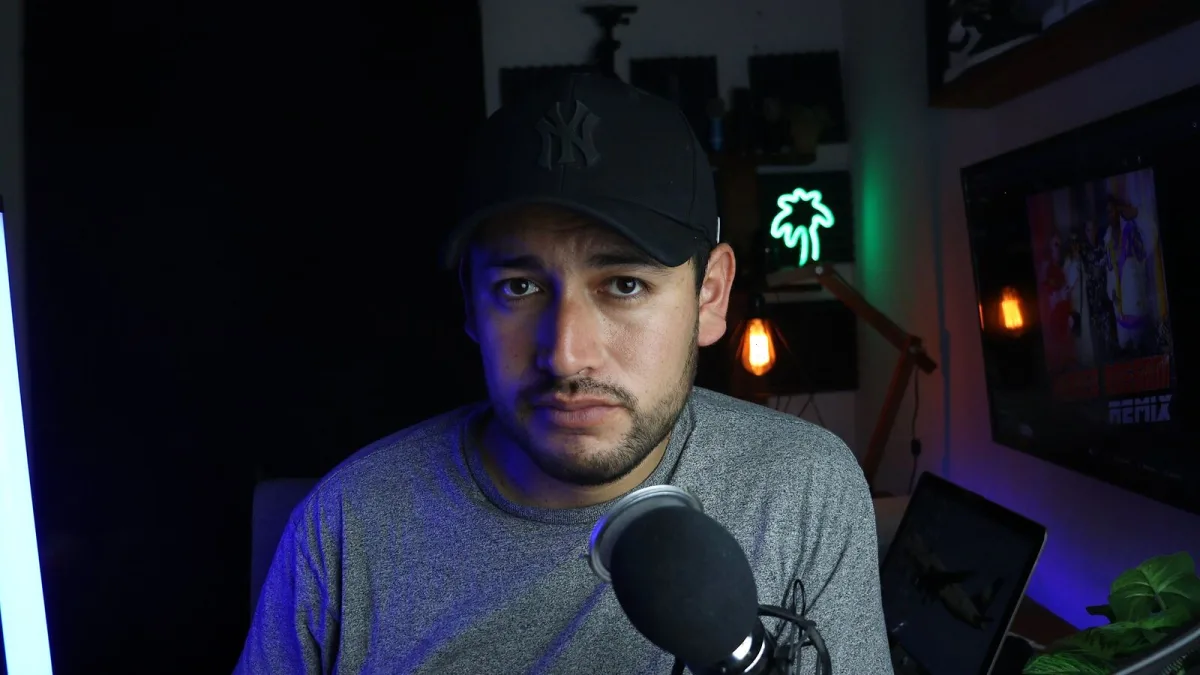
I've listened back to some genuinely painful early recordings of my own, so trust me when I say every podcast equipment mistake on this list is one real people actually make, myself included. None of them are expensive to fix. Most just need noticing.
1. Buying Podcast Equipment Before Sorting the Room
A brand-new condenser microphone in an untreated box room will faithfully capture every bit of that room — the fan, the echo, the traffic outside. People assume a better microphone fixes a bad-sounding space. It doesn't; it often just reveals the problem more clearly.
Fix it: sort your recording space first — soft furnishings, curtains, a rug — then choose your microphone to suit that space, not the other way round.
2. Monitoring on Bluetooth Headphones
Wireless headphones are genuinely convenient, but their latency and codec quirks make them unreliable for judging what's actually being recorded in real time. You can miss distortion, hum or a muted channel simply because what you're hearing doesn't quite match what's being captured.
Fix it: use wired, closed-back headphones while recording. Save the Bluetooth pair for casual listening back afterwards.
3. Recording Everyone to One Mixed Track
It feels efficient at the time, and it's a nightmare in the edit. If one person's level is wrong, or someone coughs mid-sentence, you're stuck fixing (or living with) it across the whole conversation.
Fix it: record each speaker to their own track wherever your setup allows it. Future-you will be enormously grateful.
4. Skipping the Test Recording
Diving straight into a full episode without a quick check is how people discover a computer fan, a loose cable or an accidental mute setting halfway through, rather than before it mattered.
Fix it: record thirty seconds, listen back with headphones on, and only then start for real.
5. Setting Gain Too Hot
Pushing the input level right up to get a "strong" signal is a classic way to clip on the loudest word of the whole episode, and clipped audio is often impossible to repair cleanly afterwards.
Fix it: leave genuine headroom. It's far easier and safer to raise a slightly quiet recording during editing than to rescue a clipped one.
6. Confusing Foam With Soundproofing
A few foam tiles stuck to a wall look like acoustic treatment, but foam mainly tames high-frequency reflections inside the room — it doesn't block sound entering from outside, and it won't touch a low, rumbling noise problem.
Fix it: treat foam as a reflection-control tool, not a soundproofing solution. If outside noise is the real issue, a quieter room or recording time matters more than more foam.
7. Skipping a Pop Filter to Save a Few Pounds
Plosive bursts on "p" and "b" sounds are one of the easiest things to fix and one of the most distracting things to hear in a finished episode if left in.
Fix it: a basic foam windscreen or pop filter costs very little and solves most of the problem instantly. Speaking slightly off-axis helps further, for free.
8. Trusting Remote Recording Without a Backup
Relying entirely on one online recording platform for a remote interview means an internet dropout or a platform hiccup can cost you the whole conversation.
Fix it: ask guests to keep a simple local backup running too, even just a phone voice memo. It's saved more than one interview I know of.
9. Chasing "Broadcast Quality" Marketing Language
Terms like "studio quality" or "broadcast quality" on a product page describe a marketing ambition, not a measured standard. I've seen people delay starting for months waiting to afford equipment with the fanciest-sounding label, when a modest microphone used well would have got them recording immediately.
Fix it: treat those phrases as background noise. Judge podcast equipment by whether it actually solves your specific room and format, not by the words on the box.
The Common Thread
Nearly every mistake here comes down to the same thing: trusting podcast equipment to compensate for something the room, the setup or the workflow should have handled first. Fix the fundamentals, and the gear stops having to work so hard.
Save Yourself the Rebuild
Every one of these mistakes cost me a re-record, a wasted afternoon, or an episode I quietly wished I could redo. Catching even two or three of them before you start recording will save you far more time than any single upgrade to your podcast equipment ever could.
Read Next
For the full picture of how it all fits together, see our complete explainer. Ready to shop properly? The buyer's guide covers what to prioritise, and if you're just starting out, the beginner's guide is the gentlest place to begin.






Comments