


Yamaha Hs8 article
Common Yamaha Hs8 Mistakes to Avoid
The habits and setup slip-ups that quietly undersell a perfectly good Yamaha HS8 — and the simple fixes for each one.
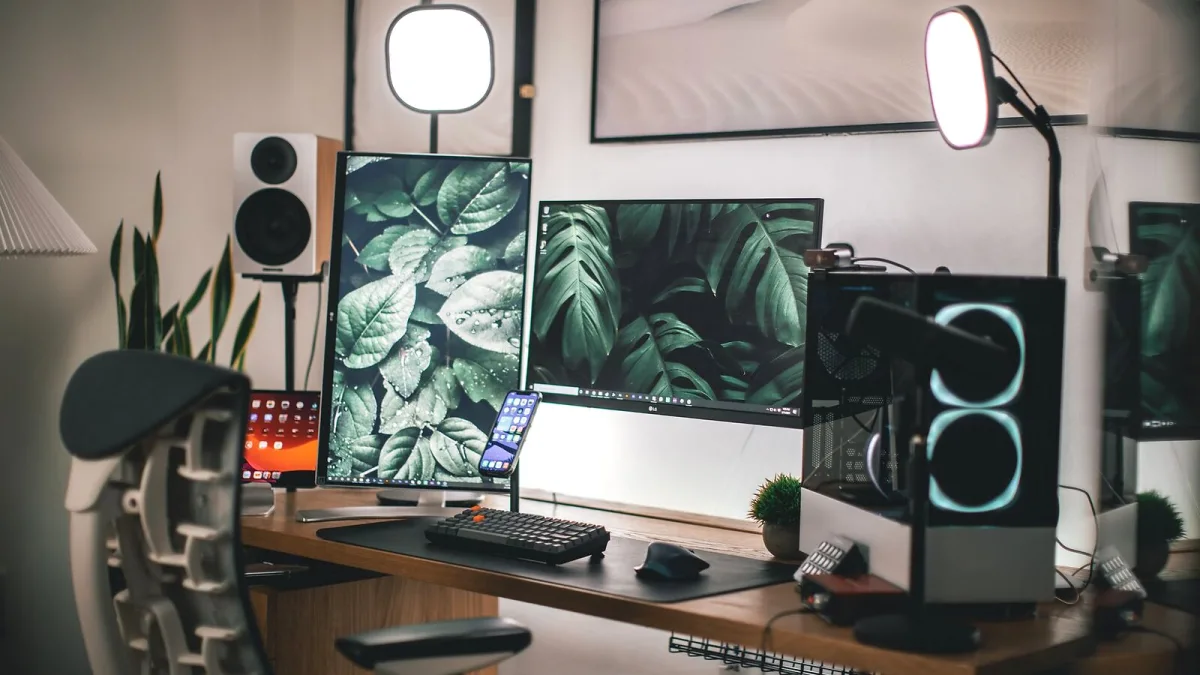
I've made most of these mistakes myself, so consider this a list of lessons learned the annoying way. The Yamaha HS8 is a genuinely good monitor, but plenty of people undersell it — or actively mislead themselves — through a handful of setup and habit errors that have nothing to do with the gear itself. Here are the ones I see (and made) most often.
Mistake 1: Shoving It Right Against the Wall
The HS8's port vents out the back, so placing it flush against a wall messes with the bass response in ways that are hard to un-hear once you notice. It's not that you need metres of clearance — just enough gap for the port to actually work, and enough symmetry that both monitors are behaving the same way. If one HS8 is against a wall and the other isn't, you'll get an uneven, lopsided low end without realising why.
Mistake 2: Never Touching the Room Control Switch (Or Cranking It for No Reason)
Some people never flip the rear Room Control switch off its default and wonder why their bass sounds off in a small room. Others hear "boomy bass" once and immediately whack it to −4 dB without actually diagnosing the problem first. Both are mistakes. Listen properly across a few sessions, try each setting with music you know well, and only settle once you're confident — not after one dodgy playback.
Mistake 3: Mixing on One Monitor, or an Unmatched Pair
This sounds obvious written down, but it happens more than you'd think — people replace one damaged monitor with a different model "just for now" and never get round to fixing it. A mismatched pair wrecks your stereo image, which defeats a huge part of the reason for owning monitors at all. If a Yamaha HS8 in your pair dies, replace it with another HS8, not whatever's cheapest that week.
Mistake 4: Skipping Isolation and Blaming the Monitor
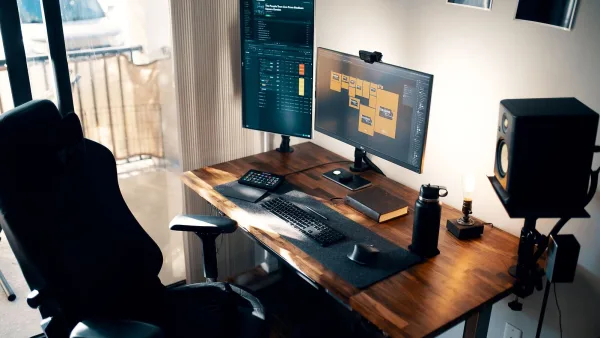
A monitor sat directly on a hollow or resonant desk will pick up rattle and smear that's very easy to mistake for a fault in the HS8 itself. Isolation pads are cheap and solve this almost entirely. If your bass sounds muddy or your mixes translate badly, check what the monitor's actually resting on before you start doubting the gear.
Mistake 5: Trusting Unbalanced Connections Over Long Cable Runs
The HS8 is built for balanced XLR or TRS input, and running a long unbalanced cable instead — especially anywhere near power leads or other electronics — invites hum and noise you'll then chase in entirely the wrong places. It's a cheap fix: use the balanced inputs the monitor is designed for.
Mistake 6: Monitoring Too Loud, Too Often
The HS8's decent headroom is genuinely useful, but it's not an invitation to mix at party volume every session. Loud, prolonged listening fatigues your ears fast, and tired ears make worse decisions — usually over-compressing or scooping mids because everything's started to blur together. Keep your general working level moderate and save the loud checks for occasional, deliberate moments.
Mistake 7: Judging a New Pair Too Quickly
If you've just switched to a Yamaha HS8 from headphones or a lesser speaker, the first few sessions can feel jarring — mixes that sounded fine elsewhere suddenly sound thin, boxy or overly revealing. That's your ears recalibrating, not a fault with the monitor. Give it a proper week of casual listening before trusting your mix decisions on them fully; our beginner's guide to the Yamaha HS8 covers exactly this adjustment period if you're new to monitoring.
Mistake 8: Assuming Bigger Numbers Always Mean Better Sound
It's tempting to buy on frequency-response figures alone, but the −10 dB number on a spec sheet flatters things far more than the −3 dB figure does. Two monitors with similar headline numbers can behave very differently in a real room. If you're still deciding between models, our buyer's guide walks through what actually matters on the spec sheet, and the full HS8 guide breaks down what those numbers really mean.
Quick Reference Table
| Mistake | Fix |
|---|---|
| Placed flush against a wall | Leave clearance behind the rear port |
| Room Control ignored or overused | Test each setting deliberately over several sessions |
| Mismatched pair | Replace with the same model, not "whatever's available" |
| No isolation | Add pads before blaming the monitor |
| Unbalanced cabling | Use the balanced XLR/TRS inputs |
| Mixing too loud | Keep working levels moderate |
| Judging too soon | Give your ears a week to adjust |
Bottom Line
Almost none of these mistakes are about the Yamaha HS8 being flawed — they're about the habits and setup choices that sit around it. Fix the placement, respect the balanced inputs, don't mix too loud, and give yourself time to adjust, and the monitor does exactly what it's meant to.





Comments