


Headphone Splitter roundup
Headphone Splitter: A Complete Buyer's Guide
No hype, just the checks that matter: here's exactly what to confirm before you buy a headphone splitter.
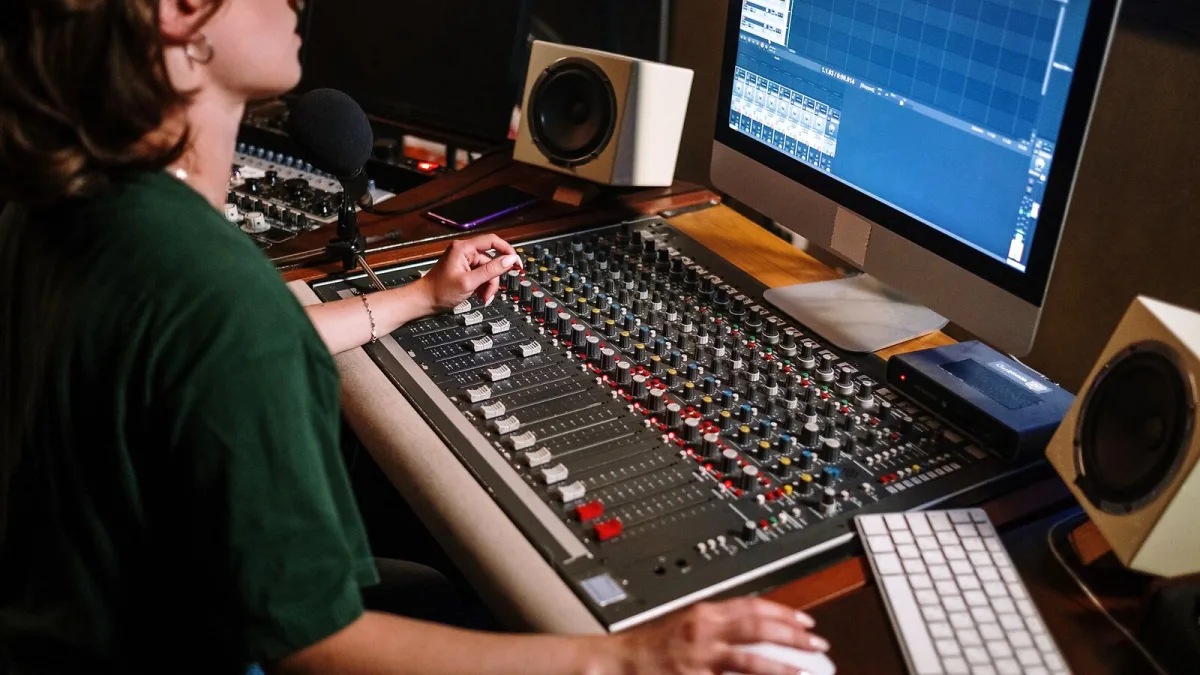
Before you buy a headphone splitter, work out exactly what job you need it to do — that one step avoids nearly every return and complaint I've seen from this bit of kit. There isn't one universal "headphone splitter"; there are several different products wearing the same name, and buying the wrong headphone splitter gets you a dead microphone or a missing channel rather than the setup you actually wanted.
Step one: identify your source connector
Check what your source device actually offers before you look at any splitter:
- 3.5 mm mini-jack — the standard on phones, laptops and most consumer audio gear
- 6.35 mm quarter-inch jack — common on mixers, amps and studio monitors
- USB-C — increasingly the only port on newer phones and laptops
- Lightning — Apple's proprietary connector on older iPhones
If your source doesn't have a 3.5 mm or 6.35 mm output at all, a standard splitter can't help until you've solved the USB-C or Lightning question first — more on that below.
Step two: work out what signal type you're actually splitting
This is the check that saves the most grief. A 3.5 mm or 6.35 mm plug can carry more than one kind of signal, and the shape alone won't tell you which:
| Signal type | Plug | What it's for |
|---|---|---|
| Stereo unbalanced | TRS (3 contacts) | Standard headphone audio — left, right, ground |
| Balanced mono | TRS (3 contacts) | Professional line-level signals — do not confuse with stereo |
| Headset audio + mic | TRRS (4 contacts) | Combined headphone and microphone connection |
Notice that TRS covers two entirely different jobs. A splitter built for stereo headphone audio is the wrong tool for a balanced mono line signal, even though the plug looks identical. If you're not certain, check your source device's documentation rather than guessing from the socket shape.
Step three: decide if you need microphone support
If you're buying for a headset with a built-in mic — gaming, calls, streaming — you need a TRRS headset splitter specifically, not a standard stereo splitter. And even then, check the wiring convention: CTIA is standard on most current phones and laptops, while OMTP turns up on some older or region-specific devices. Buy the wrong convention and the microphone simply won't register, even though the headphones work fine.
Step four: how many listeners, and do they need separate volume?
A basic passive splitter duplicates one stereo signal to two or more outputs — everyone hears the identical mix at the identical relative level, with no independent control. That's perfectly fine for two people sharing a laptop on a train. It is the wrong choice for a recording session where a drummer and a vocalist need different headphone mixes, or where anyone needs their own volume. For that, you want a powered headphone distribution amplifier instead — it costs more, but it's the only sensible option once independent control actually matters.
Step five: check the electrical load, not just the plug count
Every headphone you add in parallel changes the combined impedance the source has to drive. Two identical 32-ohm headphones in parallel present roughly 16 ohms to the source — most modern devices handle that without trouble, but pushing more headphones onto one cheap splitter can mean reduced volume and, at worst, audible distortion. If you're splitting to three or four listeners, a powered distribution box will give far more consistent results than daisy-chaining passive splitters.
Step six: sort out USB-C and Lightning before you buy anything else
If your source only has USB-C or Lightning, work out first whether it still outputs analogue audio through that port. If it does, a simple passive adapter down to 3.5 mm will work, and a standard splitter can go on the end of it as normal. If it doesn't, you need an active adapter with a built-in digital-to-analogue converter — no amount of splitter downstream will fix a missing analogue signal upstream.
What to actually check before you pay
- Confirm the source connector and signal type first — don't assume from the plug shape
- Buy a TRRS headset splitter, not a stereo splitter, if a microphone needs to survive the trip
- Confirm CTIA versus OMTP compatibility for any splitter carrying a microphone signal
- Choose a powered distribution amp over a passive splitter once independent volume matters
- Check build quality — a poorly shielded or loosely wired splitter is the most common source of intermittent channels and crackle
- Sort out USB-C or Lightning conversion separately before adding a standard splitter to the chain
The bottom line
Buying the right headphone splitter is less about brand and more about correctly identifying what you're plugging it into and what you actually need out the other end. Get the connector, signal type and microphone requirement right, and almost any reasonably built splitter will do the job. For the full technical picture — TS, TRS, TRRS and why they trip people up — our headphone splitter explainer covers the connectors in more depth, and our round-up of the best headphone splitters for the money breaks down which type suits which budget.





Comments