


Headphone Splitter article
Common Headphone Splitter Mistakes to Avoid
I've heard the same headphone splitter complaints so many times I can predict them — here's what's actually going wrong.
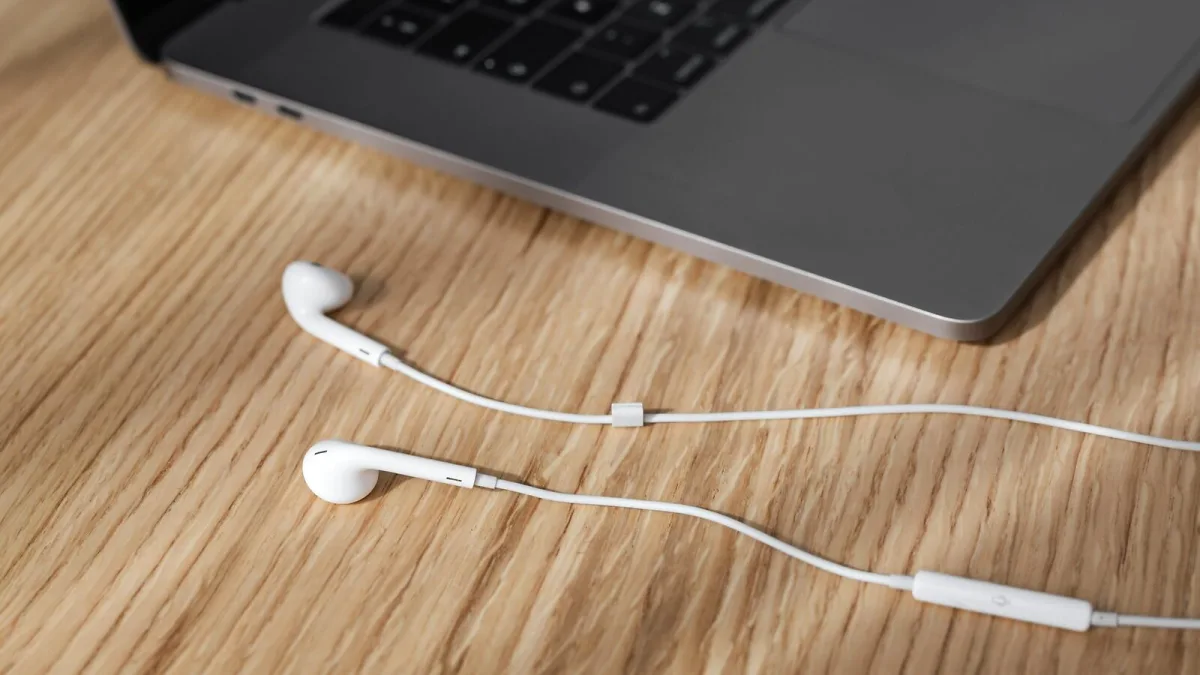
I've heard the same handful of headphone splitter complaints so many times now that I can basically predict them before someone finishes describing the problem. Nearly all of them trace back to buying the wrong headphone splitter for the job, so let's go through them properly and save you the confusion.
Mistake one: buying a stereo splitter for a headset mic
This is the single most common one I see, hands down. Someone buys a cheap splitter expecting to use two gaming headsets off one PC, plugs it in, and discovers neither microphone works. A standard 3.5 mm stereo splitter uses a three-contact TRS plug, which simply has no wiring for a microphone signal at all. If a mic needs to survive the trip, you need a TRRS headset splitter specifically — a different product, not a fancier version of the same one.
Mistake two: ignoring CTIA versus OMTP wiring
Even once you've bought the right TRRS splitter, there's a second trap waiting. Most modern phones and laptops use CTIA wiring, but some older or less common devices use OMTP instead, which puts the microphone and ground contacts in different places. Mismatch the two and you can end up with no microphone signal, or audio that sounds wrong, even though every plug fits together perfectly fine. If your mic mysteriously stops working after switching devices, this mismatch is worth checking before you assume the splitter itself is broken.
Mistake three: overloading one splitter with too many headphones
Chaining three, four or more pairs of headphones off a single passive splitter feels like a clever way to save money, but every headphone you add in parallel lowers the combined electrical load the source has to drive. Push it too far and you'll hear reduced volume, distortion, or an unreliable connection on at least one pair. If more than two people genuinely need to listen at once, a proper powered distribution amplifier will actually do the job properly instead of fighting a chain of bargain-bin splitters.
Mistake four: assuming a passive splitter gives independent volume
A basic splitter is a straight duplicate — both outputs get the identical signal at the identical relative level, full stop. I've seen people genuinely frustrated that they can't turn their side up without affecting the other person, not realising that's simply not what a passive splitter does. If independent volume actually matters to your setup, you need a headphone amplifier or distribution box, not a splitter at all.
Mistake five: confusing a stereo splitter with a balanced-audio splitter
This one's sneakier because the plugs can look genuinely identical. A TRS connector can carry stereo unbalanced headphone audio, or it can carry a single balanced mono signal in professional recording gear — the shape alone doesn't tell you which. Grab a stereo headphone splitter and try to use it on a balanced line signal, and you can end up with missing channels or incorrect routing. Always check what the equipment you're connecting to actually expects, rather than assuming from the connector shape.
Mistake six: forcing a USB-C or Lightning problem with an analogue fix
If a phone or laptop has dropped the 3.5 mm jack entirely, no amount of splitter downstream will fix a missing analogue signal. Some devices still output analogue audio through USB-C or Lightning, in which case a simple passive adapter plus a normal splitter works fine. Others only output digital audio, and need an active adapter with a built-in digital-to-analogue converter before anything else can work. Skipping straight to a splitter without checking this first is a common, entirely avoidable dead end.
A fast checklist to avoid all of the above
- Match the splitter type to whether a microphone needs to work — stereo or TRRS, never assume
- Check CTIA versus OMTP compatibility for anything carrying a mic signal
- Don't chain more than two or three headphones off one passive splitter
- Remember a basic splitter gives no independent volume — buy an amplifier if that matters
- Never assume a TRS plug is automatically stereo headphone audio — confirm with balanced gear
- Sort out USB-C or Lightning conversion before adding a standard splitter to the chain
Where to go from here
If you're still working out exactly what you need, our headphone splitter explainer covers the connector types properly, and our complete buyer's guide walks through what to check before you buy. And if this is your very first one, our beginner's guide to headphone splitters keeps things nice and simple.
The bottom line
Nearly every headphone splitter complaint comes down to buying the wrong type for the job, not a faulty product. Match it to your actual signal, your microphone needs and your listener count, and you'll never have to think about it again.





Comments