


Podcast Microphone article
Podcast Microphone for Beginners: A Complete Guide
Starting a podcast doesn't mean becoming an audio engineer. Learn the few things that actually matter when choosing a microphone, then focus on recording great content.
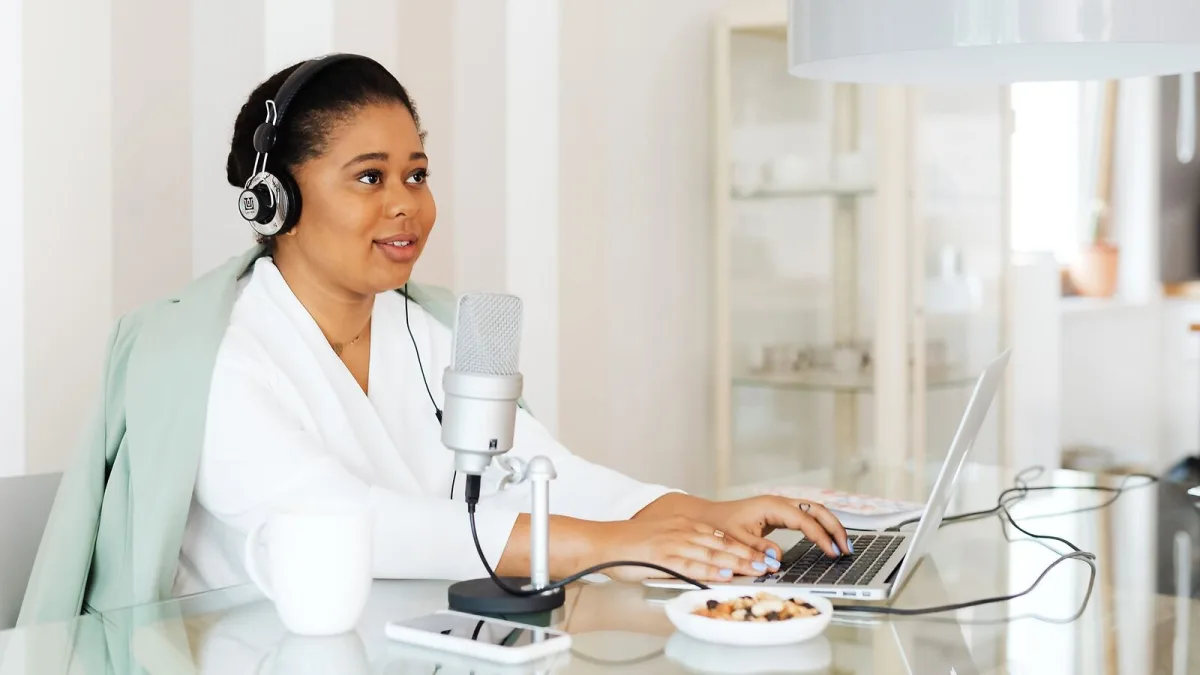
If you're about to buy your first podcast microphone, you might be feeling a bit overwhelmed by all the jargon—dynamic, condenser, cardioid, phantom power. Take a breath. You don't need to understand every technical detail to pick one that works brilliantly for your voice and your room. This guide is for someone who wants to record a great-sounding podcast without becoming an audio engineer. We'll focus on the practical stuff that actually matters.
What You Really Need to Know About Microphone Types
There are two main kinds available, and the difference is bigger than you might think. A dynamic microphone is like a sturdy, slightly thick-skinned listener—it picks up sound from close range really well, but it's less sensitive to distant background noise. It's forgiving. A condenser is like an extremely attentive listener—it picks up everything, including all the ambient sound in your room. That's brilliant if your space is already quiet and treated with soft furnishings; it's overwhelming if you record in a typical home with echoes and fan noise.
For a beginner recording a podcast in a normal bedroom or office, a dynamic podcast microphone is almost always the better starting point. Dynamics are simpler, more affordable, and more forgiving of imperfect rooms and technique. You can always switch to a condenser later if you upgrade your recording space.
USB or XLR: The Path That Fits You
Next choice: how does it connect? USB is the simpler path. Plug it into your computer, open your recording software, and you're recording. You don't need any other equipment. XLR is the path of future flexibility—you need an audio interface or mixer, which costs extra money and requires setup, but later you can easily add more microphones, external gear or professional tools.
As a beginner, go USB. It removes barriers and lets you focus on actually making your podcast rather than learning gear. If your show grows and you want to add a second input or upgrade equipment, you can always move to XLR later. A hybrid USB/XLR podcast microphone is a nice middle ground if you're unsure—it works as USB today and XLR tomorrow.
Choose Based on Your Room
Before you click "buy," be honest about where you'll record. Is it a bedroom with curtains and soft furnishings? A bare home office? A kitchen corner? A genuinely quiet, treated space? Your room is more important than the equipment itself.
A cardioid (front-facing) dynamic podcast microphone works brilliantly in most homes because it listens forward and rejects side and rear noise. That's why radio stations use them. If your space is particularly echo-y, sit in the quietest corner and use soft furnishings or curtains to break up sound reflections. You don't need expensive acoustic panels—bookshelves, cushions and fabric do the job.
The Practical Setup Path
Once it arrives, here's what to do: Put it on a proper desk stand or boom arm so it doesn't sit loose on your desk. A stable mount stops vibration from typing and bumps. Position the mic six to twelve inches from your mouth at a slight angle. Use a pop filter—a screen on a gooseneck that catches plosive bursts from hard sounds like "p" and "b". Plug in headphones and listen to yourself as you record. You'll instantly hear if something's wrong.
Speaking into the microphone is like speaking to someone close to you—face it, speak naturally, stay consistent. Don't wander closer or farther away mid-conversation. If you hear echoes, move to a softer corner. If you hear yourself popping, angle it a bit more. These small adjustments happen during your first few sessions and become automatic.
Gain, Levels and Getting Great Sound
Here's the part that feels technical but isn't: gain. Your podcast microphone has a volume dial or your recording software has a level meter. You want your normal speaking voice to sit at about –12 to –6 on that meter. Not too quiet, not too loud. Speak a test sentence, look at the meter, adjust the dial. That's it. Don't overthink it. If you're shouting and the meter hits zero (digital clipping), your audio distorts. Back the gain down. That's the only thing that matters.
Once you've set it, leave it alone. Consistency is more important than perfection. If you drift closer, your volume gets naturally louder (through something called proximity effect). If you drift farther, room echo gets louder. Finding a comfortable distance and sticking to it teaches you better technique than any settings tweak.
Your First Steps
Pick a cardioid dynamic USB podcast microphone (Audio-Technica, RØDE and Blue make good options at reasonable prices). Put it on a stand with a pop filter. Record in a corner of your quietest room. Speak naturally. Listen back through headphones as you record. That setup works.
After your first few episodes, you'll hear what sounds good and what needs fixing. Maybe your room needs more soft furnishings. Maybe you need to speak closer. Maybe your gain was too high. These small discoveries come from actually doing it, not from reading about it. A podcast microphone in the hands of someone who records regularly and listens critically to results will outperform an expensive condenser in the hands of someone who's guessing.
You've got this. Your first podcast microphone choice doesn't have to be perfect—it just has to get you started. Record your first episode, listen back honestly, and adjust. That's how you learn.






Comments