


Audio Technica At2020 roundup
Audio Technica At2020: A Complete Buyer's Guide
Buying the AT2020 is simple if you know what version fits your setup and what supporting kit you actually need alongside it.
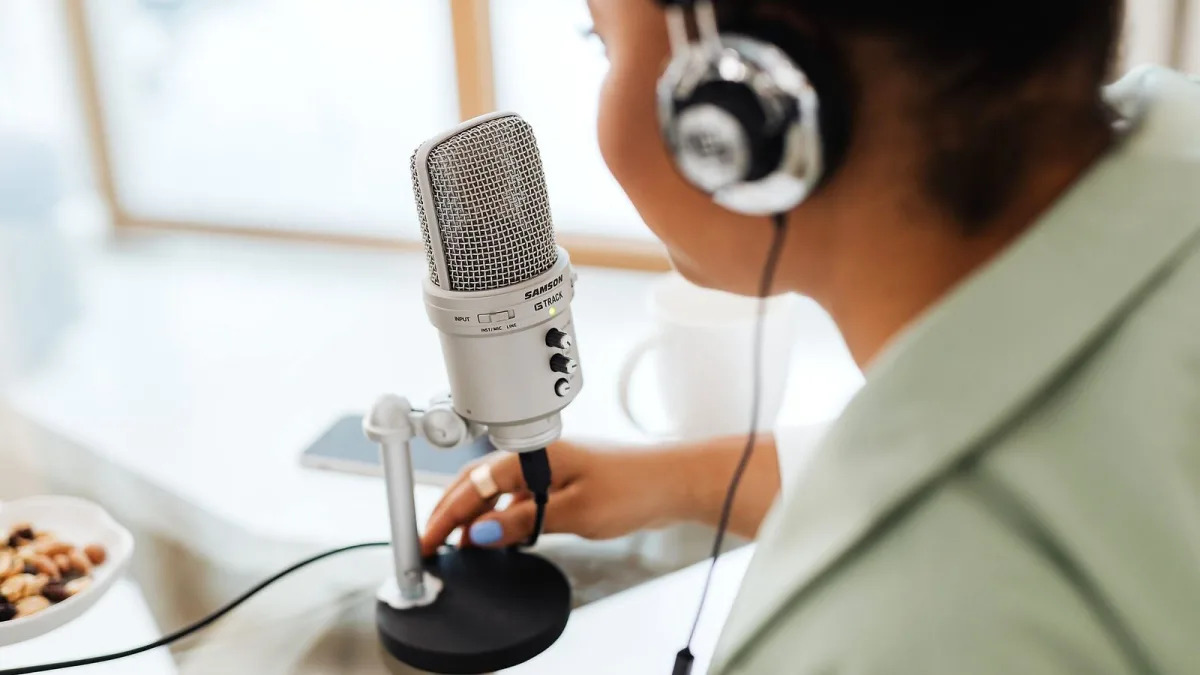
The Audio-Technica AT2020 is a straightforward purchase — when you know what you are actually buying and what else you need to make it work. Get those two things right and it is a solid investment. Get them wrong and you end up with a microphone that sits unused because the rest of your chain is not set up to use it. This guide focuses on making the right call for your specific situation.
First Decision: XLR or USB?
There are two distinct products in the AT2020 family. This is the most important decision to make before anything else.
| Feature | AT2020 (XLR) | AT2020USB |
|---|---|---|
| Output | XLR | USB |
| Power | 48 V phantom power | USB (5 V) |
| Frequency response | 20 Hz–20 kHz | 20 Hz–16 kHz |
| Needs an interface? | Yes | No |
| Weight | 345 g | 374 g |
The XLR AT2020 integrates into a proper studio signal chain — interface, mixer, preamp — and gives you full 20 Hz–20 kHz response. The AT2020USB plugs directly into a computer, requires no extra hardware and is genuinely convenient for podcasting, streaming and direct-to-computer recording.
If you already have an audio interface or are planning to build one around a proper studio setup, the XLR version is the right choice. If simplicity is the priority and you need something running today with no extra kit, the USB version is practical — just accept the slight narrowing of the frequency response and the reduced flexibility for any future signal-chain work.
What You Need Alongside the XLR AT2020
This matters a lot. The microphone does not work on its own — it requires:
- An audio interface with phantom power: The XLR AT2020 draws 48 V phantom power at approximately 2 mA. Most modern audio interfaces provide this; check before buying if yours is older or budget-spec.
- A balanced XLR cable: Not included. A standard 3-pin XLR cable from the microphone to your interface. No exotic specification required — a decent quality cable is all you need.
- A microphone stand: A desk stand or boom stand. The included mount and thread adapter are functional but are not a shock mount — if you want to reduce vibration transmitted through the desk or floor, buy a separate shock mount that fits the AT2020's 52 mm body diameter.
- A pop filter: Essential for vocals. The cardioid pattern at close range exaggerates plosives (hard P and B sounds), and a pop filter sitting 5–10 cm in front of the capsule resolves this immediately.
Choosing an Audio Interface to Pair With It
The interface matters more than many buyers expect. The AT2020's self-noise is 20 dB SPL — decent for the price — but a preamp with a high noise floor will add its own noise on top of that, particularly when recording a quiet singer at modest gain settings.
What to look for in an interface:
- Clean phantom power delivery: All modern interfaces handle this, but check specifications if buying second-hand.
- Low-noise preamps: Focusrite Scarlett, Universal Audio Volt, MOTU and similar interfaces in the £80–£200 range offer clean enough preamps that the microphone's own performance is not compromised.
- Gain range: Make sure the interface has enough gain for your recordings. Quiet vocalists in untreated rooms sometimes need more gain than a budget interface can provide cleanly.
Pairing it with a very cheap interface undermines the investment. It is better to allocate budget slightly more toward the interface than to squeeze on it.
Is the AT2020 Still Worth Buying?
Yes — for the right use case. The combination of metal construction, 144 dB maximum SPL tolerance, cardioid pattern and clean frequency response at its price makes the AT2020 a genuinely useful tool for:
- Home studio vocals
- Voice-over and narration
- Podcasting and streaming (with an interface)
- Acoustic guitar recording
- Guitar amplifier miking
What the AT2020 does not offer that more expensive microphones do: selectable polar patterns, onboard high-pass filter and pad switches, and a noticeably quieter noise floor. For most home-studio work, none of those absences is critical.
Alternatives to Consider
You should know what else exists at similar price points before committing. The category includes:
- Rode NT1: Lower self-noise (4.5 dB), but typically priced higher. The quieter background makes it preferable for very low-level or classical recording.
- sE Electronics X1 A: A well-regarded alternative at a similar price, with a slightly different tonal profile.
- AKG P120: Another side-address cardioid condenser in a similar price bracket.
A direct listening comparison is more informative than specification comparison for this category of microphone. If you have access to a music-technology retailer that lets you audition microphones, use that opportunity.
What to Watch Out For When Buying
- Confirm which version: The AT2020, AT2020USB and AT2020USB-X are different products. Make sure you are ordering the version that fits your setup.
- Resale condition: Second-hand AT2020s are widely available. Check that the included mount and thread adapter are present; replacements are available but inconvenient. Listen for noise or distortion if possible before buying.
- Bundle deals: Some retailers bundle the AT2020 with a pop filter, stand or cable. These bundles can be good value if you need the accessories anyway — assess the individual cost of the bundled items before deciding.
For a fuller picture of what the microphone actually does and how it sounds, the complete overview covers the specifications and sound character in detail. If you are setting up for the first time, the beginner's guide walks through the setup process. And the common mistakes guide is worth reading before your first session.
The Bottom Line
The AT2020 is a sound investment at its price point, provided you account for the supporting kit. Budget for the XLR cable, a decent interface and a pop filter before you buy. If you do that, you have a setup that will serve you reliably for years. If you skip the interface, you do not have a working recording chain.






Comments