


Piano with Labels article
Piano with Labels for Beginners: A Complete Guide
All those identical white keys can feel overwhelming at first. Here's a gentle, encouraging way in for a genuine beginner, using labels sensibly.
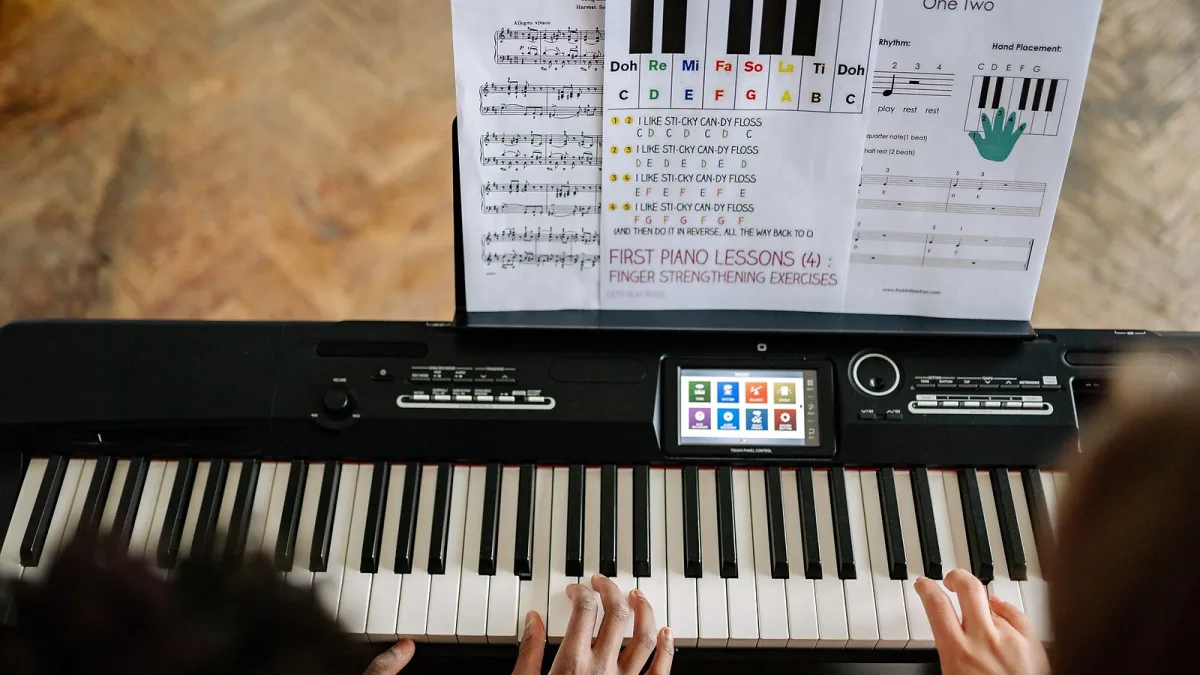
The first time my own children sat down at our piano, they looked at all those identical white keys and had absolutely no idea where to start — and honestly, why would they? If that's where you or your child are right now, a piano with labels can turn that overwhelmed feeling into real, quick progress. Here's a gentle way in.
You're not cheating by using labels
I want to say this clearly, because I hear the worry a lot: using labels doesn't mean you're doing it "the easy way" instead of properly. Every single professional pianist started by learning where the notes are, and labels are simply a kind, sensible way to speed up that very first step. Nobody is born knowing which key is C.
The one thing worth understanding before you label anything
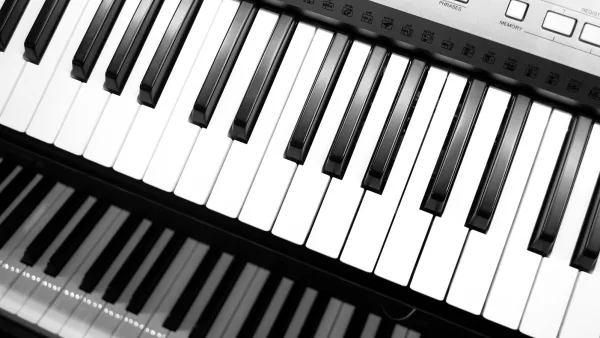
You don't need to memorise all 88 keys individually — that would be exhausting and unnecessary. Instead, notice this one pattern: the black keys sit in little groups, some in twos, some in threes, all the way along the keyboard.
- The white key just to the left of a pair of black keys is always C.
- The white key just to the left of a trio of black keys is always F.
That's it. Once that clicks, the rest of the white keys are simply counting onward: C, D, E, F, G, A, B, and the pattern begins again.
Your very first practice session
Here's a simple, unhurried way to spend your first fifteen minutes:
- Find one group of two black keys, and press the white key just to its left. Say "C" out loud as you play it.
- Move along and find another group of two black keys further up the keyboard. Find its C too.
- Now find a group of three black keys, and press the white key to its left. Say "F" out loud.
- Play slowly from any C up to the next C, naming each white key as you go: C, D, E, F, G, A, B, C.
- Finish by finding Middle C — the one nearest the centre of the keyboard — and remember roughly where it sits.
That's a genuinely complete first session. There's no need to rush further than this on day one.
Should you label every key, or just a few?
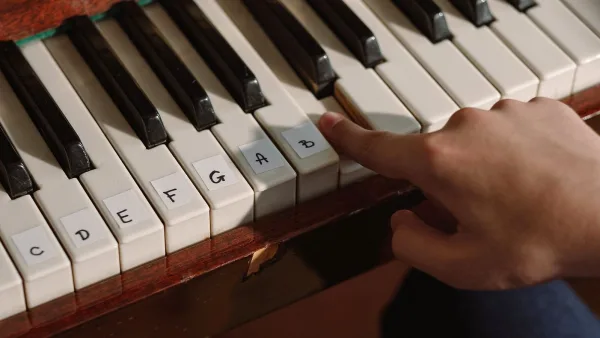
For a real beginner using a piano with labels, especially a younger child, I usually suggest labelling every white key at first. It removes any guesswork and lets the fun of actually making music start straight away. Once naming notes feels easy and automatic, that's the moment to start taking labels away — not before.
Handling the black keys, gently
Don't worry about the black keys in week one. They have two names each — for example, the key between C and D is called either C♯ or D♭, depending on the music being played — and that idea is much easier to explain once the white keys feel comfortable. There's no rush here at all.
A little encouragement
It's completely normal to feel slow at first, and completely normal to mix up a note here and there. Every single pianist you've ever admired went through exactly this stage, usually with a patient teacher, a patient parent, or a bit of both. The labels are simply there to make that early stage kinder — not because you're behind, but because everyone starts exactly where you are now.
What comes after the labels come off
Once note names feel automatic, the next steps are simple tunes, then basic scales, then gradually reading proper sheet music. None of that needs to feel rushed either. If you'd like a fuller picture of how a labelled keyboard works before you begin, our complete explainer is a lovely next read, and our step-by-step setup guide covers applying and removing labels properly when you're ready.
The bottom line
Starting out at the keyboard is genuinely simpler than it looks from the outside, and a sensible piano with labels approach takes away exactly the part that feels overwhelming at first. Be patient, celebrate the small wins, like finding C without thinking, and trust that the labels are doing their job quietly in the background while real confidence builds underneath them.




Comments