


Novation article
Novation for Beginners: A Complete Guide
No assumed knowledge required: a gentle, encouraging walk through choosing and setting up your first Novation, one step at a time.
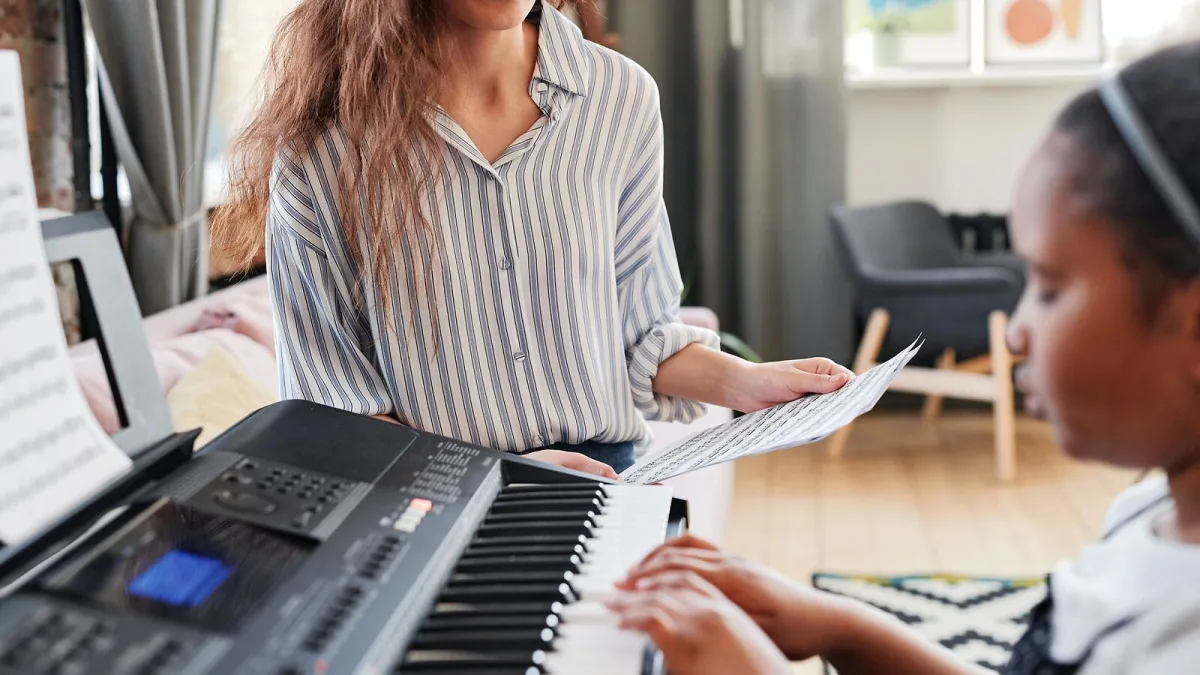
If you're new to Novation and feeling a little lost among the model names and product categories, that's completely understandable — let's work through it together, one step at a time, with no assumed knowledge at all.
First Things First: What Kind of Beginner Are You?
Before anything else, think about what you actually want to do. Are you learning to play, wanting hands-on control over music software, or hoping to make complete tracks without much technical fuss? Your honest answer here matters more than any specific model name, because the Novation range genuinely serves different starting points.
Why Launchkey Is Often the Sensible Beginner Choice
For most newcomers, a Novation Launchkey controller tends to be the friendliest entry point. It gives you real keys to practise on, pads to explore beat-making with, and knobs to get comfortable with hands-on software control — all in one integrated package designed to work with popular DAWs straight out of the box. It also includes built-in Scale and Chord modes, which gently keep your playing within a chosen key while you're still building your ear and your theory knowledge.
A Word of Reassurance About Scale and Chord Modes
These built-in helpers are genuinely useful, and there is no shame at all in leaning on them early on. Just think of them as training wheels rather than a permanent substitute for learning how harmony actually works — the goal, gently and gradually, is to understand why those modes are helping you, not just to rely on them forever without ever finding out. Plenty of accomplished players started out leaning on exactly these kinds of helpers, so there is nothing to feel embarrassed about here.
Setting Up for the First Time
Here's a calm, simple order to work through when everything first arrives:
- Connect the controller to your computer via USB — this is the simplest method for almost every beginner setup.
- Open your chosen DAW and select the controller as your input device in its settings.
- Start with just one or two mapped controls rather than trying to understand every knob and pad on day one.
- Spend your first session simply playing and listening, before worrying about anything more advanced.
There is no prize for rushing through this. Slow, steady familiarity beats trying to absorb the whole manual in one sitting, and every single person who now uses this gear comfortably once sat exactly where you are now, feeling a bit unsure where to even begin.
Do You Need a Novation Synthesizer or Groovebox Instead?
Not every beginner wants a Novation controller. If you are drawn more to hands-on, screen-free music-making, a Circuit Tracks groovebox lets you sequence and perform without needing a computer at all — a genuinely different, equally valid way to begin. If you already know you want a dedicated synthesizer sound rather than software control, Bass Station II is a focused, honest starting point rather than an overwhelming one. Our complete explainer covers how all three categories differ if you are still deciding.
Common Novation Beginner Questions, Answered Gently
- "Do I need to know music theory first?" No. You will pick up a good deal of it naturally as you go, especially with Scale and Chord modes softening the early learning curve.
- "Will I break something by pressing the wrong button?" Almost certainly not. Explore freely — this gear is built to be experimented with, not treated delicately, and undoing a mistake in software is almost always just a click away.
- "How long before I feel comfortable?" Genuinely, a few regular sessions is usually enough to stop feeling lost. Confidence builds faster than most beginners expect, and looking back after a month, most people are surprised how quickly the once-confusing layout became second nature.
Our common mistakes to avoid guide is worth a read once you're past this absolute first stage, so you know what to watch for next.
The Bottom Line
You do not need to understand everything about the Novation range before you start — you need one sensible starting point and the patience to learn gradually. For most beginners, that starting point is a Novation Launchkey controller and a bit of regular, unhurried practice. Everything else can wait until you're actually curious about it.




Comments