


Novation roundup
Novation: A Complete Buyer's Guide
No jargon, just the decisions that matter: which Novation category suits you, and what to check before you buy.
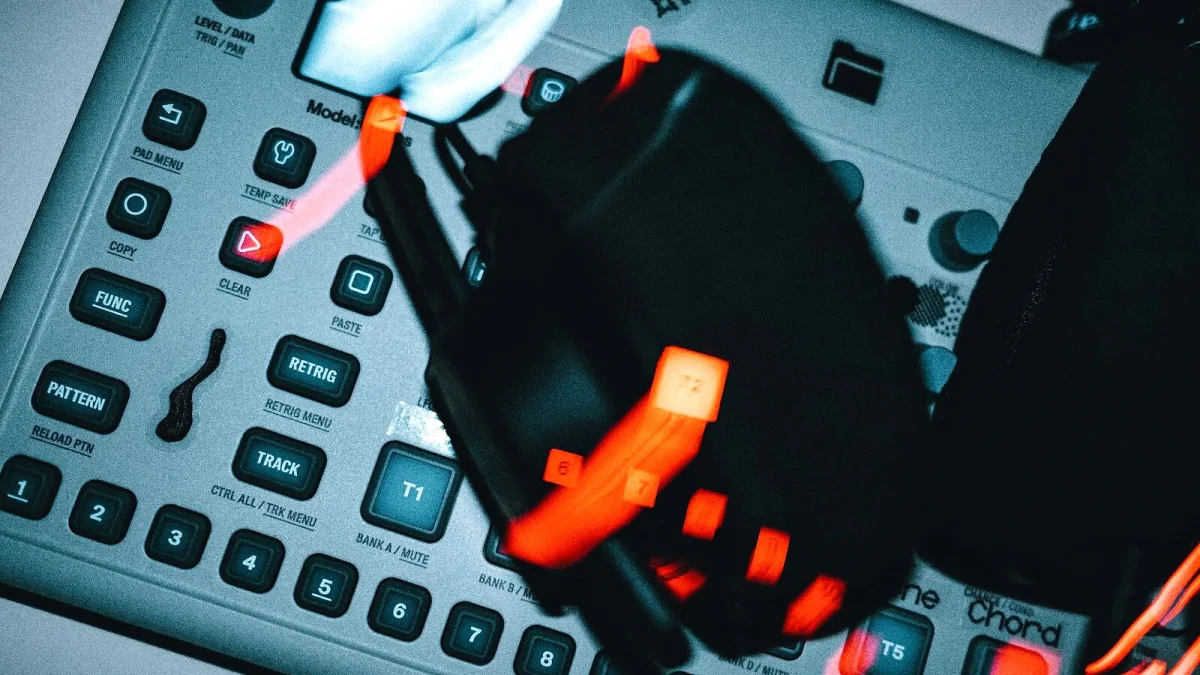
Let's make this easy. Buying into the Novation range doesn't need to be complicated, but it does help to be clear-eyed about which category you actually need before you look at a single spec sheet. Here's a genuinely practical way through it.
Step One: Work Out What You Actually Need
Before comparing any specific models, answer this: do you want to control software you already use, generate sound with dedicated hardware, or make complete music without a computer at all? Your answer sorts you straight into one of Novation's three categories — controller, synthesizer, or groovebox — and rules out most of the wrong purchases immediately.
If You Want a Novation Controller
This is the right family if your music mostly lives inside a DAW already, and you just want proper hands-on control over it:
- Choose Launchkey if you want keys to play with, alongside pads and knobs for wider control.
- Choose Launchpad if clip launching, finger drumming and live grid performance are your priority over playing keys.
- Choose Launch Control if you mainly need tactile knobs and buttons for tweaking plug-in or hardware parameters, and don't need a keyboard at all.
Whichever you pick, remember that none of these generate sound on their own — check your DAW's compatibility before you buy, not after.
If You Want a Dedicated Novation Synthesizer
This is a different decision entirely, because you're buying an actual sound source rather than a control surface:
- Bass Station II suits players wanting a dedicated analogue synthesizer focused on bass and lead sounds.
- Peak or Summit suit players wanting broader polyphonic sound design and a more expansive instrument overall.
These work with or without a computer attached, which is worth knowing if you eventually want to move away from an all-in-the-box workflow.
If You Want a Standalone Novation Groovebox
For writing and performing complete musical ideas with no laptop required:
- Circuit Tracks is built around two synth tracks and sequencing, a genuinely portable all-in-one studio.
- Circuit Rhythm leans towards sample manipulation and beat construction instead.
Think honestly about whether you actually want to work this way day-to-day, or whether it's a nice idea that will mostly sit in a drawer — pattern-based, screen-free workflows suit some people brilliantly and frustrate others. If you've never worked this way before, borrowing a friend's unit or trying one at a shop for half an hour will tell you more than any spec sheet ever will.
Check DAW and System Compatibility First
Whichever Novation category you land on, confirm compatibility with your actual computer, operating system and DAW version before paying anything. Specifications and supported software can change between hardware revisions, so check the current official product page rather than an old review or forum thread. It's a five-minute check that saves a genuinely frustrating first evening trying to get a new controller talking properly to your setup.
| You want to... | Look at |
|---|---|
| Control software with keys and pads | Launchkey |
| Launch clips and perform live on a grid | Launchpad |
| Tweak parameters with knobs, no keys | Launch Control |
| Own a dedicated analogue bass/lead synth | Bass Station II |
| Explore broader polyphonic sound design | Peak or Summit |
| Make music with no computer at all | Circuit Tracks or Circuit Rhythm |
A Gentle Word on Setup
Once your new Novation arrives, connect it first, then set up your DAW around it — USB is the simplest route for most computer-based rigs. Map your controls deliberately rather than assigning every knob to something different straight away; a clear, simple layout you'll actually remember beats a clever one you'll forget by next week. This applies whichever piece of Novation gear you've ended up with, controller or otherwise. Our common mistakes to avoid guide covers the things that trip up new owners most often.
The Bottom Line
Buying a Novation comes down to three honest decisions. Decide controller, synthesizer or groovebox first, check compatibility with what you already own, and be honest about how you actually like to work. Get those three things right and the rest of the decision becomes genuinely simple. If you'd like the fuller picture first, our complete explainer is a good place to start, and our value round-up is useful once you've narrowed things down.





Comments