


Keytar roundup
Keytar: A Complete Buyer's Guide
Self-contained or MIDI controller, 37 keys or 49 — here's how to work out which keytar genuinely fits how and where you'll play it.
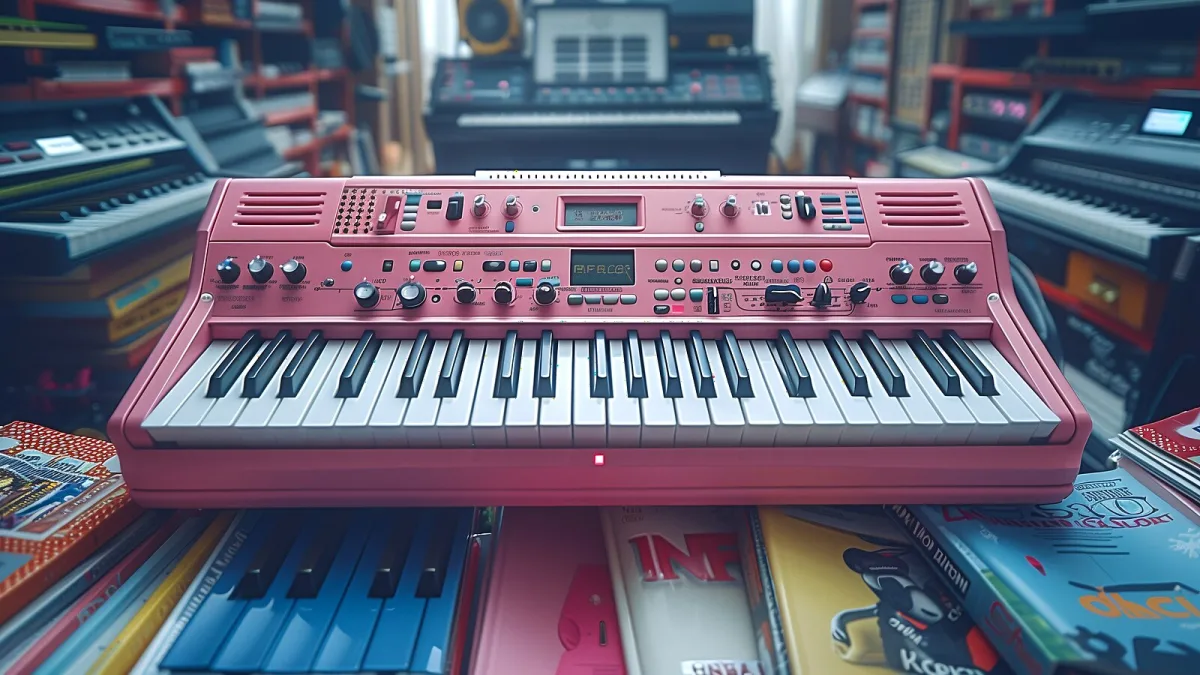
A student of mine once turned up with a keytar she'd bought on a whim, thrilled by the idea and a little lost on the details. That's a lovely place to start from, but a bit of homework first saves disappointment later. Here's what genuinely matters when you're choosing a keytar, in plain terms, without the sales patter.
Start With How You'll Actually Play It
Before anything else, think about the situation you'll actually be in. Gigging in a covers band and want your own sounds on tap from your keytar? Building a home studio rig and happy to trigger sounds from a computer? Just want the fun and freedom of playing standing up? Each answer points somewhere slightly different.
Self-Contained Instrument or MIDI Controller?
This is the single biggest decision, so get it clear first.
- Self-contained — has its own built-in synthesizer, so it makes sound on its own. Simpler for live use; what you hear is what you get.
- MIDI controller — sends performance data to an external synth, module or computer. Often lighter, and only as flexible (or as fragile) as whatever it's plugged into.
If you want one box that just works on a gig, lean self-contained. If you already have a favourite synth or software instrument you want to trigger, a controller may suit you better.
How Many Keys Does Your Keytar Need?
| Key count | Trade-off | Best for |
|---|---|---|
| 37 keys | Lightest, easiest to swing and move with | Lead lines, solos, maximum mobility |
| 49 keys | More range for chords and melody, slightly heavier | Fuller live parts, less compromise on range |
Neither is "correct" — it's a genuine trade between how much music you can play and how easy the instrument is to carry and move with for a whole set.
Expressive Controls Worth Checking on Any Keytar
These small details make a bigger difference live than they look like on a spec sheet:
- Pitch bend for gliding lead lines.
- Modulation for vibrato and filter movement.
- A ribbon controller, which lets you shape a sound without taking a hand off the keys.
- Aftertouch, so pressing harder after a note changes the sound — not every model has it, so check rather than assume.
- Quick program or octave buttons, for changing sounds mid-song without fumbling.
Keytar Connectivity, Vocals and Battery Life
Check what actually comes out of the thing: audio output to a mixer or amp, MIDI for external gear, and a headphone jack for quiet practice at home. Some higher-end models add a vocoder with microphone input, letting you layer processed vocals over the keys — a genuinely fun feature if that's your style of performance, and irrelevant if it isn't. If battery operation matters to you, confirm the realistic playing time rather than assuming; something like eight hours from a fresh set of alkaline cells is a fair benchmark to compare against.
Weight, Strap and Comfort
You'll be wearing your keytar for a whole set, possibly moving the whole time, so try before you buy wherever you can. A well-balanced strap position, sensible weight and reachable controls matter more once you're twenty minutes into a gig than any spec sheet number. Our beginner's guide covers strap adjustment and posture in more depth if this is your first one.
Matching a Model to Your Situation
| Your priority | Look for |
|---|---|
| Simplicity on stage | A self-contained model with onboard sounds |
| Flexibility with existing gear | A MIDI-controller design |
| Maximum mobility | 37 keys, light body |
| Fuller live arrangements | 49 keys |
| Vocal effects and showmanship | A model with a built-in vocoder |
Self-Contained or MIDI-Only: A Real-World Example
Roland's AX-Edge is a good illustration of the self-contained end of the market: 49 velocity-sensitive keys, channel aftertouch, a vocoder with microphone input, and hundreds of onboard preset tones, all without needing anything else plugged in. Korg's RK-100S 2 sits closer to the lighter, more mobile end — 37 keys, its own internal synthesis engine, two ribbon controllers and roughly eight hours of battery life. Neither is objectively "better"; they're built for slightly different priorities, which is exactly the kind of comparison worth making before you commit to a particular keytar.
A Few Buying Pitfalls
- Assuming every model does everything. Aftertouch, vocoders and ribbon controllers are genuine differentiators, not universal features.
- Ignoring weight and balance. A spec sheet won't tell you how it feels on your shoulder forty minutes in.
- Forgetting the sound source. A MIDI-only design is only as good as what you connect it to.
- Overlooking battery life if you plan to play wireless and untethered.
For the fuller picture of how the instrument works and where it came from, our keytar overview is worth reading alongside this guide, and our round-up of the best keytars by use case takes these same criteria and applies them to real categories of instrument. Once you've bought one, our piece on common mistakes to avoid is worth a read before your first gig.
The Bottom Line
Buy for the gig you'll actually play, not the one you imagine. Decide self-contained or controller first, pick 37 or 49 keys based on how you'll move, and check the expressive controls that matter to your style before you check anything else. Do that, and you'll end up with a keytar you actually enjoy playing rather than one that just looks the part.





Comments