


Keyboard guide
How to Choose the Right Keyboard
Choosing your first keyboard doesn't have to be overwhelming. Decide what you want to play, then let key count, action and touch sensitivity guide you to the right instrument.
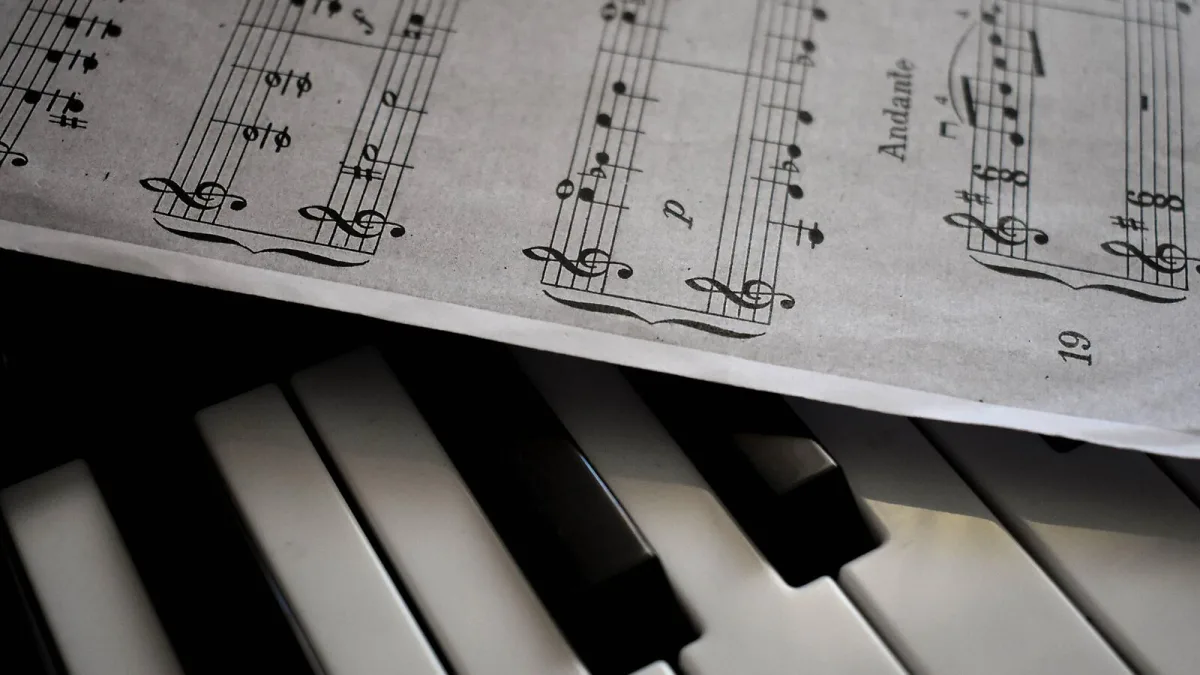
Choosing your first keyboard can feel overwhelming — the shops are full of instruments with hundreds of sounds and long lists of features, and it's hard to know what actually matters. The good news is that it comes down to a handful of simple questions. Once you know what you want to do with your keyboard, the right one becomes much easier to spot. Here's how I'd talk it through with any student or parent asking me where to start.
First, decide what you want it to do
“Keyboard” covers several quite different instruments, so the honest first step is to be clear about your goal. Ask yourself:
- Do I want it to feel like a real piano? Then key action and piano sound matter most — look at digital pianos.
- Do I want to carry it around and play pop, worship or arrangements? A lighter portable keyboard will suit you.
- Do I mainly make music on a computer? A MIDI controller may be all you need.
- Do I want to create and shape sounds? That's a synthesizer.
- Do I want everything built in — sounds, rhythms, accompaniment? Look at arranger keyboards and workstations.
There's no single “best” keyboard, only the best one for how you'll actually play. Keep that in mind and you won't be dazzled by features you'll never use.
How many keys?
This is the question I'm asked most, and it's an important one.
| Keys | Best for | Watch out for |
|---|---|---|
| 25–32 | Portable production, bass and synth parts | Too small for real piano playing |
| 49 | Compact production, basic two-hand parts | Limited range |
| 61 | Beginners, pop, worship, arranging, portability | You'll shift octaves for some piano pieces |
| 76 | More range without a full piano | Less common, can be bulky |
| 88 | Serious piano study and classical repertoire | Heavier, larger, pricier |
If your heart is set on learning the piano properly, 88 full-size keys give you the complete range and save you transposing everything. If you're after something fun, flexible and easy to carry, 61 keys is a perfectly sensible place to begin.
Key action: the thing you can't hear but will always feel
Key action is how the keys respond under your fingers, and it matters more than any preset count.
- Fully weighted (hammer action) recreates the resistance of an acoustic piano. Look for graded weighting, where the low keys feel a little heavier than the high ones. This is the best choice for piano technique.
- Semi-weighted sits in the middle — fine for early learning, though it won't fully match a real piano.
- Synth action is light and springy, which suits fast electronic parts, organ playing and portable setups.
Heavier isn't automatically better. A weighted action is wonderful for classical study but can feel like hard work for zippy synth lines. Match the action to the music you love.
Don't skip touch sensitivity
A touch-sensitive (velocity-sensitive) keyboard plays louder when you press harder, just like a real instrument. This one feature does an enormous amount for your playing: it lets you shape dynamics, play expressively and develop proper control. For a first instrument, I'd choose touch sensitivity over hundreds of extra sounds every single time.
Sounds, but the right way to judge them
A keyboard boasting a thousand voices isn't necessarily better than one with a smaller, well-chosen set. Rather than counting presets, listen to the ones you'll actually use — the main piano and electric-piano sounds first. Then, if they matter to you, check the strings, organs and pads, plus the polyphony (how many notes it can sound at once, which matters when you use the sustain pedal or layered sounds) and whether it can layer or split sounds across the keys.
Connections you'll be glad of
Even for a beginner, a few connections make life easier:
- A headphone socket for quiet practice — a blessing in a busy household.
- A sustain-pedal input, which is essential for real piano playing.
- USB or Bluetooth MIDI to connect to a computer, tablet or learning app.
- Audio outputs if you'll ever play through an amp or PA.
If you're planning to use it with an iPad or a particular app, do check compatibility before you buy.
Speakers, pedals and the bits people forget
Built-in speakers matter for home practice; a stage instrument will usually go through an amp instead. And do budget for the extras that make playing comfortable, because a lovely keyboard on a wobbly stand at the wrong height is no fun at all:
- A sustain pedal
- A sturdy, adjustable stand
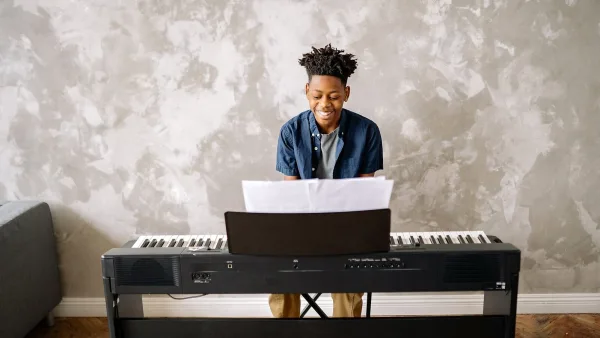
- An adjustable bench or a chair at the right height
- A music rest or tablet holder
- Headphones
Where to spend your money
If your budget is tight, spend it in this order:
- The right number of keys
- A suitable key action
- Touch sensitivity
- Reliable piano and core sounds
- Pedal and stand compatibility
- Connectivity
- Speakers
- Extra sounds and clever features
For a beginner set on the piano, put your money into how the keys feel and play, not into a longer list of sounds.
Try before you buy
If you possibly can, play the keyboard before handing over your money. Try soft and loud notes, a few chords with the sustain held, some scales and a repeated note or two. Listen for uneven keys, clunky noises or an action that feels tiring. Trust your hands — if it feels good to play, you'll practise more, and practice is the thing that really matters.
A quick word of encouragement
Whatever you choose, remember that no keyboard makes you a musician on its own — you do that by sitting down and playing it. Pick an instrument that fits your goal and your space, get it set up at a comfortable height, and give yourself permission to enjoy the early wrong notes. Everyone starts there.



Comments