


Akai roundup
The Best Akais for the Money
Not one best Akai, but a best fit for each job — here's how to match a budget or standalone Akai product to what you'll actually use it for.
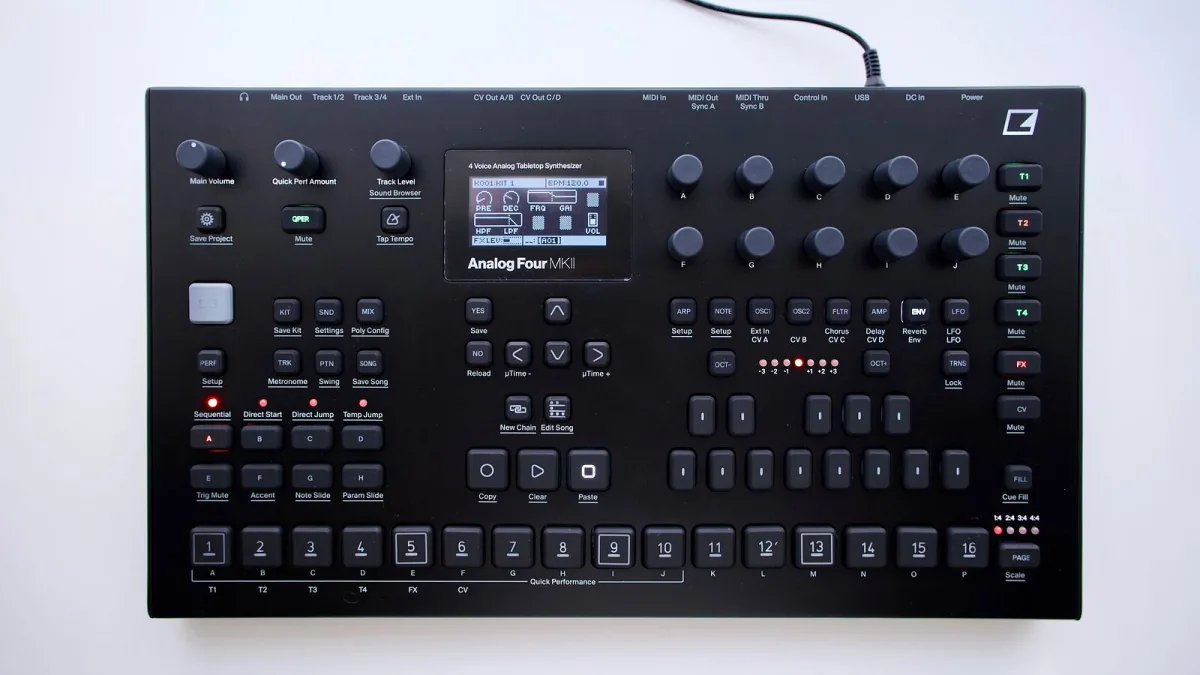
"Best" only means something once you know what you're actually trying to do — a standalone Akai beatmaker, a keyboard controller and a clip-launching performance device all serve completely different jobs, even when they wear the same Akai logo. Rather than crown one winner, this guide walks through the sensible choice at each budget and use case, so you can match spending to what you'll genuinely use.
How to Judge Value Here
Good value isn't the cheapest option on the page — it's the product family that actually fits your workflow, at a price where the build quality and pad response hold up. A brilliant standalone sampler is poor value for someone who just needs a simple keyboard controller for their DAW, however impressive its specification sheet looks.
Best Akai for a Tight Budget: Pad and Keyboard Controllers
If you're working entirely inside a DAW and just need reliable input, an MPK-style keyboard controller or an MPD-style pad controller covers the essentials without paying for features you won't use: keys or pads, a handful of assignable knobs, and straightforward class-compliant connection to your computer. This tier is genuinely sensible for anyone starting out, since it teaches pad technique and MIDI basics before you commit to pricier standalone gear.
Best for Getting Started With Clip Launching: APC Controllers
If your main interest is triggering loops and scenes live rather than programming from scratch, Akai's APC range is built specifically for that job, integrating tightly with Ableton Live's Session View. An APC Mini-style unit suits a tight budget and small setup, while a keys-plus-pads APC option adds melodic input for anyone who also wants to play parts live rather than only trigger them.
Best Mid-Range Choice: Standalone MPC Models
Once you want to sample, sequence and arrange without depending on a computer, a standalone Akai MPC is where the real value shows up. Models like the MPC Live family combine sampling, sequencing, plug-in instruments and multi-track audio recording in one box, and for many home producers this single purchase genuinely replaces a small studio's worth of separate gear.
Best for Live, Clip-Based Performance: Force
For a standalone device built specifically around a clip-based, scene-driven workflow, Akai's Force sits in its own category — closer to a hardware version of Ableton Live's Session View than to a traditional MPC. It suits performers who think in loops, scenes and live arrangement rather than a fixed, linear song structure, and it can also work as an Ableton Live controller when you do want a computer involved.
Best Value if You're Not Sure Yet
If you genuinely don't know which Akai workflow suits you, a modest pad controller is the lowest-risk starting point: it's inexpensive, teaches the fundamentals, and won't feel wasted if you later decide a standalone workstation or a clip-launching controller actually suits you better.
A Simple Way to Decide
- Just need MIDI input for a DAW: a keyboard or pad controller.
- Want to trigger loops and scenes live: an APC-style controller.
- Want to sample and produce without a computer: a standalone MPC.
- Want scene-based live performance as the main focus: Force.
The Bottom Line
There's no single best Akai choice — only the family that matches what you'll actually do with it. If you'd like the full picture of how these product families differ before deciding, our Akai explainer lays it out clearly. Ready to think about specifics like used gear and software subscriptions? See our buyer's guide. And if this is your first controller of any kind, start with our beginner's guide, plus the common mistakes to avoid.




Comments