


Sibelius article
Sibelius for Beginners: A Complete Guide
A warm, unhurried introduction to Sibelius for anyone opening notation software for the very first time.
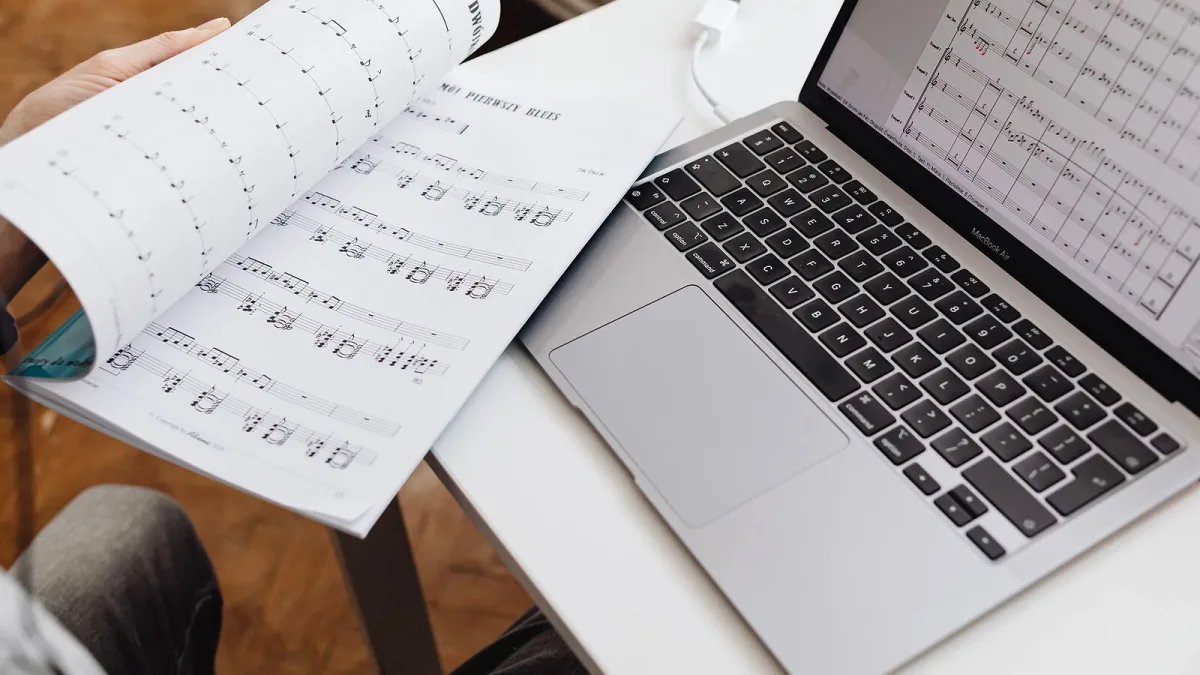
Opening notation software for the very first time can feel a bit like walking into someone else's studio — unfamiliar buttons, unfamiliar language, and a nagging worry that you'll break something. You won't. Sibelius looks complicated because it can do a lot, but you only need a small handful of things to write your very first piece properly, and that's exactly what this guide covers, one gentle step at a time.
You Don't Need to Understand Everything on Day One
This is worth saying clearly: nobody learns Sibelius by reading the whole manual first. You learn it by writing something small, seeing what happens, and picking up the next tool only when you actually need it. If you're just starting out, Sibelius First is more than enough — it's built for exactly this stage, and there's no shame in staying there for a long while.
Setting Up Your First Sibelius Score
Every Sibelius score starts the same simple way: choose a template or instrument list, then tell it the basics — the title, the key, the time signature and a rough tempo. It's tempting to fuss over this step, but honestly, none of it is permanent. You can change the key or tempo later without starting again, so don't let this stage hold you up.
A little tip that saves real frustration later: pick your instruments carefully at the start, because swapping an instrument afterwards can shift the transposition and range of what you've already written. It's not a disaster if you get it wrong, but getting it right first time means one less thing to fix.
Getting Your First Notes Onto the Page
There's more than one way to enter notes, and none of them is the "proper" way — just the way that suits you. You can click notes in with a mouse, which is slow but forgiving while you're learning where things are. You can type using computer-keyboard shortcuts once you're a little more confident, which speeds things up enormously. And if you play an instrument, you can plug in a MIDI keyboard and enter notes by playing them, which often feels the most natural of all.
There's also a "step-time" mode, where you set the rhythm you want and then simply play or click the pitches one at a time. It takes some of the pressure off getting everything perfect in one pass, which makes it a kind starting point for a first attempt.
It's Completely Normal If the Playback Sounds a Bit Off
When you press play, Sibelius will read back what you've written using its built-in sounds. The first time you hear it, don't panic if it sounds robotic or slightly wrong — that's completely normal, and it doesn't mean you've made a mistake. Playback is brilliant for spotting an obviously missing note or a rhythm that doesn't add up, but it was never meant to sound like a live performance. Use it as a helpful check, not a verdict on how good your piece is.
Adding the Little Touches That Make It Feel Like a Real Piece
Once your notes are down, a few small additions make an enormous difference to how finished a piece feels:
- Dynamics (how loud or soft) tell a performer how to shape a phrase.
- Lyrics, if you're writing a song, sit neatly under the notes they belong to.
- Chord symbols are handy if you'd like a guitarist or pianist to be able to improvise an accompaniment.
- Articulations (little marks like staccato dots) tell a player how a note should be played, not just what pitch it is.
You don't need all of these on your first piece. Add them only when they genuinely help someone reading your music understand what you meant.
Sharing What You've Made
When you're happy with a piece — or happy enough, which is a perfectly good place to stop — Sibelius lets you print it, export it as a PDF, or turn it into an audio file to send to a friend. A PDF is worth doing even if you never print it, because it often shows you little spacing quirks that are easy to miss on screen.
Gentle Tips for Your First Few Weeks
- Start with something short. A single melody line or a simple song is a better first project than an ambitious arrangement.
- Save often, and save a new copy occasionally rather than always overwriting the same file.
- Learn one or two keyboard shortcuts a week rather than trying to memorise everything at once.
- Don't judge your piece by the playback alone — read it back as notation, the way a performer would.
If you'd like the fuller picture of what Sibelius can do once you're past these first steps, the complete explainer on Sibelius's features is a natural next read. And once you've got a feel for the software and are wondering whether to invest in a higher tier, both the buyer's guide and the common mistakes beginners make are worth bookmarking for later — though there's absolutely no rush.
The Bottom Line
Every confident Sibelius user started exactly where you are now, clicking notes onto a blank page and not being entirely sure what half the buttons did. Be patient with yourself, keep your first pieces small, and let your confidence with Sibelius grow one score at a time.




Comments