


Sibelius article
Common Sibelius Mistakes to Avoid
Most Sibelius headaches trace back to a handful of workflow habits — here's how to spot and fix them before they cost you an evening.
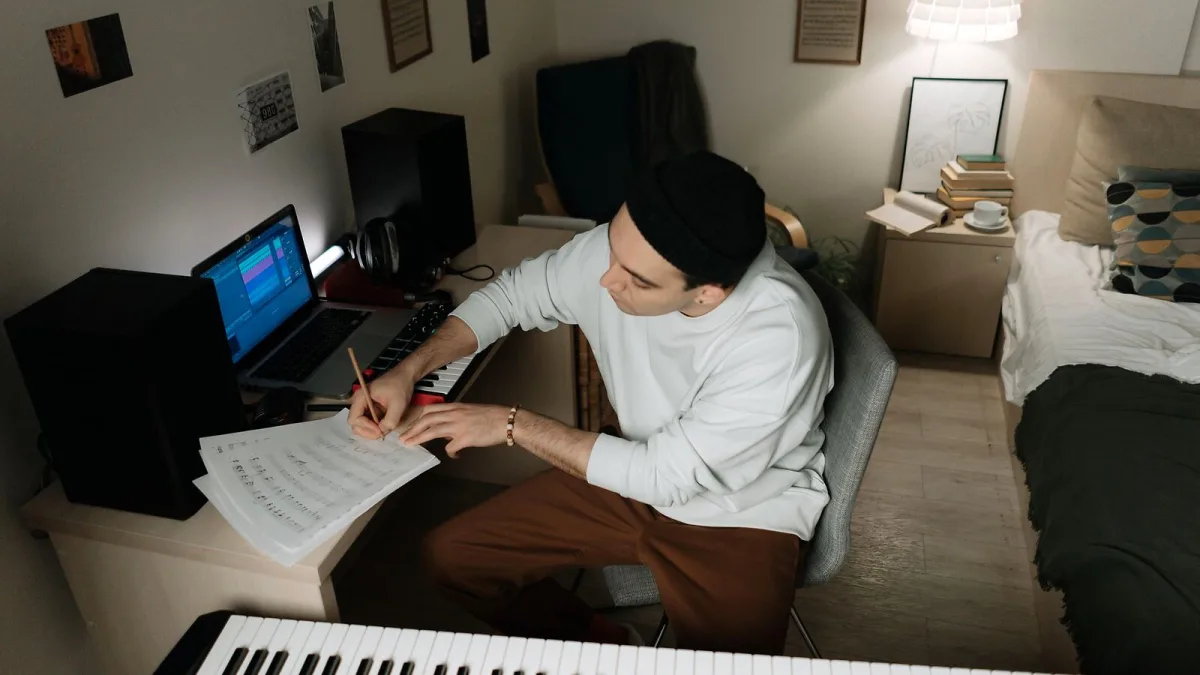
Most Sibelius mistakes aren't really about the software — they're about workflow habits that seemed fine at the time and then cost someone an hour of untangling later. I've watched plenty of these happen (and made a few myself), so here's the honest rundown of the errors that come up again and again, and the small habit that fixes each one.
Trusting Sibelius Playback Over the Printed Page
This is the big one. Playback sounds fine, so the assumption is the score must be fine too — and that's not how it works. Playback runs through sample libraries with their own dynamics, articulation switching and balance, none of which tells you whether a performer reading the actual page will hit an ambiguous rhythm, a missing accidental, or a cue that arrives too late to be useful. A score can sound completely convincing through headphones and still be a headache to sight-read. Always give the notation itself a proper read-through, ideally on a printed page or PDF rather than the on-screen editing view.
Setting Up Sibelius Instruments Incorrectly From the Start
Changing an instrument after you've already written a chunk of music sounds harmless, but it can quietly shift the transposition, range and staff type of everything you've entered. It's a fiddly problem to unpick after the fact, and one that's entirely avoidable by taking an extra minute at the very start to get the instrument list right before a single note goes in.
Ignoring the Difference Between Selection Types
Sibelius distinguishes between selecting a single object, selecting multiple separate objects, and selecting a full passage — and each behaves differently when you apply an edit. Not knowing which one you're working with is a classic way to accidentally reformat something you didn't mean to touch, or to apply a change to only half of what you intended. It's worth deliberately practising all three selection types on a throwaway file until the difference feels automatic.
Skipping Sibelius Templates and Redoing Setup Work Every Time
If you're recreating the same fonts, spacing, instrument list or house style from scratch on every new piece, that's time you're never getting back. A template captures all of that once, so future scores start from a sensible baseline instead of a blank page and a fading memory of "how I set this up last time."
Formatting Before the Notes Are Actually Finished
Fine-tuning spacing, page turns and layout feels productive, but doing it before the musical content is settled means redoing a lot of that work every time a bar gets added or a phrase gets rewritten. Structural changes and layout polish are two separate jobs, and they go far more smoothly in that order — finish the music first, then make it look right.
Exporting Without Checking a PDF First
Sibelius's on-screen editing view and a printed or exported page don't always show the same thing. Collisions, cramped bars and awkward page turns have a habit of hiding in the editor and then jumping out the moment a score becomes a PDF. Exporting a PDF and actually looking through it, page by page, before sending a score anywhere is a five-minute habit that catches problems while they're still cheap to fix.
Not Keeping Versioned Backups
Large Sibelius scores, imported files and anything using linked parts are exactly the kind of project where a corrupted save or an accidental bulk edit is genuinely painful to lose. Saving an occasional new copy, rather than always overwriting the same single file, costs nothing and has saved more than a few people from starting a project over from scratch.
Assuming Every Sibelius File Will Open Cleanly Elsewhere
Sending a score off as a MusicXML or MIDI file and assuming it'll open in someone else's software looking exactly as it did in Sibelius is asking for trouble. Formatting, spacing and even some notation details don't always survive the round trip perfectly. If a file is going somewhere important — a collaborator, a publisher, a different notation program entirely — open the exported file yourself first and check it actually looks right before anyone else sees it.
Where This Leaves You
None of these Sibelius mistakes are complicated to avoid — they just require breaking a habit rather than learning a new skill. If you're still getting comfortable with the basics, the beginner's guide to Sibelius is a gentler starting point before worrying about any of this. And if you want the fuller picture of how the software fits together, the overview of Sibelius's features covers the editions, notation tools and export options in more depth. Anyone still deciding which edition to buy in the first place might also want the complete buyer's guide.
The Bottom Line
Almost every recurring Sibelius mistake comes down to trusting a shortcut — trusting playback instead of a proofread, trusting memory instead of a template, trusting the editor view instead of an exported PDF. Build the small habits above into how you work and most of these problems simply stop happening.




Comments